

Subscribe To Our Newsletter!
Subscribe to the newsletter to stay up to date with the latest news and most useful
Newsletter
↑
Back to Top


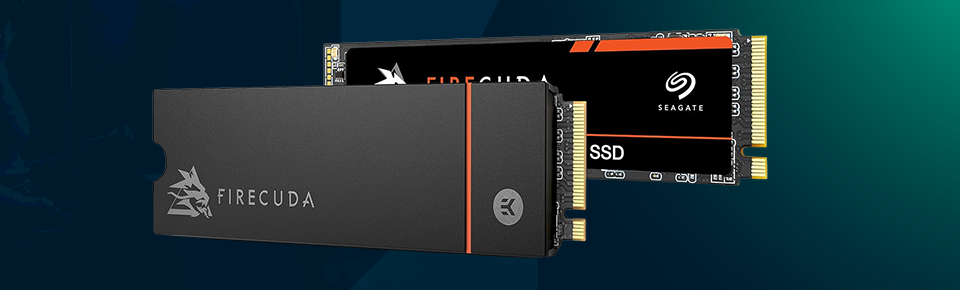
While the Seagate FireCuda 530R is an internal SSD, most consumers new to the storage tech sector do not need it. This is obviously for fast-paced people who use it day-to-day to get their work done. The drive is built to handle gaming loads and heavy tasks like editing and working with large files. It likely achieves those blistering speeds (up to ~7,400 MB/s read and ~7,000 MB/s write) thanks to its PCIe Gen4 NVMe implementation.
On paper, those numbers are, well, impressive, but you can feel it in real life as well now. The system feels quicker; files open quickly, and stuff doesn't stutter as it did on slower drives. Then there are various capacities on offer, so depending on your storage needs, you should be set. This drive also lasts, but I mean, it’s not even a speed thing here; it is built for an extremely long life without significant degradation under near-permanent use.
In this review, I discuss what it looks like and how it performs in day-to-day use, how hot it gets, and whether you would actually spend your money on one.
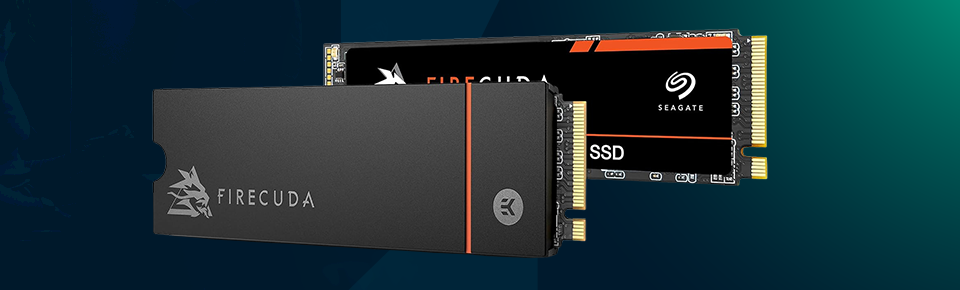
Now, let’s take a look at its features and specifications.
· PCIe Gen4 x4 NVMe interface
· Up to 7,400 MB/s read speed
· Up to 7,000 MB/s write speed
· 3D TLC NAND flash memory
· Available in 500 GB, 1 TB, 2 TB, and 4 TB
· M.2 2280 form factor
· High endurance rating for heavy usage
· Optional heatsink model available
· Compatible with PCs, laptops, and PS5
· Built-in data protection support
· 5-year warranty
There is nothing special about the external SSD's design, since an internal SSD usually doesn't need to be seen. The FireCuda 530R uses the standard M.2 2280 form factor, so it should fit into virtually any system. For one, compatibility won't be much of an issue if your motherboard is Gen4 compatible.
Installation is pretty simple. Don't worry, it's pretty (well) scary to you if you've never set up an SSD before. Here comes the connect, stick this, and you will have nothing to worry about anymore.
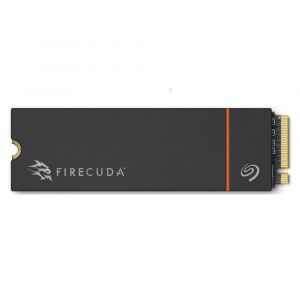
If you do like the heatsink version, yes, it is a bit more visually appealing. But more importantly, it assists in actual cooling. Although the drive still isn't negatively affected by its absence, installing the heatsink results in consistently stable temperatures after long periods of use.
This is literally the only reason anyone will buy this SSD. Yet it's fast — not just in benchmarks. You notice it in daily use. Windows runs fast; applications open in seconds, and there is no longer any slow file copying, even if files exceed gigabytes in size – everything is fast now.
Gaming performance also benefits. It is way faster now, and everything feels smoother. This is particularly significant for creators (especially video file creators), and this speed makes a difference.
You need to realize one thing, though. Like many of the fastest SSDs, that means a little gap between bursts of peak speed. In short, if you're copying massive amounts of data all at once, performance will degrade over time. Good to know, not a deal breaker.
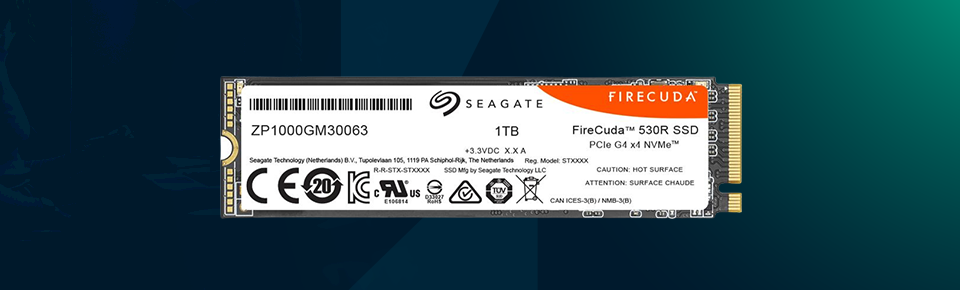
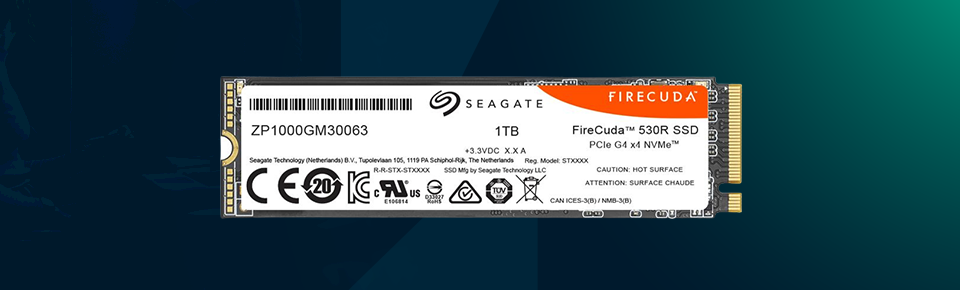
One particular area in which this SSD excels is endurance; it is built for high workloads and should be highly resistant to failure even under almost continuous writes.
Data protection functionality is also included, ensuring you don't have to worry about your files being compromised years down the line. So when you are trying to keep up with important work or manage major projects, this becomes a real menace. Still, it feels like the kind of drive you want to believe could last for years rather than several months before it goes sluggish.
Of course, with great performance comes immense heat – and that's the case here as well. On to our last point — the FireCuda 530R tends to run warm under stress. But it does an admirable job at doing that.
Heatsink type provides better temperature control. It works well enough without it, although more extended use will result in a little warmth. Thermal throttling is really only a problem if you egg it on for extended periods. And it holds even for regular use, for example.
All things considered, the power consumption is actually pretty well balanced for the performance levels this SSD delivers. That means if it is not too much work, this is good news for laptops. And it manages to deliver strong performance without so much power, which is always an advantage.


Here is what it offers:
· Very fast performance in real-world use
· Great for gaming and heavy tasks
· High endurance for long-term usage
· Heatsink option improves cooling
· Easy installation
· Reliable overall performance
· Price is on the higher side
· Full speed requires PCIe Gen4 support
· Speed drops during very long transfers
Seagate FireCuda 530R Reviewed: Not For Everybody, & And That's A-Okay. This is targeted directly at users who need performance. All wrote out, you'll only scrape the surface of its capabilities if you're running through basic tasks.
That said, if you are gaming or editing large files, then this SSD is a very good value for money. It's fast, efficient, and designed to last. Sure, it's more expensive than regular SSDs, but in return, it gives you leading-edge performance. If speed is important to you, honestly, it will pay off.


Your email address will not be published. Required fields are marked *