

Subscribe To Our Newsletter!
Subscribe to the newsletter to stay up to date with the latest news and most useful
Newsletter
↑
Back to Top


The Biwin Black Opal X570 Pro is an internal SSD. And yes, it was primarily designed for speed. So if the PC you are using is sometimes a bit slow, upgrading to something like this can make a big difference. It uses PCIe Gen4 technology, so you'll obviously see significantly faster performance than older SSDs.
But it’s not all about the high numbers on paper. The difference in practical use is quite pronounced. For instance, games load faster, software opens more smoothly, and even simple tasks feel smoother. So overall, it makes the whole system better.
Also, this SSD is designed for a variety of users. This means faster loading for gamers. The storage of files over the Internet is literally much bigger now. Even normal users who want a responsive system will notice the upgrade.
We will guide you through everything step by step in this review. So, let’s see the features first. We will then discuss design and build. Next, we’ll test performance, heat management and power consumption. And finally, we will know if it was all for nothing.
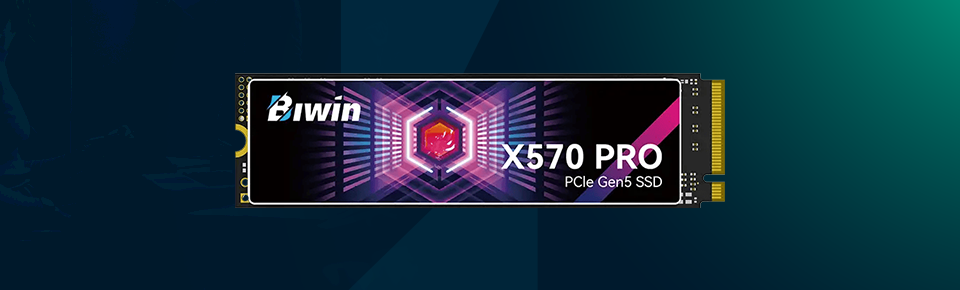
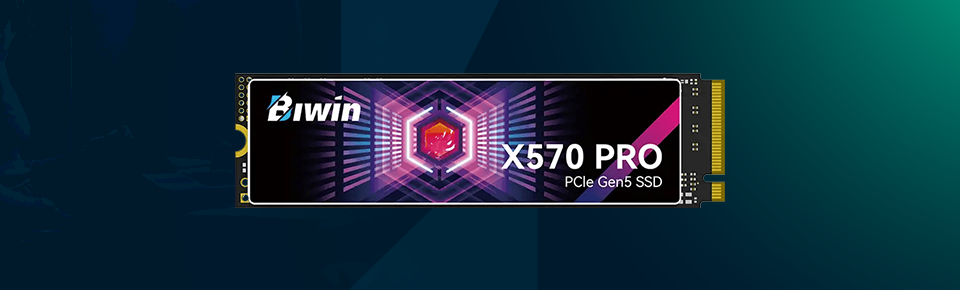
Now, let’s take a look at its Features and Specifications.
· PCIe Gen4 x4 interface
· Up to 7,000 MB/s read speed
· Up to 6,500 MB/s write speed
· 3D NAND flash memory
· M.2 2280 standard size
· NVMe 1.4 support
· SLC cache for speed boost
· Available in 500GB, 1TB, 2TB
· Works with modern PCs and laptops
· Low latency performance
· Power-efficient design
· Built-in data protection features
· 5-year warranty
As for the design, it is pretty basic — X570 Pro. No flashy looks or RGB lighting to be found. But honestly, that is fine. With an SSD, the majority prefer performance over looks.
You get it in the M.2 2280 form factor, which we've seen a lot lately. As a result, it will easily install into any system. Installation is also very simple. You slide it into the slot, and away you go.
It is very small, so it does not take up extra space. This comes in handy if you are building a small-form-factor PC. Overall, the build quality is good enough. It looks simple but is practical to use.
One minor thing is that it doesn't come with a heatsink. But many motherboards already include one. So, as a general rule of thumb, you won’t really face any problems because of this.
Now here comes the important part — performance. This is when the SSD really shows its mettle. Speed is very high because it uses PCIe Gen4. The read speed is about 7,000 MB/s, and the write speed reaches around 6,500 MB/s, which are powerful numbers. But more importantly, the real-life performance also feels fast.
Your system, for instance, will boot up quickly. Games will load quicker, changing you forever. Big files will be transferred in seconds, rather than minutes. Overall, everything feels fast and fluid.
Things are perfect, except for one tiny detail. It employs SLC cache, like many SSDs. This is only at the start; the pass is high-speed. But speed can lag slightly during lengthy file transfers. However, for typical everyday use, most users will see no difference whatsoever.
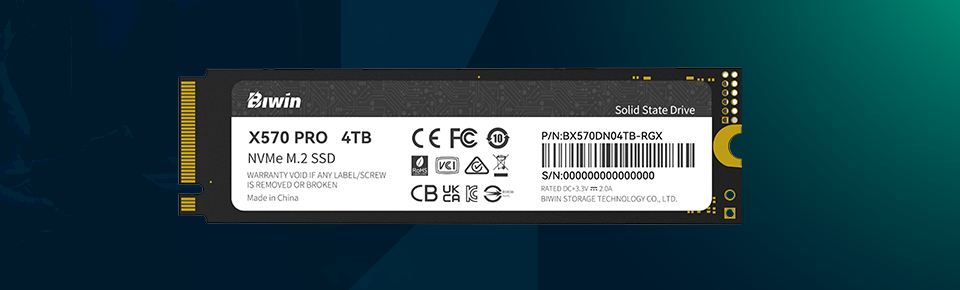
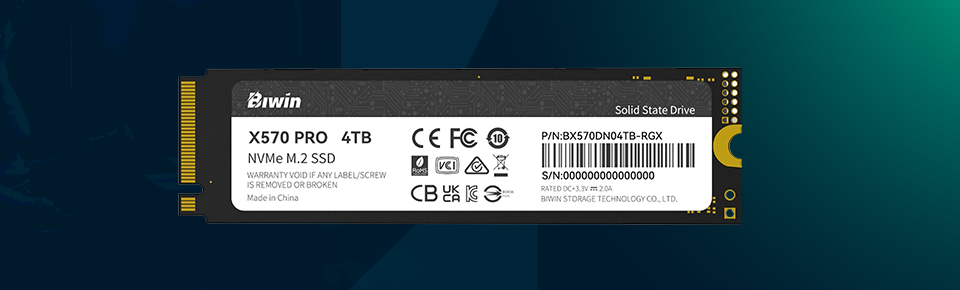
The X570 Pro does a great job of being reliable. It uses 3D NAND memory that is longer-lasting. Which means under normal use, it'll last for a long time. It also has error correction and other protection features. This will enable you to have your data securely. So, if you store important files, there is some increased peace of mind. It isn't a rugged SSD like external drives, of course. But for internal use, it’s good enough.
Fast SSDs always have heat as one of the most prominent issues. x570 Pro manages it relatively well. It does get hot, but under regular use, it remains at a safe temperature. But when you push it hard — large file transfers, for example — it does get warm. This is normal. All Gen4 SSDs exhibit more or less the same behaviour.
However, this will be quite helpful if the motherboard features a heatsink. It can dissipate heat and maintain consistent performance. For very long transfers, you may notice minor speed drops due to heat. But again, this happens a lot.
Power usage is another good one. This SSD is quite efficient. Even at high performance levels, it does not consume excessive power. This means it also works great in laptops. It conserves battery power while still providing decent speed. It runs seamlessly in desktop systems as well. In addition, additional cables are not required. The simplicity comes from the fact that it derives its power directly from the motherboard.
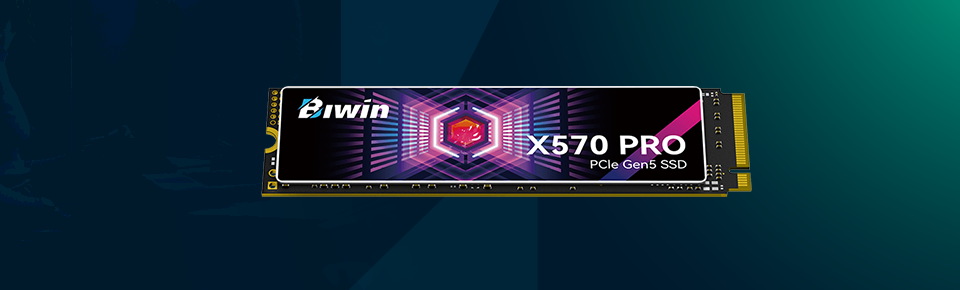
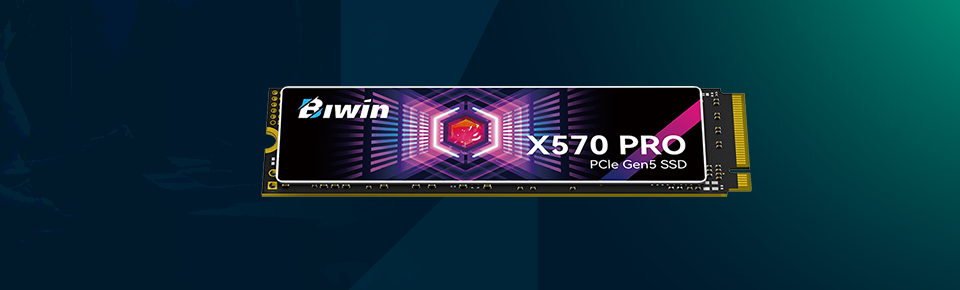
Here is what it offers:
· Very fast read and write speeds
· Smooth performance in daily use
· Good for gaming and heavy tasks
· Easy to install
· Compact size
· Reliable and stable
· Power efficient
· 5-year warranty
· Speed drops after long continuous use
· Needs Gen4 support for full performance
· No heatsink included
· Can get slightly warm under load
The Biwin Black Opal X570 Pro is a good SSD. It works quickly and straightforwardly, and delivers on its promise. But it is a good upgrade if you need more speed in your system. Whether gaming, editing or even just normal use, it performs nicely. Everything seems snappier and more responsive. Adding to its plus point is easy installation. There are certainly some minor downsides, yes. But in truth, they are standard on most SSDs. So, it is not a big issue.
Overall, if you want a fast, reliable SSD without overthinking, this should definitely be on your list.


Your email address will not be published. Required fields are marked *