

Subscribe To Our Newsletter!
Subscribe to the newsletter to stay up to date with the latest news and most useful
Newsletter
↑
Back to Top


That’s about it with the Orico IG740-Pro. It’s not striving to be flashy or overhyped — it simply concentrates on speed and performing tasks faster.
For a little background, this SSD uses a PCIe Gen4 NVMe interface — basically, that means it is several generations ahead of older drives. If you’ve been using a SATA SSD or even an early NVMe drive, moving to this feels like there’s a tiny bottleneck you didn’t know existed, suddenly gone.
And it’s not just one user category. Gamers, editors, or even those who want a more fluid daily experience can all get it. You’ll see speedier boot times, swifter file movement and less waiting in general. Not just what you read in the specs, though — in this review, I’ll walk through how it actually performs in day-to-day use. Numbers are pretty, but real experience is a commodity.
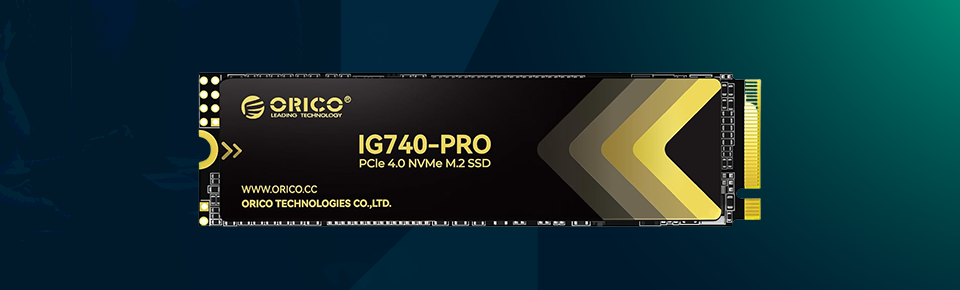
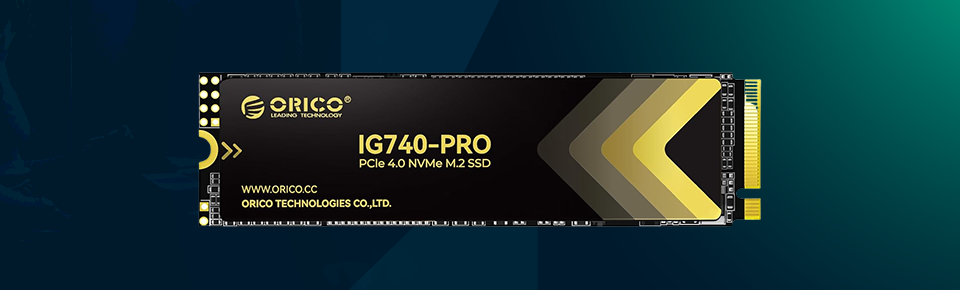
The Orico IG470 Pro offers the following features at a glance:
· PCIe Gen4 x4 NVMe interface
· Up to 7,400 MB/s read speed (on paper)
· Around 6,500 MB/s write speed
· Built with 3D NAND flash
· Standard M.2 2280 form factor
· Comes in 1TB, 2TB, and 4TB options
· Uses SLC caching for burst performance
· Compatible with desktops, laptops, and PS5
· Designed to be power efficient
· Includes basic data protection features
· Backed by a 5-year warranty
There’s not a lot to say when it comes to looks, and frankly, that’s by design. It’s a simple M.2 SSD — compact, sleek and built to perch unobtrusively on your motherboard. Installation is straightforward. You just put it in, lock it down, and that’s the end of it. No cables, no extra steps.
It also doesn’t ship with a heatsink, which may sound like a downside at first. But most newer motherboards already come with one if you stop to think about it. So for many users, that’s not much of an issue.
The build itself feels fine. Premium? But not premium in an ostentatious way — without being cheap either. It’s like one of those components you install and then forget — which is good, actually.
That is where the IG740-Pro starts to come into its own. They look good on paper, and in real usage, you can feel it. Windows boots faster, apps open quickly, and even heavier software isn’t bogged down. File transfers are also noticeably quicker, particularly when transferring large files. It’s the sort of upgrade that makes you stop watching progress bars.
That’s fair enough, but there’s a slight catch — and it’s not unique to this drive. This is SLC-caching, too, which means transfer speeds can drop over time on very long transfers. But honestly, the vast majority of users will not encounter this very often. That said, everyday use still feels fast and consistent.


Heat has always been a topic of discussion with fast SSDs. The IG740-Pro does get warm when worked, but nothing out of the ordinary. The temperatures are well within the comfortable range if you're using a motherboard heatsink. Without one, you might notice a little extra heat when transferring larger files. But it’s not an issue that suddenly arises. If your case has decent airflow, you should be fine. It’s less about concern than awareness.
You don’t really have to think about durability until something goes wrong, so it’s nice that this SSD gets the basics right. It employs 3D NAND, which offers much better longevity than older types. For good measure, it also has things like error correction and wear levelling running quietly in the background. These features are not visible; however, they matter over time.” They also help keep your data secure and the drive functioning as intended long after rigorous use. So, for normal workloads, it seems reliable enough.
Something else that needs to be said is about efficiency. Despite its speed, the drive does not appear to suck up much power. That’s useful, particularly if you’re putting it in a laptop or a small system. Lower power consumption translates to slightly less heat and, in turn, contributes to overall stability. It’s not something you experience directly, but it contributes to the overall experience.
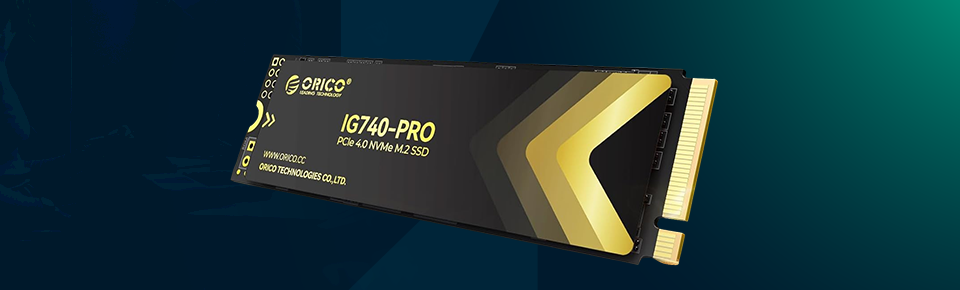
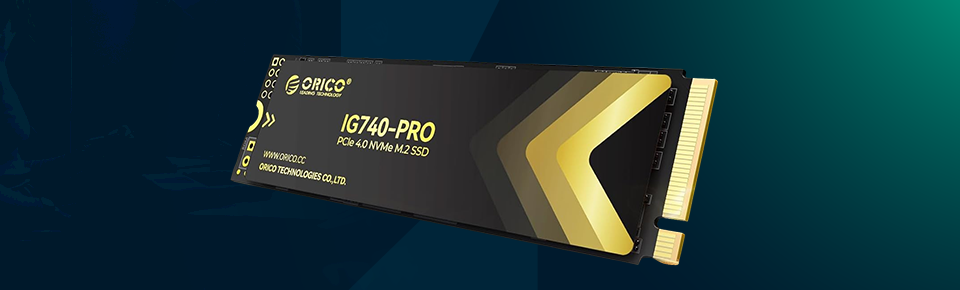
To summarise the good and the bad about this SSD, here are the Pros and Cons of the Orico IG470 Pro:
· Fast and responsive performance in daily use
· Noticeable upgrade over older SSDs
· Simple and easy installation
· Reliable enough for regular workloads
· Works well for gaming and large files
· Doesn’t consume too much power
· Compatible with modern systems
· Needs PCIe Gen4 to reach full speeds
· Speed can dip during long transfers
· No heatsink included
· Not the best choice for older systems
At the end of the day, the Orico IG740-Pro does what really everybody wants — it makes your system feel faster without adding complexity. It’s not attempting to differentiate itself with flashy design or superfluous features. It’s not about to get bogged down in performance, but most of it is a success.
Of course, it’s not perfect. You’ll need the right hardware to unlock its full potential, and there are some small limitations with cache and, like before, some slowdown if you’re processing too much data for your available RAM. But those are fairly standard in this category regardless.
This is definitely one to consider if your system provides PCIe Gen4 support and you’re after a solid speed bump. It’s too straightforward and quick, and it doesn't complicate things.


Your email address will not be published. Required fields are marked *