

Subscribe To Our Newsletter!
Subscribe to the newsletter to stay up to date with the latest news and most useful
Newsletter
↑
Back to Top


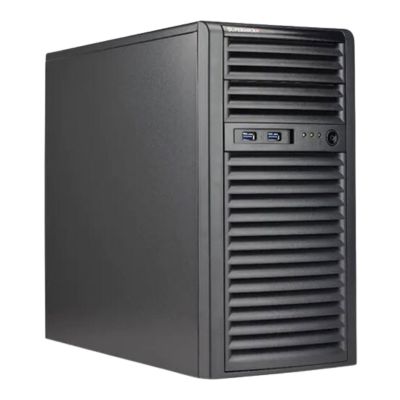
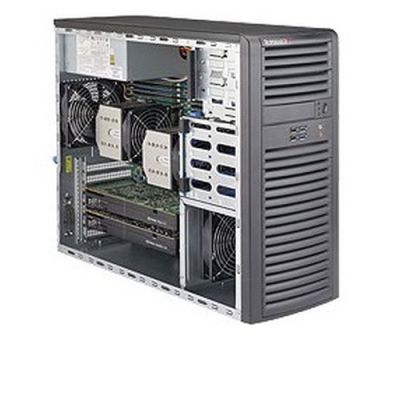
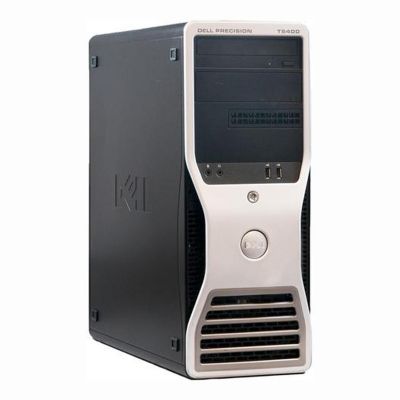
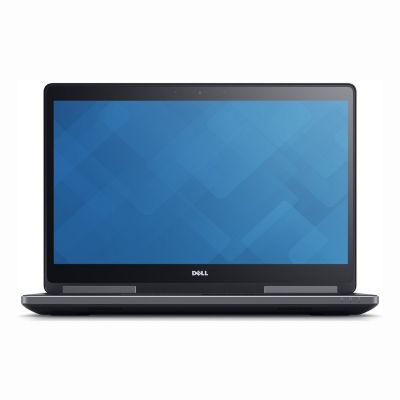
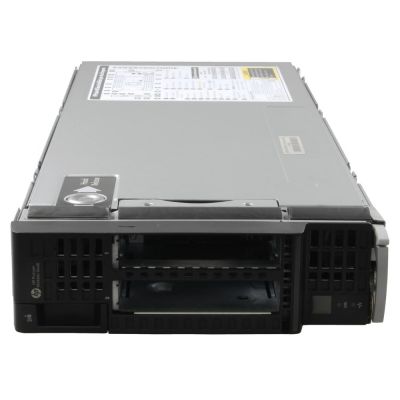
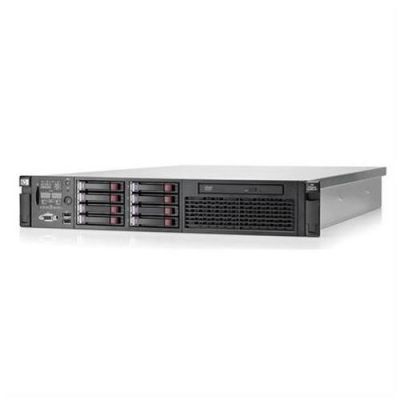
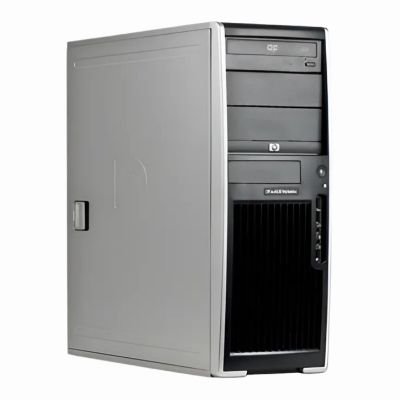
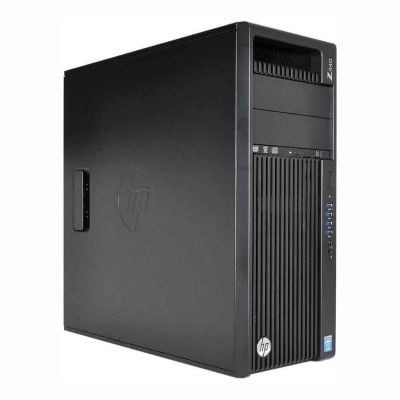
You can choose a workstation that not only fits your professional requirements but also provides the performance and reliability necessary for smooth, efficient work.
What are Workstations?
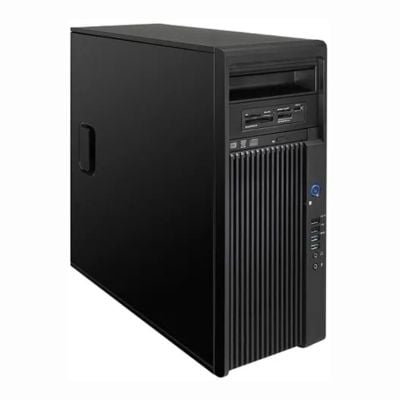
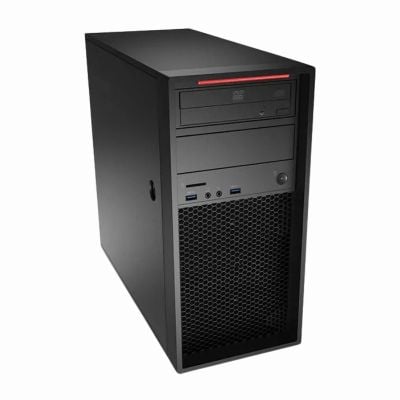
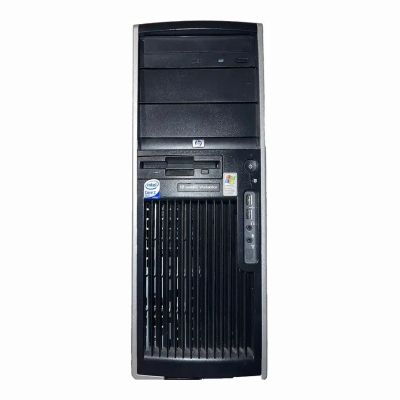
Workstations are commonly used for tasks like video editing, 3D rendering, scientific simulations, and software development. It is a high-performance computer designed for professional tasks that require more processing power, memory, and storage than a typical personal computer or laptop. They are built with powerful processors (often multi-core), large amounts of RAM, and advanced graphics cards to handle resource-intensive applications smoothly.
Choosing the Best Workstations
Workstations are engineered for reliability, stability, and scalability, often offering features like ECC (Error-Correcting Code) memory to prevent data corruption and high-end graphics cards for specialized tasks. Workstations like Intel Xeon or AMD Ryzen Threadripper offer multiple cores and high processing power. For critical data or working in industries like finance or engineering 32GB of RAM or more. Opt for ECC (Error-Correcting Code) memory is perfect. Go for a combination of a fast SSD for your operating system and essential programs. High-end workstations can be expensive, so make sure to balance performance with your budget.
