

Subscribe To Our Newsletter!
Subscribe to the newsletter to stay up to date with the latest news and most useful
Newsletter
↑
Back to Top



Product Overview |
|---|
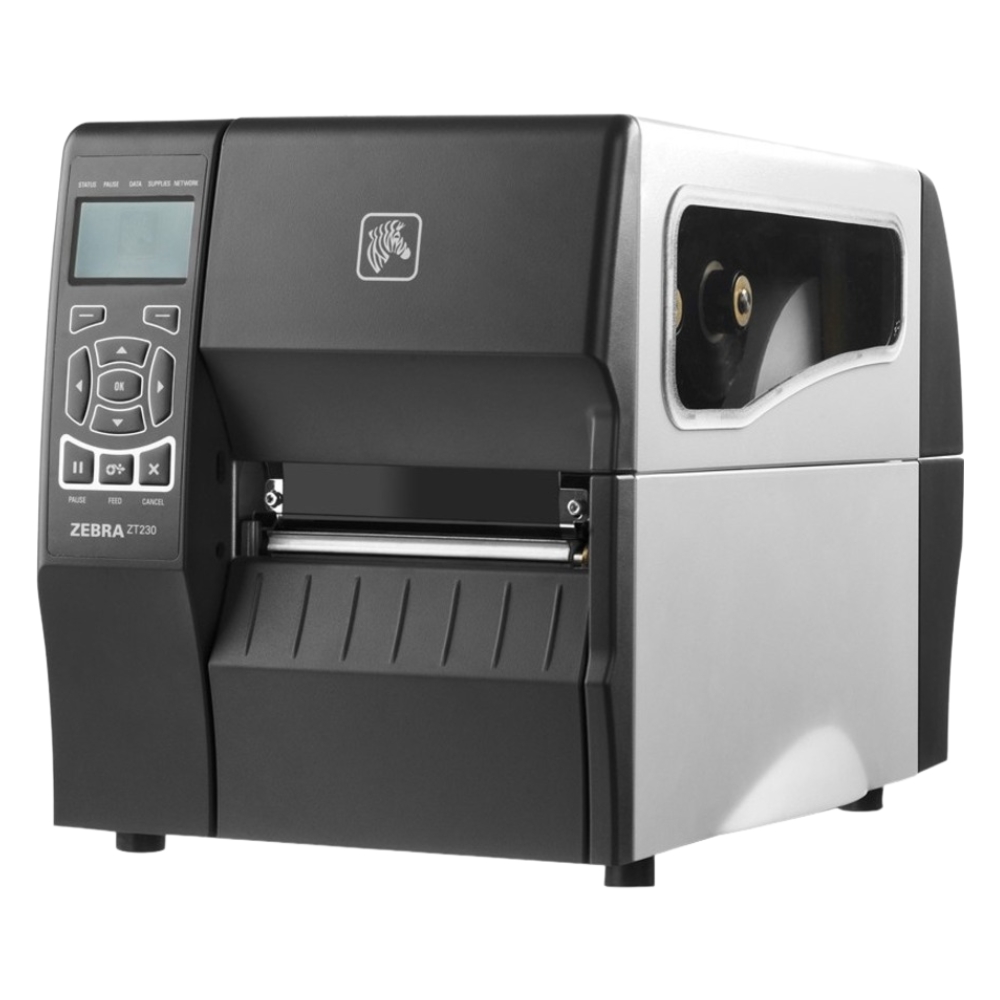
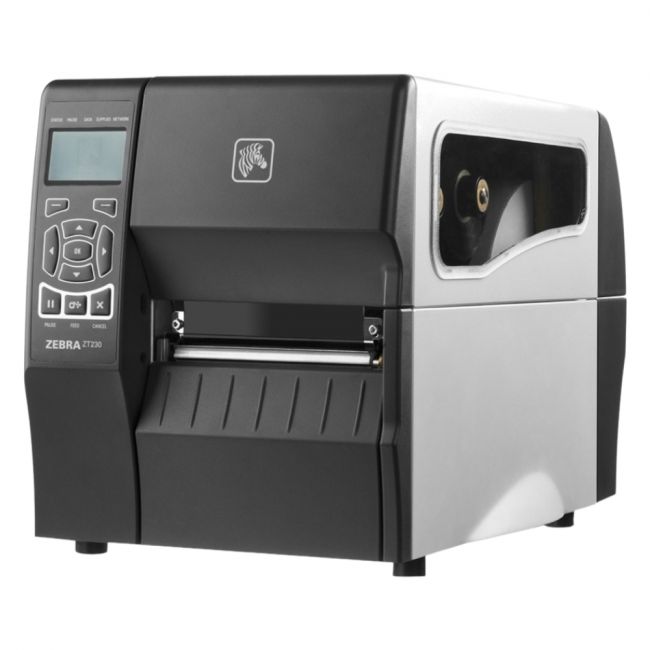
The Zebra ZT230 Industrial Thermal Transfer Label Printer offers 203 dpi resolution printing with a peel-off function and Ethernet connectivity. It fits well in industrial settings where reliable label production and network integration are required, supporting diverse media types and continuous operation. |
General Information |
|---|
Technical Information |
|
|---|---|
| Printer Technology | Thermal |
| Printer Function Type | Single Function |
| Connectivity | Ethernet,USB,Serial |
| Print Output | Monochrome |
| Functions | |
| Print Speed | 6 ips (152 mm/s) |
| Print Resolution | 203 dpi |
| Feature | Peel-Off,Peel & Present,Ethernet,USB,Serial,Thermal Transfer,Direct Thermal,Label Printing |
Paper & Media |
|
|---|---|
| Supported Paper Sizes | 4x6" |
Compatibility |
|
|---|---|
| OS Support | Windows,macOS,Linux |
Physical Characteristics |
|
|---|---|
| Weight | 3.00 |
| Condition | Refurbished |
Product Description |
|---|
The Zebra ZT230 is an industrial thermal transfer label printer that provides clear and durable printing at 203 dots per inch (dpi). It is commonly used in manufacturing, warehousing, and logistics environments where barcode and label printing is essential. The printer supports continuous operation for demanding industrial workflows. Its peel-off functionality allows users to separate labels automatically, improving efficiency in label application processes. The built-in Ethernet interface facilitates connection to networked systems, enabling centralized print management and integration. Key Features
This printer serves as a robust solution for environments requiring consistent and precise label printing. Its design and features support operational workflows where label readability and application efficiency are critical. |
Use Cases |
|---|
The Zebra ZT230 printer is typically deployed in industrial and manufacturing environments where scanning and labeling accuracy is vital. It benefits operations requiring networked control and efficient label application. How It's Used:
In these contexts, the printer's durability and print quality contribute to maintaining operational workflows that depend on accurate labeling. Its connectivity options support IT-managed printing environments. |
FAQ's |
|---|
|
 Shipping Options
 International Delivery
Requires a UPS, FedEx, or DHL account. Customers may arrange pickup from our US warehouse.
 Payment Methods
We accept Visa, Mastercard, AMEX, Discover, and Wire Transfer.
 Purchase Orders
We process purchase orders for government agencies, enterprises, data centers, and SMBs.