

Subscribe To Our Newsletter!
Subscribe to the newsletter to stay up to date with the latest news and most useful
Newsletter
↑
Back to Top



Product Overview |
|---|
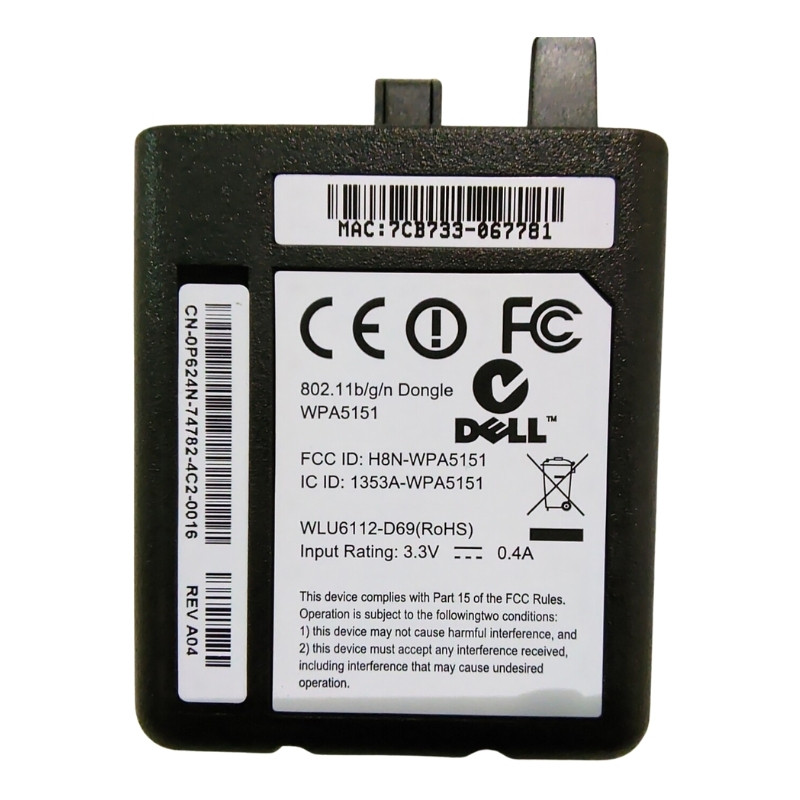
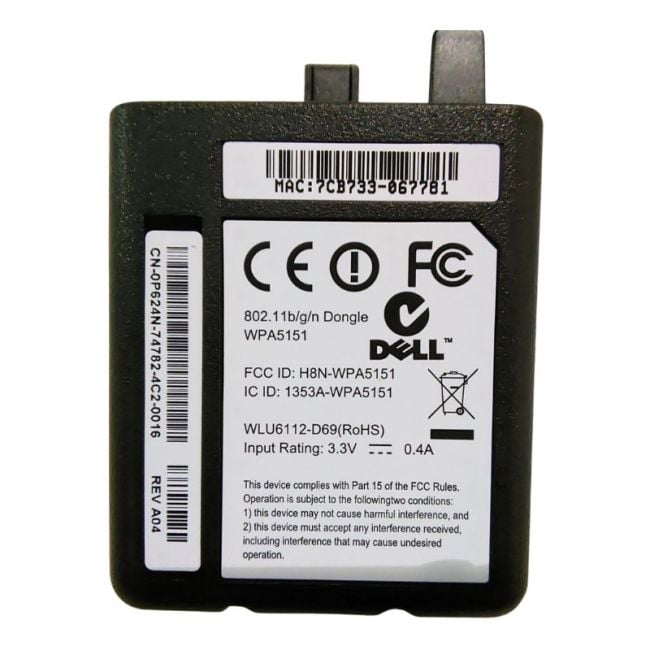
The Dell 0P624N Wireless Module Adapter provides efficient wireless connectivity for Dell laser printers, supporting 802.11b/g/n standards. Its easy installation process and the ability to eliminate wired connections offer flexibility in office setups, ensuring users can print wirelessly without the need for additional cables. |
General Information |
|
|---|---|
| Brand | Dell |
| Part Number | 0P624N |
Technical Information |
|
|---|---|
| Connectivity | Wireless 802.11b/g/n |
Physical Characteristics |
|
|---|---|
| Weight | 5.00 |
| Condition | Refurbished |
Product Description |
|---|
The Dell 0P624N Wireless Module Adapter is designed to provide seamless wireless connectivity to compatible Dell laser printers, enabling users to connect without the hassle of wires. This module supports the 802.11b/g/n wireless standards, ensuring stable and efficient connections for printing needs. It's the perfect solution for those looking to streamline their office setup by removing the need for physical network cables. Key Features
The Dell 0P624N Wireless Module Adapter is ideal for users who want to set up a wireless printing environment with minimal effort. With its compatibility with Dell laser printers and reliable wireless standards, it enhances your printing flexibility and convenience. |
Use Cases |
|---|
The Dell 0P624N Wireless Module Adapter is ideal for office environments where flexible printer placement is necessary, enabling wireless connectivity for compatible Dell laser printers. It benefits IT administrators managing small to medium business networks who require reliable and cable-free printing solutions. How It's Used:
This wireless adapter enhances operational efficiency by reducing dependency on physical network infrastructure and enabling scalable printer deployments. It supports dynamic office layouts and adapts to evolving networking requirements without compromising printing performance. |
 Shipping Options
 International Delivery
Requires a UPS, FedEx, or DHL account. Customers may arrange pickup from our US warehouse.
International Delivery
Requires a UPS, FedEx, or DHL account. Customers may arrange pickup from our US warehouse.
 Payment Methods
We accept Visa, Mastercard, AMEX, Discover, and Wire Transfer.
Payment Methods
We accept Visa, Mastercard, AMEX, Discover, and Wire Transfer.
 Purchase Orders
We process purchase orders for government agencies, enterprises, data centers, and SMBs.
Purchase Orders
We process purchase orders for government agencies, enterprises, data centers, and SMBs.