

Subscribe To Our Newsletter!
Subscribe to the newsletter to stay up to date with the latest news and most useful
Newsletter
↑
Back to Top



Product Overview |
|---|
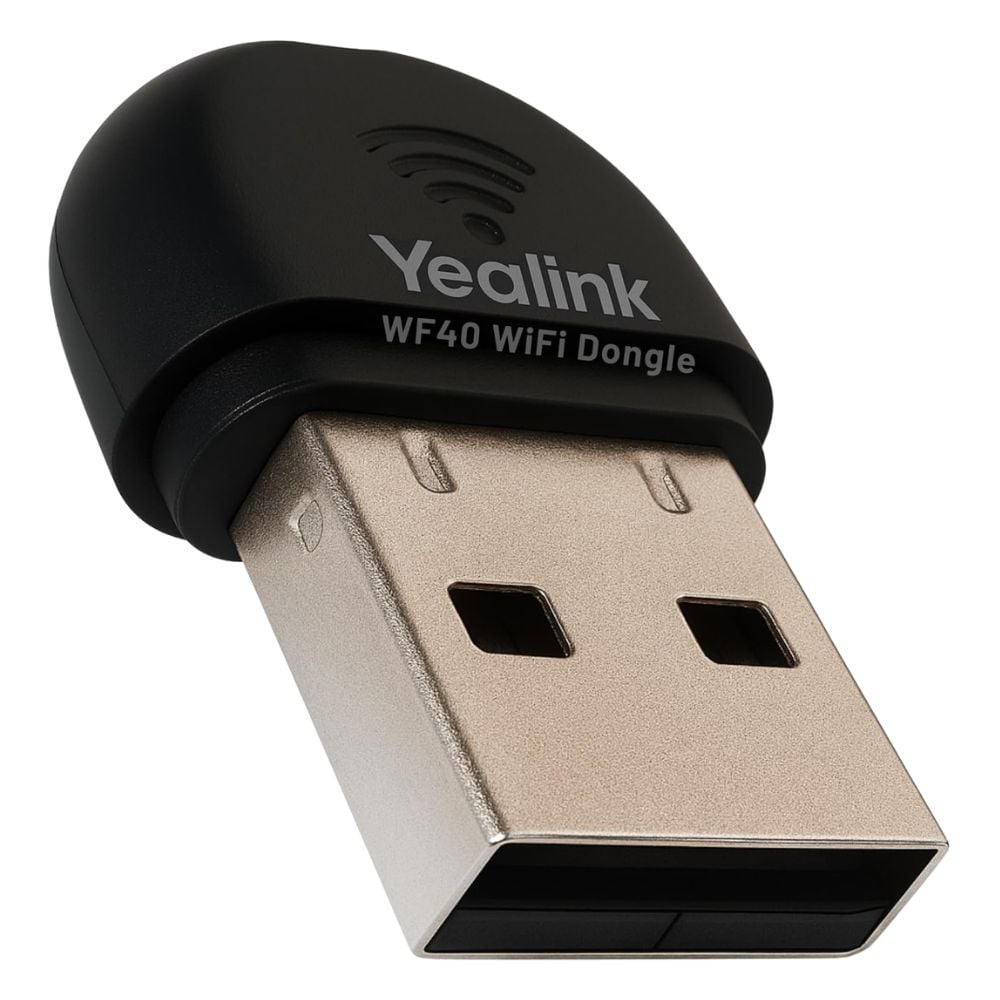
The WF40 Yealink Plug and Play Wi-Fi USB Dongle adds wireless network capability to Yealink SIP-T27G and T29G IP phones through a simple USB connection. It supports standard wireless protocols and enables easy installation without additional configuration. |
General Information |
|
|---|---|
| Brand | Yealink |
Technical Information |
|
|---|---|
| Series | WF40 |
| product type | Wi-Fi USB Dongle |
| Product Category | Wireless Accessories |
| Compatibility | Yealink SIP-T27G, Yealink SIP-T29G |
Miscellaneous |
|
|---|---|
| Assembly Required | No |
| Compliance Standards | RoHS, CE, FCC |
Physical Characteristics |
|
|---|---|
| Form Factor | USB Dongle |
| Condition | Refurbished |
Product Description |
|---|
The WF40 Yealink Plug and Play Wi-Fi USB Dongle is specifically designed to provide wireless connectivity to Yealink SIP-T27G and T29G IP phones. It allows these models to connect to Wi-Fi networks without requiring wired Ethernet connections. This USB dongle simplifies network setup by offering a plug and play solution, eliminating the need for complex configurations. It is typically used in office environments where mobility or flexible placement of phones is desired. Key Features
By enabling wireless connectivity, the WF40 dongle supports flexible phone placement and reduces the need for Ethernet cabling. This enhances setup options in environments where running cables is inconvenient or impractical. |
Use Cases |
|---|
The WF40 dongle is typically used in office or business settings where Yealink SIP-T27G or T29G phones require access to Wi-Fi networks. It suits workplaces aiming to reduce Ethernet cable usage or where flexible phone positioning is necessary. How It's Used:
This dongle serves as a practical accessory for extending network access options for specific Yealink IP phones, helping organizations manage workspace layouts with fewer physical constraints related to network cabling. |
FAQ's |
|---|
|
 Shipping Options
 International Delivery
Requires a UPS, FedEx, or DHL account. Customers may arrange pickup from our US warehouse.
 Payment Methods
We accept Visa, Mastercard, AMEX, Discover, and Wire Transfer.
 Purchase Orders
We process purchase orders for government agencies, enterprises, data centers, and SMBs.