

Subscribe To Our Newsletter!
Subscribe to the newsletter to stay up to date with the latest news and most useful
Newsletter
↑
Back to Top



Product Overview |
|---|
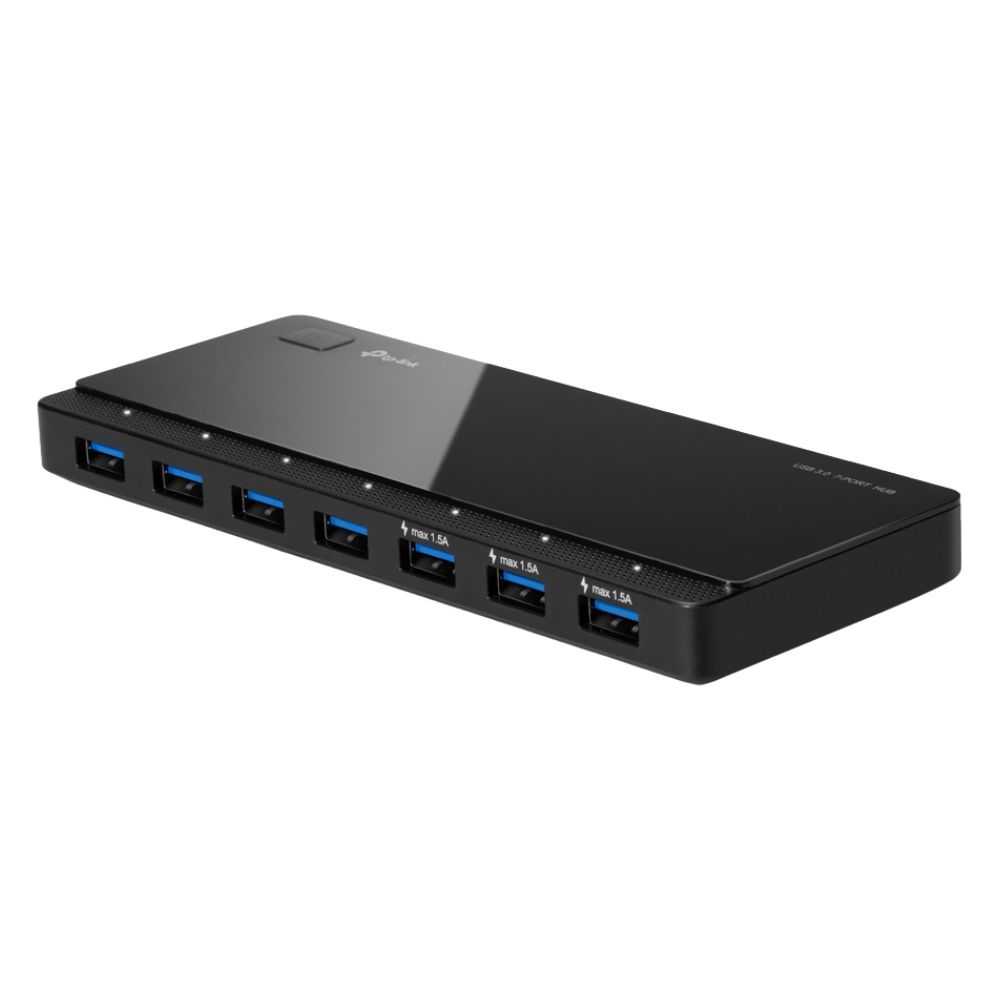
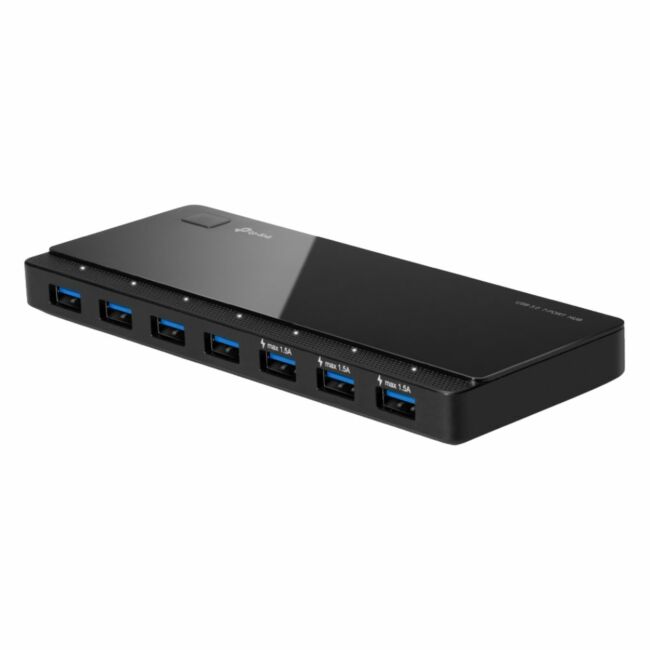
The TP-Link UH700 7-Port 5Gb/s USB 3.0 Hub Adapter expands a single USB port into seven high-speed USB 3.0 ports. It facilitates data transfer rates up to 5Gbps and supports backward compatibility for USB 2.0 and 1.1 devices, fitting use cases requiring multiple peripheral connections. |
General Information |
|
|---|---|
| Brand | TP-Link |
Technical Information |
|
|---|---|
| product type | USB 3.0 Hub |
| Product Category | USB Adapters |
| Compatibility | Windows 10/8.1/8/7, macOS, Linux |
Miscellaneous |
|
|---|---|
| Assembly Required | No |
| Compliance Standards | RoHS, CE, FCC |
Physical Characteristics |
|
|---|---|
| Form Factor | Desktop |
| Weight | 3.00 |
| Condition | Refurbished |
Product Description |
|---|
The TP-Link UH700 is a 7-port USB 3.0 hub adapter designed to expand connectivity options for computers and laptops. It allows users to connect multiple USB devices such as external drives, keyboards, and mice simultaneously with high-speed data transfer rates reaching up to 5Gbps. This hub is generally used in office, home, or mobile environments where additional USB ports are required beyond the standard computer offerings. It is suitable for IT professionals and everyday users needing to manage multiple peripherals efficiently. Key Features
The UH700 serves as a practical solution to USB port limitations on modern computers. It helps streamline workflows by enabling multiple device connections while maintaining consistent data transfer speeds. Its size and compatibility make it convenient for various usage scenarios where added connectivity is essential. |
Use Cases |
|---|
The TP-Link UH700 hub is typically used in office, home, and mobile environments to increase available USB ports for devices requiring data transfer and peripheral connectivity. It benefits users who operate multiple USB devices simultaneously, such as external storage, input devices, or multimedia accessories. How It's Used:
This USB hub provides a centralized connection point for various USB devices, aiding operational efficiency by alleviating port scarcity. Its design supports simultaneous data transfer without impacting performance, serving a functional role in device management across different environments. |
FAQ's |
|---|
|
 Shipping Options
 International Delivery
Requires a UPS, FedEx, or DHL account. Customers may arrange pickup from our US warehouse.
 Payment Methods
We accept Visa, Mastercard, AMEX, Discover, and Wire Transfer.
 Purchase Orders
We process purchase orders for government agencies, enterprises, data centers, and SMBs.