

Subscribe To Our Newsletter!
Subscribe to the newsletter to stay up to date with the latest news and most useful
Newsletter
↑
Back to Top



Product Overview |
|---|
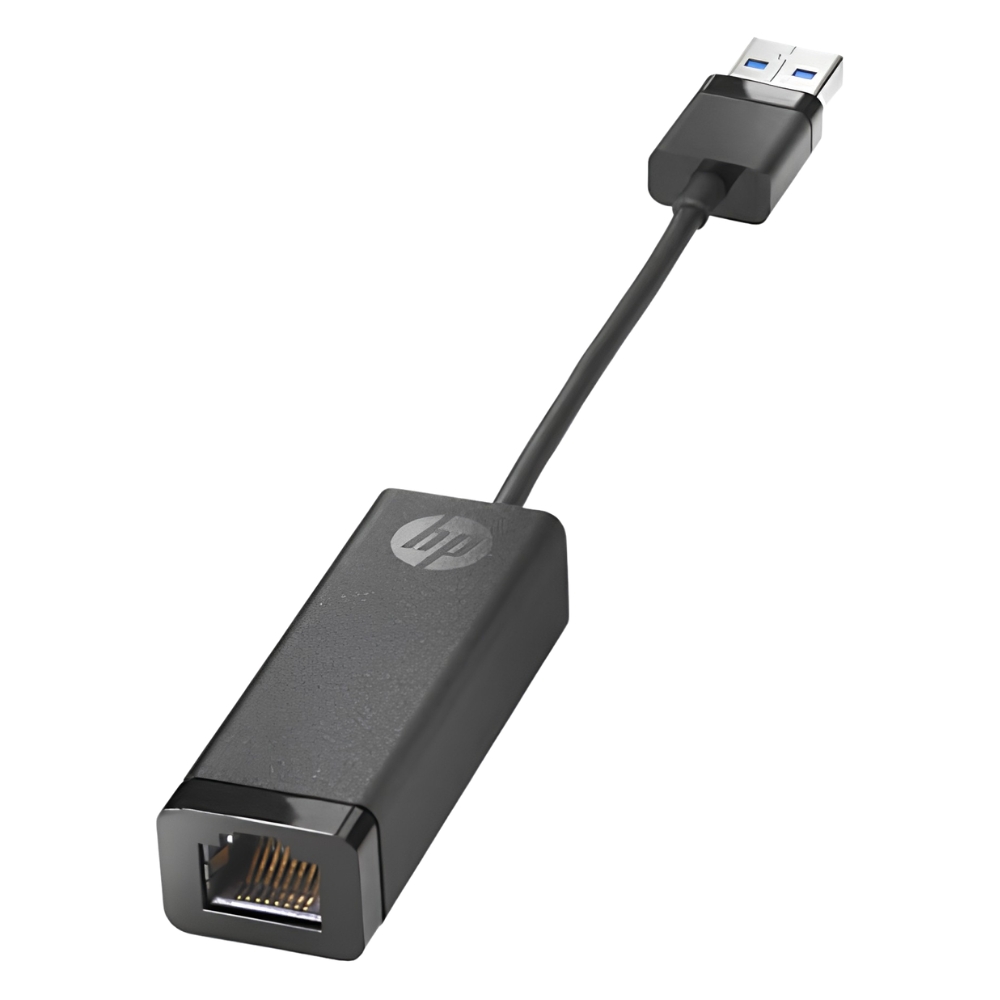
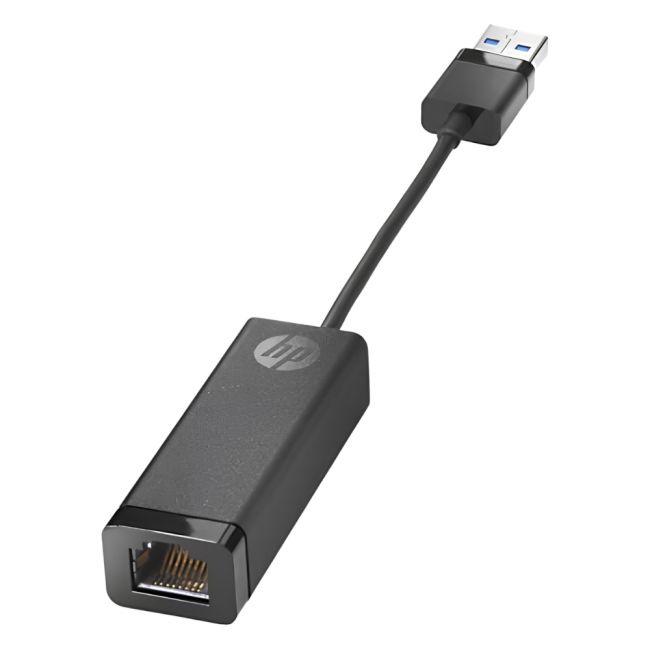
The 538507-001 - HP USB Network Adapter USB to RJ-45 Dongle Adapter is a small and efficient device that converts a USB port into a standard Ethernet connection. It fits easily into workflows where wired networks are preferable but built-in Ethernet jacks are absent. This adapter bridges that gap with a simple form factor and broad compatibility. |
General Information |
|
|---|---|
| Brand | HP |
Technical Information |
|
|---|---|
| product type | USB 2.0 to RJ-45 Ethernet Adapter |
| Product Category | USB Adapters |
| Compatibility | Windows,macOS,Linux |
Miscellaneous |
|
|---|---|
| Assembly Required | No |
| Compliance Standards | WEEE, RoHS, CE, FCC |
Physical Characteristics |
|
|---|---|
| Form Factor | Dongle |
| Weight | 3.00 |
| Condition | Refurbished |
Product Description |
|---|
This USB to RJ-45 dongle adapter enables devices without Ethernet ports to connect to wired networks through a standard USB interface. It is commonly used in laptops, ultrabooks, and other compact devices that lack built-in network jacks. The adapter is often found in environments where wired network access is needed but native Ethernet hardware is unavailable or inconvenient. IT professionals and mobile users benefit from its straightforward connectivity and compatibility with a broad range of systems. Key Features
This adapter plays an important role in extending network access to devices lacking Ethernet ports. It provides dependable wired connections that are often more stable and secure than wireless alternatives. Its performance and reliability make it a practical tool for network expansion and troubleshooting in various technical settings. |
Use Cases |
|---|
This USB to RJ-45 adapter is typically used in environments where portable devices need reliable wired network access but do not have a native Ethernet port. It suits IT professionals working with laptops and ultrabooks, as well as situations requiring quick network connectivity for troubleshooting or temporary setups. How It's Used:
Overall, this adapter supports operational flexibility by enabling devices to access wired networks where wireless is impractical or unavailable. It contributes to consistent network performance and ease of integration in diverse IT environments. |
 Shipping Options
 International Delivery
Requires a UPS, FedEx, or DHL account. Customers may arrange pickup from our US warehouse.
International Delivery
Requires a UPS, FedEx, or DHL account. Customers may arrange pickup from our US warehouse.
 Payment Methods
We accept Visa, Mastercard, AMEX, Discover, and Wire Transfer.
Payment Methods
We accept Visa, Mastercard, AMEX, Discover, and Wire Transfer.
 Purchase Orders
We process purchase orders for government agencies, enterprises, data centers, and SMBs.
Purchase Orders
We process purchase orders for government agencies, enterprises, data centers, and SMBs.