

Subscribe To Our Newsletter!
Subscribe to the newsletter to stay up to date with the latest news and most useful
Newsletter
↑
Back to Top


Solid-state drives aren’t just storage anymore - they’ve become the backbone of modern PCs. They shape everything we do, from opening a browser tab to crunching through professional 8K video files. And with PCIe 5.0 now rolling out, the speed ceiling has been pushed even higher, leaving old spinning drives looking like relics.
Into this race, steps the Adata Legend 970 Pro, a PCIe 5.0 M.2 SSD that clearly wants to be the go-to choice for speed-hungry users. It’s built with gamers, video editors, and workstation pros in mind - the kinds of folks who don’t have time for bottlenecks. Yes, even everyday users could pick one up, but its real value shows up when you’re juggling heavy workloads.
On paper, it’s impressive: read speeds brushing 14,000 MB/s, a unique controller, and an active cooling system crammed into a slim package. But here’s the bigger question - does it actually push the boundaries of performance, or is it just another high-spec drive in an already crowded field?
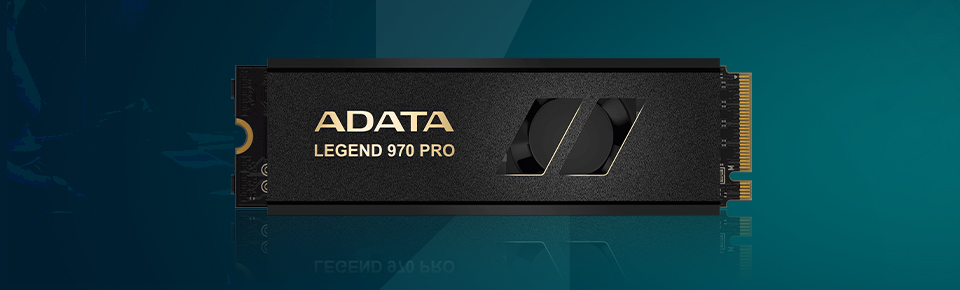
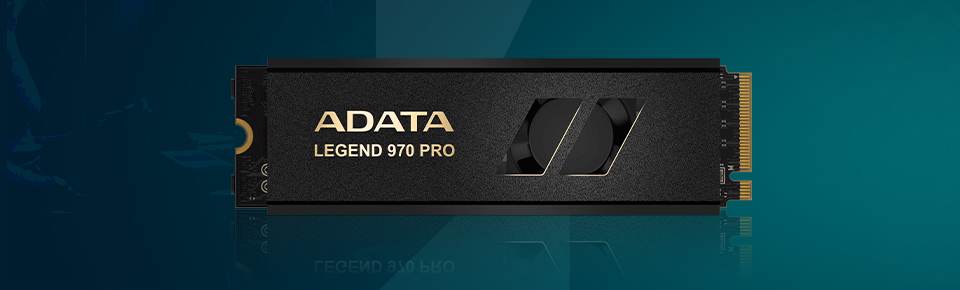
At its core, this SSD combines cutting-edge flash memory with a new controller, aiming to differentiate in a field dominated by similar designs.
On paper, this is a powerhouse. But numbers on a sheet don’t always tell the whole story - what matters is how those numbers hold up once the drive is under real pressure.
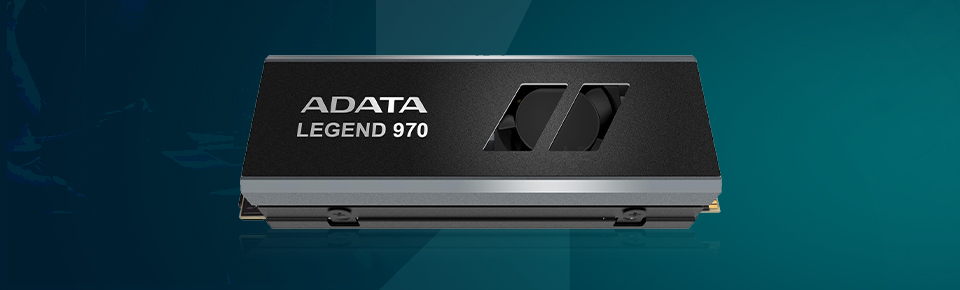
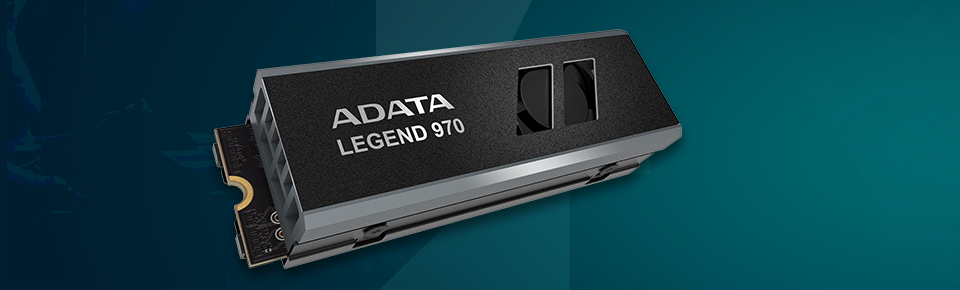
Physically, the Legend 970 Pro keeps the slim M.2 2280 size, so it’ll fit into most modern desktops without fuss. What makes it stand out is its heatsink-and-fan combo, which is not something you see every day in an SSD. Instead of leaving cooling entirely to the motherboard, Adata gave this drive its own thermal armor, no extra cables required.
The build feels solid, with materials that don’t come off as cheap. Sure, the heatsink adds some bulk, but that’s the price you pay to keep performance steady. The little fan might raise eyebrows for those building quiet rigs, but let’s be real - at PCIe 5.0 speeds, passive cooling alone won’t cut it.
Here’s where the 970 Pro justifies its existence. Everyday tasks - booting Windows, launching apps, moving files - feel snappy, almost instant. Games load up with minimal wait time, and massive in-game assets stream without stuttering.
But it’s the heavier workloads where this SSD really flexes. Think video rendering, compiling code, or transferring multi-gigabyte projects. The 2TB and 4TB versions push up to 14,000 MB/s reads, while the 1TB version tops out around 13,000 MB/s. Write speeds are excellent on the larger models but noticeably lower on the 1TB (around 5,800 MB/s).
Benchmarks back this up: yes, it’s insanely fast, but it does have quirks. Prolonged heavy tasks can heat it up, and while the fan helps delay throttling, it doesn’t erase it entirely. Also, its power efficiency isn’t the best - it draws more juice than some rivals.
Bottom line? Blisteringly quick, with trade-offs that lean toward raw speed over elegance.
For a drive this fast, durability matters just as much. Adata rates the 970 Pro at around 740TBW per terabyte of storage, which means years of heavy use before you’re anywhere near failure. The 4TB version alone can chew through nearly 3 petabytes of writes before calling it quits.
The drive also brings in error correction (LDPC) to keep data safe during heavy workloads, a must-have for creators who can’t afford file corruption mid-project. That said, efficiency isn’t its strong suit - portable machines will struggle with its appetite for power. This is a desktop-first product, plain and simple.
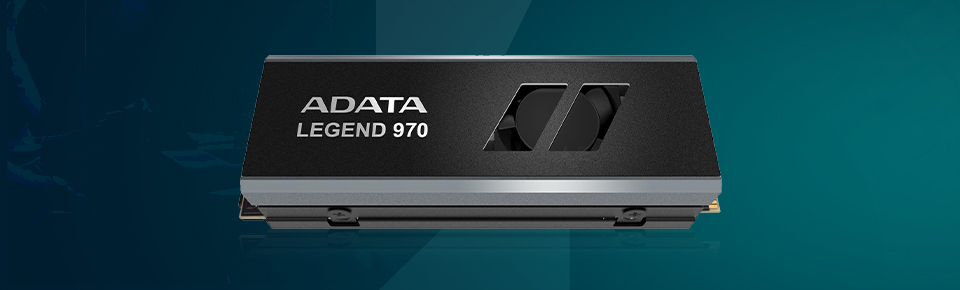
PCIe 5.0 SSDs run hot, and Adata clearly knows it. The 970 Pro’s double-sided heatsink and small active fan are there for one reason: keeping the drive from cooking itself.
The fan runs off the M.2 slot, so you don’t need to route extra power cables, which is convenient. But when the drive is under heavy load, you will hear it. Some users will shrug it off; others, especially those chasing silent builds, won’t love the added noise. Still, performance-focused folks will likely consider it a fair trade.
This is where the Legend 970 Pro stumbles. The InnoGrit controller inside is powerful, but it’s not frugal. When the drive is running flat out, it gulps down more power than many competing PCIe 5.0 drives.
That makes it a tough fit for laptops or ultra-compact systems, where every watt counts. In a desktop with a decent PSU and airflow? Not a deal-breaker. But if you’re building an energy-efficient machine, you may want to think twice.
The drive is backed by a solid software suite that enhances usability. A toolbox application provides health monitoring, firmware updates, secure erase, and optimization features. A migration tool simplifies cloning data from older drives, while a backup utility supports both Windows and Android environments.
These utilities add value, making setup and maintenance straightforward. More importantly, firmware updates will likely play a role in ironing out issues, especially given the relatively new controller architecture.
In daily use the drive proves as fast as its potential claims. Games pop opens almost instantly, and heavy creative tasks - editing, rendering, 3D modeling - flow more seamlessly than on PCIe 4.0 drives.
For casual users, though, the shift from PCIe 4.0 might not feel dramatic. If your routine workload is browsing, office apps, or streaming, you won’t fully unlock this drive’s potential. It’s when you’re handling large files or intensive tasks that the difference becomes apparent.
The downsides are straightforward: power draw and fan noise. But if your priority is speed, it’s a promising upgrade.
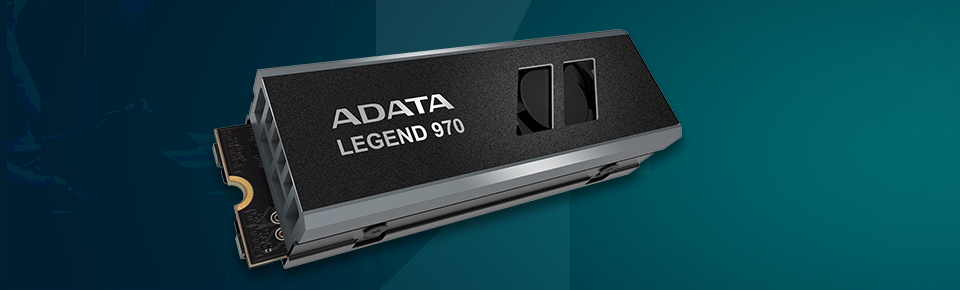
Every product has its strengths and blind spots, and the 970 Pro is no different. Here’s how it shakes out:
In short, the Adata Legend 970 Pro nails performance but makes trade-offs in noise, power, and efficiency. It’s powerful, but not without caveats.
The Adata Legend 970 Pro proudly displays just how far PCIe 5.0 SSDs can go. It’s intended for users who prioritize optimal performance above everything else, whether that’s in gaming, creative work, or professional tasks. With strong endurance and a cooling solution that holds its own, it’s a dependable option for demanding setups.
But it does have its compromises - power-hungry behavior and a fan that some might find distracting. Add to that a market already filling with PCIe 5.0 competitors, and it’s clear this isn’t a one-size-fits-all solution.
If you want every drop of speed available today and don’t mind paying the price in energy and acoustics, this drive is worth serious consideration. If efficiency and silence are higher on your list, it may be worth waiting for a more balanced PCIe 5.0 option down the road.


Your email address will not be published. Required fields are marked *