

Subscribe To Our Newsletter!
Subscribe to the newsletter to stay up to date with the latest news and most useful
Newsletter
↑
Back to Top



Product Overview |
|---|
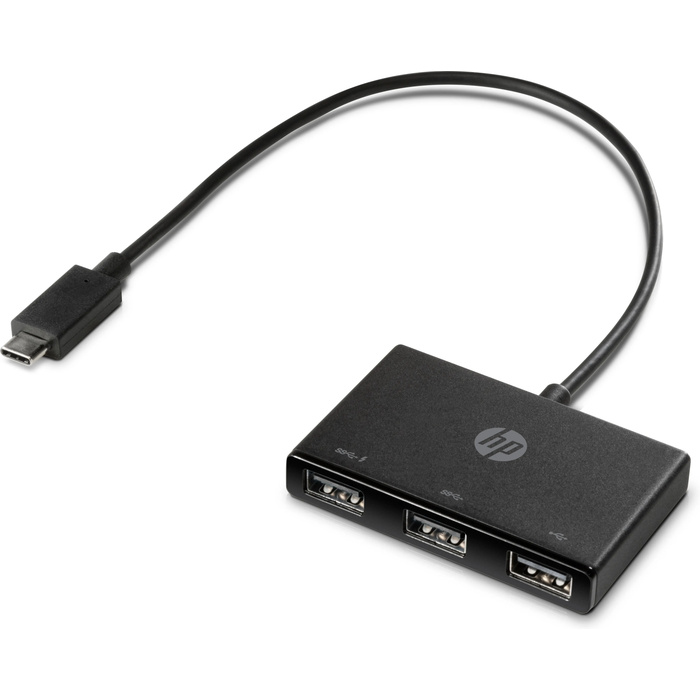
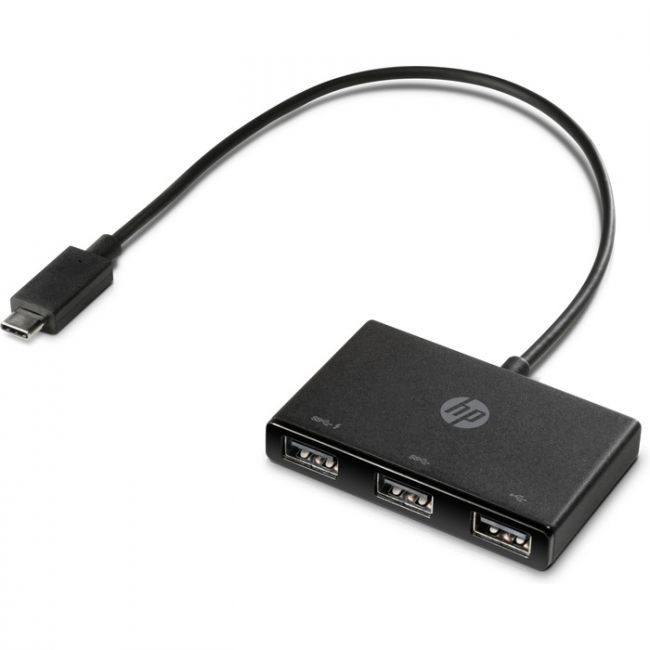
The Z6A00AA - HP USB-C to USB-A Hub acts as a bridge that connects USB-C ports to USB-A devices, making it easier to use older peripherals with newer hardware. It fits well into setups that require expanding USB-A connectivity without needing additional adapters or complex configurations. |
General Information |
|
|---|---|
| Brand | HP |
Technical Information |
|
|---|---|
| product type | USB-C to USB-A Hub |
| Product Category | USB Adapters |
| Compatibility | Host devices with USB-C ports (plug-and-play with Windows, macOS, Chrome OS, Linux) |
Miscellaneous |
|
|---|---|
| Assembly Required | No |
| Compliance Standards | RoHS, CE, FCC |
Physical Characteristics |
|
|---|---|
| Form Factor | Portable hub |
| Weight | 3.00 |
| Condition | Refurbished |
Product Description |
|---|
The Z6A00AA - HP USB-C to USB-A Hub enables seamless connectivity between modern USB-C devices and traditional USB-A accessories. It is commonly found in setups where users need to bridge compatibility gaps between different USB standards. Built for professionals and everyday users who require expanded port options without compromising on speed or convenience, this hub offers a reliable and straightforward solution to connect multiple USB-A devices. Key Features
This hub plays a practical role in environments where device flexibility and reliable data transfer are essential. It maintains consistent performance and simplifies connections between legacy USB peripherals and modern laptops or tablets. |
Use Cases |
|---|
This USB-C to USB-A hub is typically used in office environments, home workstations, and mobile setups where users operate different generations of USB devices. It suits individuals and IT teams needing to maximize device compatibility during transitions to USB-C technology. How It's Used:
By incorporating this hub, organizations and users can maintain operational efficiency and ensure peripheral compatibility without sacrificing performance or convenience in various IT environments. |
 Shipping Options
 International Delivery
Requires a UPS, FedEx, or DHL account. Customers may arrange pickup from our US warehouse.
International Delivery
Requires a UPS, FedEx, or DHL account. Customers may arrange pickup from our US warehouse.
 Payment Methods
We accept Visa, Mastercard, AMEX, Discover, and Wire Transfer.
Payment Methods
We accept Visa, Mastercard, AMEX, Discover, and Wire Transfer.
 Purchase Orders
We process purchase orders for government agencies, enterprises, data centers, and SMBs.
Purchase Orders
We process purchase orders for government agencies, enterprises, data centers, and SMBs.