

Subscribe To Our Newsletter!
Subscribe to the newsletter to stay up to date with the latest news and most useful
Newsletter
↑
Back to Top



Product Overview |
|---|
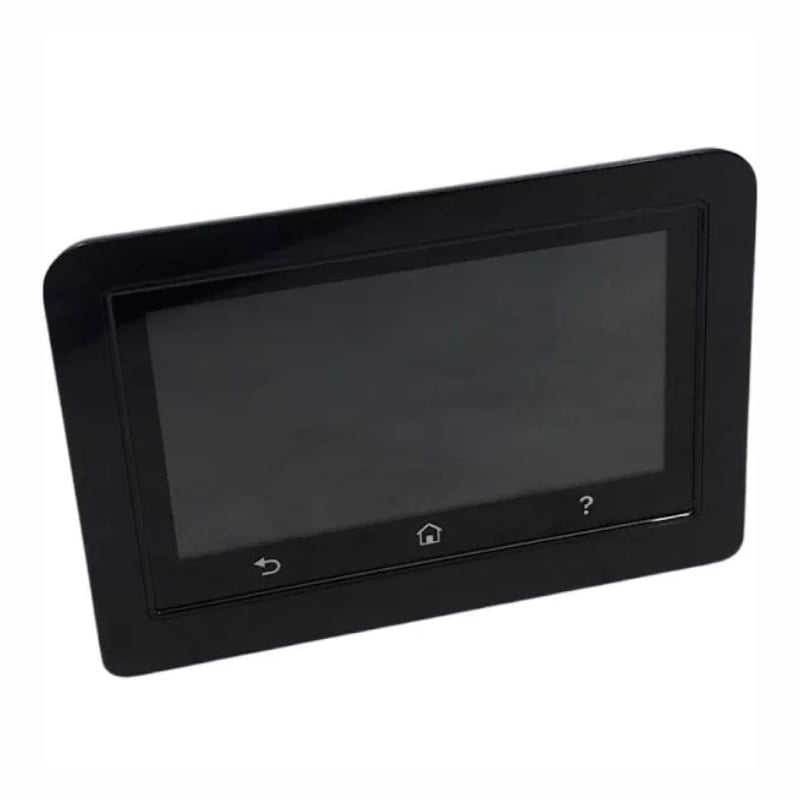
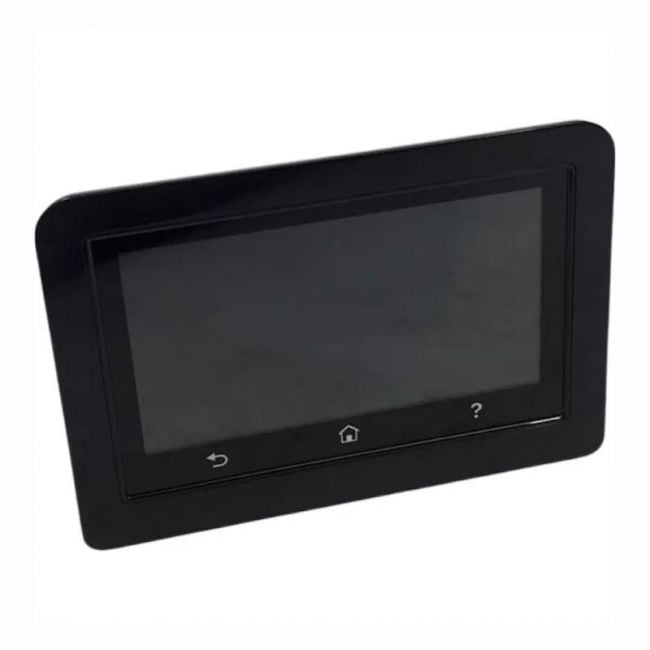
The W2Q22-60002 control panel is designed to replace the user interface on HP LaserJet M479fdn and M479fdw models, providing a reliable and straightforward way to manage printer functions. It fits directly into the device, restoring access to all key controls and the display screen without requiring complex setup. |
General Information |
|
|---|---|
| Part Number | W2Q22-60002 |
Physical Characteristics |
|
|---|---|
| Weight | 5.00 |
| Condition | Refurbished |
Product Description |
|---|
This OEM control panel serves as a direct replacement for the HP LaserJet M479fdn and M479fdw printers. It provides the necessary interface for users to operate the printer, access settings, and monitor print jobs with ease. Built for professional environments where reliable printer control is essential, this panel is often found in office settings, helping users manage printing, scanning, and faxing tasks efficiently. IT staff and end-users benefit from its straightforward installation and compatibility with the original printer model. Key Features
Commonly deployed in business or office printers, this control panel ensures that the LaserJet M479 series operates smoothly without interface issues. It plays a crucial role in maintaining productivity and user satisfaction by restoring the printer’s original control capabilities. |
Use Cases |
|---|
The W2Q22-60101 OEM Control Panel is commonly utilized in office environments where HP LaserJet M479fdn and M479fdw printers are critical to daily operations. IT administrators and service technicians in SMBs and enterprise satellite offices benefit most from this replacement component to maintain consistent printer functionality without extensive downtime. How It's Used:
This control panel replacement contributes to operational continuity by restoring full interface functionality, enabling efficient printer management across various business settings. It supports scalability by allowing seamless hardware maintenance without affecting networked printing services or user productivity. |
 Shipping Options
 International Delivery
Requires a UPS, FedEx, or DHL account. Customers may arrange pickup from our US warehouse.
International Delivery
Requires a UPS, FedEx, or DHL account. Customers may arrange pickup from our US warehouse.
 Payment Methods
We accept Visa, Mastercard, AMEX, Discover, and Wire Transfer.
Payment Methods
We accept Visa, Mastercard, AMEX, Discover, and Wire Transfer.
 Purchase Orders
We process purchase orders for government agencies, enterprises, data centers, and SMBs.
Purchase Orders
We process purchase orders for government agencies, enterprises, data centers, and SMBs.