

Subscribe To Our Newsletter!
Subscribe to the newsletter to stay up to date with the latest news and most useful
Newsletter
↑
Back to Top



Product Overview |
|---|
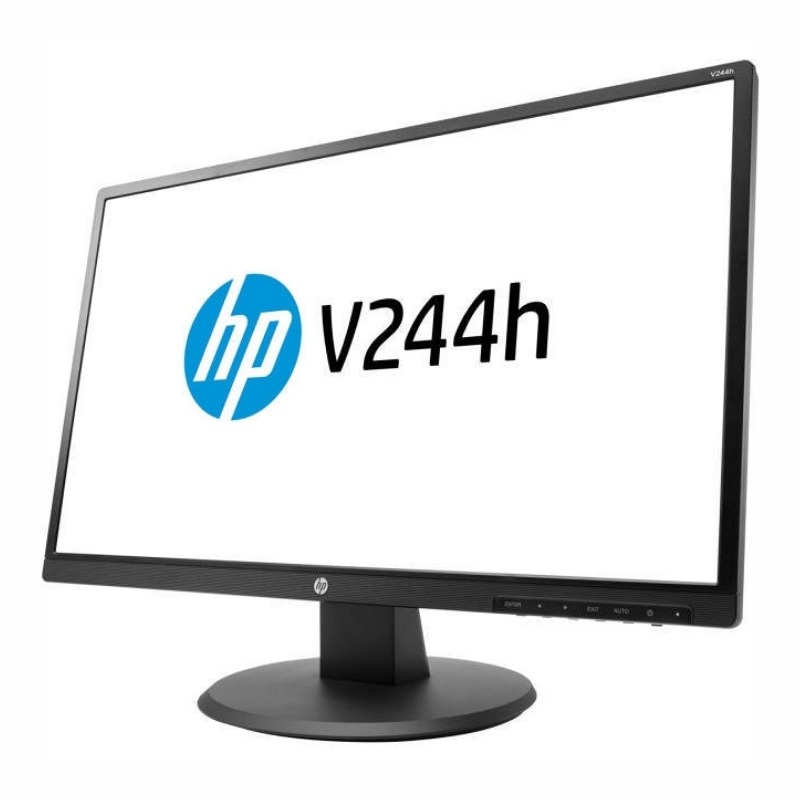
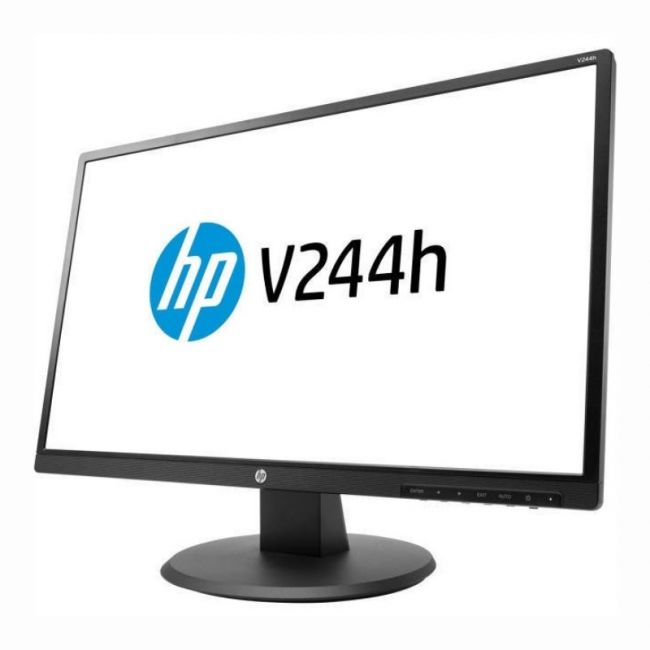
The HP V244h monitor offers a clear 23.8-inch Full HD screen, balancing image quality with practical design. It fits well in workstations requiring standard connectivity options and simple setup, providing dependable visuals for typical computing tasks. |
General Information |
|
|---|---|
| Brand | HP |
| Part Number | W1Y58AA#ABA |
Technical Information |
|
|---|---|
| Screen Size | 23.8-Inch |
| Screen Type | LED-backlit TFT LCD (TN) |
| Screen Resolution | 1920 x 1080 (Full HD) |
| Touchscreen Type | Non-touch |
| Monitor Ports | HDMI, DVI-D (HDCP), VGA, 3.5mm Audio Out |
| Refresh Rate | 60 Hz |
| Aspect Ratio | 16:9 |
| Connectivity | HDMI, DVI, VGA, 3.5mm Audio |
Physical Characteristics |
|
|---|---|
| Condition | Refurbished |
| Weight | 5.00 |
Miscellaneous |
|
|---|---|
| Eco Friendly | Yes |
| Assembly Required | Yes |
| Compliance Standards | WEEE, RoHS |
Product Description |
|---|
The HP V244h is a 23.8-inch monitor designed to deliver sharp Full HD images with a 1920 x 1080 resolution. It's often found in professional and personal environments where reliable display quality is essential. Built for everyday tasks like office work, browsing, and media playback, this monitor offers flexible connectivity through DVI, HDMI, and VGA ports, making it compatible with a wide range of devices. Users who need a straightforward, no-nonsense display benefit from its clear visuals and energy-saving LED backlight. Key Features
This monitor is commonly deployed in office settings, classrooms, and home offices where space and energy efficiency matter. Its reliable performance supports daily computing needs without unnecessary complexity, making it a practical choice for a wide audience. |
Use Cases |
|---|
The HP V244h W1Y58AA monitor is versatile and can be utilized in various settings where clear, full HD display and multiple connectivity options are essential. How It's Used:
Its compatibility with different video inputs and user-friendly size makes it suitable for both professional and personal use, adapting to a variety of workspace needs. |
 Shipping Options
 International Delivery
Requires a UPS, FedEx, or DHL account. Customers may arrange pickup from our US warehouse.
International Delivery
Requires a UPS, FedEx, or DHL account. Customers may arrange pickup from our US warehouse.
 Payment Methods
We accept Visa, Mastercard, AMEX, Discover, and Wire Transfer.
Payment Methods
We accept Visa, Mastercard, AMEX, Discover, and Wire Transfer.
 Purchase Orders
We process purchase orders for government agencies, enterprises, data centers, and SMBs.
Purchase Orders
We process purchase orders for government agencies, enterprises, data centers, and SMBs.