

Subscribe To Our Newsletter!
Subscribe to the newsletter to stay up to date with the latest news and most useful
Newsletter
↑
Back to Top



Product Overview |
|---|
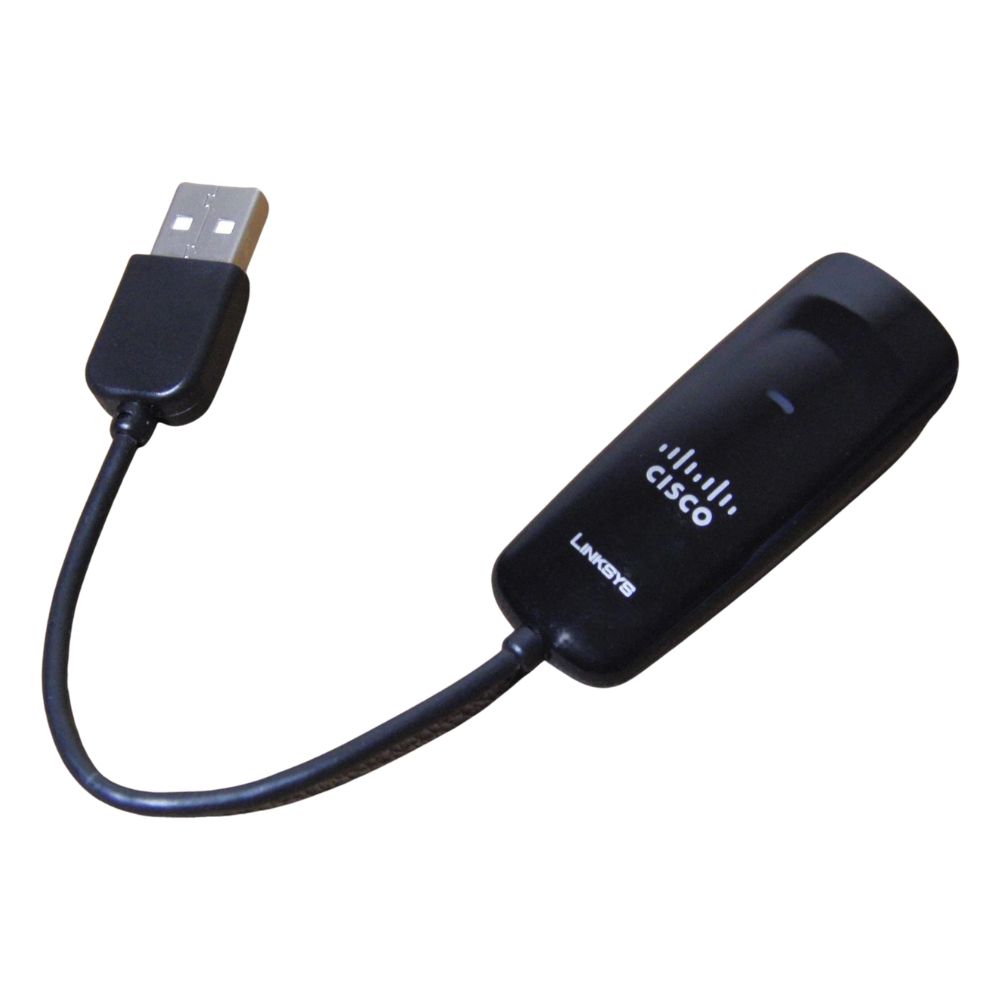
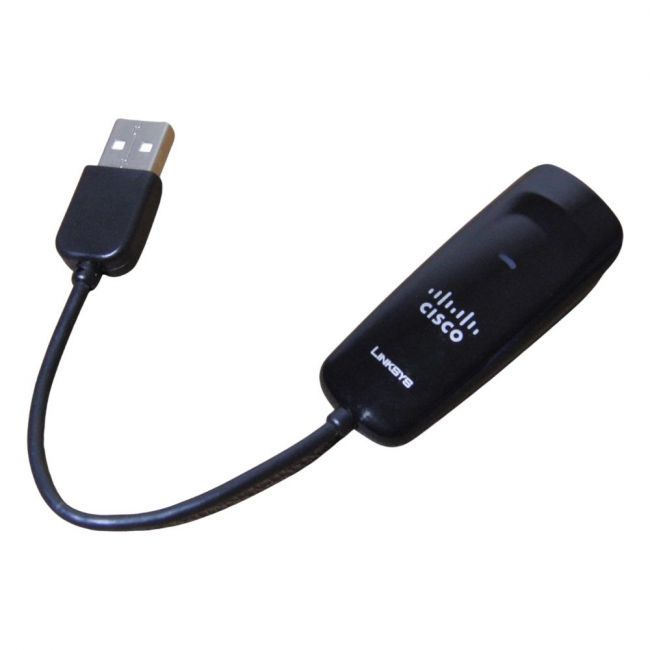
The Linksys USB300M is a USB 2.0 Ethernet adapter that delivers 10/100Mbps network connectivity through a standard RJ45 port. It is designed for users needing to add wired Ethernet access to computers or devices without built-in Ethernet jacks, using a USB interface. |
General Information |
|
|---|---|
| Brand | Linksys |
Technical Information |
|
|---|---|
| product type | 10/100Mbps USB 2.0 Ethernet Adapter |
| Product Category | Adapters,USB Adapters |
Miscellaneous |
|
|---|---|
| Assembly Required | No |
Physical Characteristics |
|
|---|---|
| Form Factor | USB to Ethernet Adapter,External |
| Weight | 3.00 |
| Condition | Refurbished |
Product Description |
|---|
The Linksys USB300M is a USB 2.0 Ethernet adapter designed to provide network connectivity through a USB port. It enables devices lacking built-in Ethernet ports, such as certain laptops or compact PCs, to connect to wired Ethernet networks at 10 or 100Mbps speeds. This adapter is commonly used in environments requiring stable wired connections where Wi-Fi may be unavailable or unsuitable. It benefits users who prefer or need a physical Ethernet connection for network access. Key Features
The Linksys USB300M adapter provides an efficient way to add Ethernet connectivity to devices without native support. Its USB 2.0 interface and straightforward design make it suitable for general-purpose network access where simplicity and compatibility are important. |
Use Cases |
|---|
The Linksys USB300M adapter is typically used in office or home environments where users require a wired network connection on devices lacking Ethernet ports. It supports moderate-speed network access suitable for general internet browsing, file transfers, and basic networking tasks. How It's Used:
This adapter serves as a practical solution for adding wired network capability, helping maintain consistent connectivity and expanding device options in various networking scenarios without requiring internal hardware changes. |
FAQ's |
|---|
|
 Shipping Options
 International Delivery
Requires a UPS, FedEx, or DHL account. Customers may arrange pickup from our US warehouse.
 Payment Methods
We accept Visa, Mastercard, AMEX, Discover, and Wire Transfer.
 Purchase Orders
We process purchase orders for government agencies, enterprises, data centers, and SMBs.