

Subscribe To Our Newsletter!
Subscribe to the newsletter to stay up to date with the latest news and most useful
Newsletter
↑
Back to Top



Product Overview |
|---|
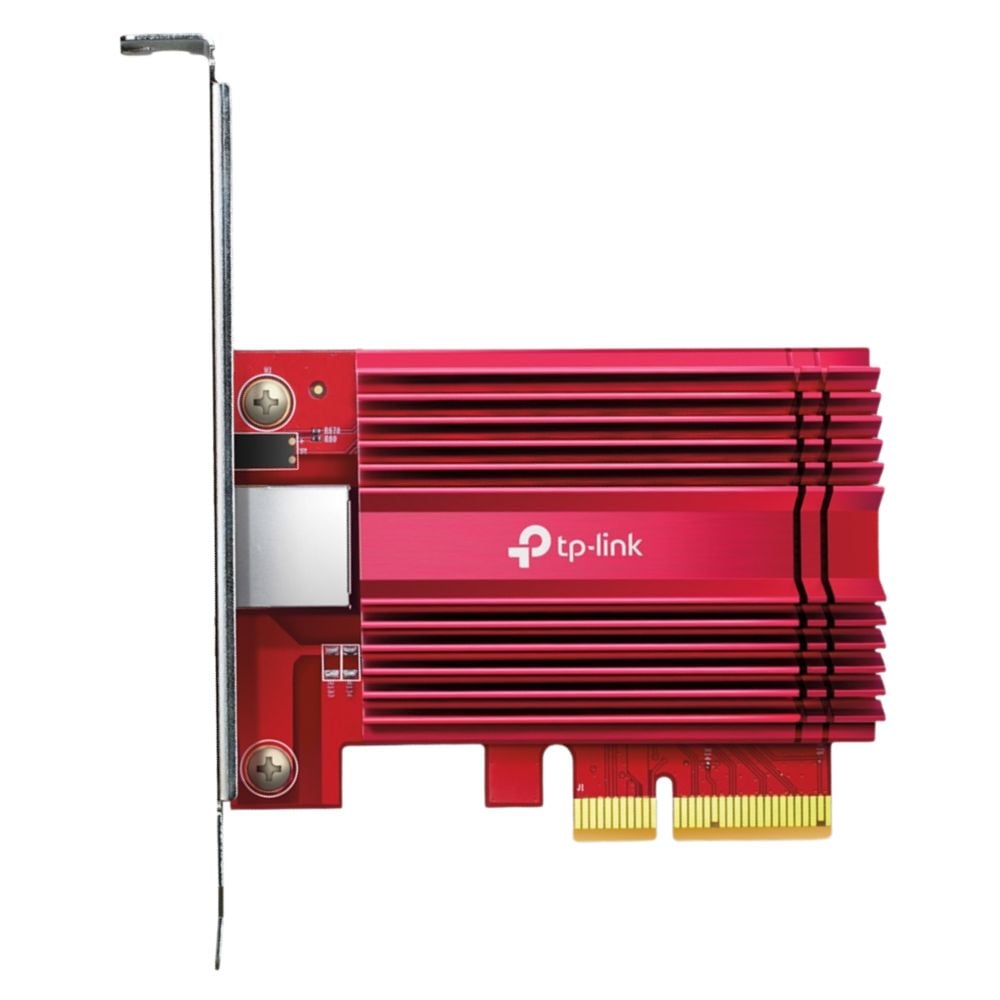
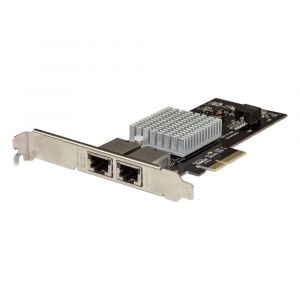
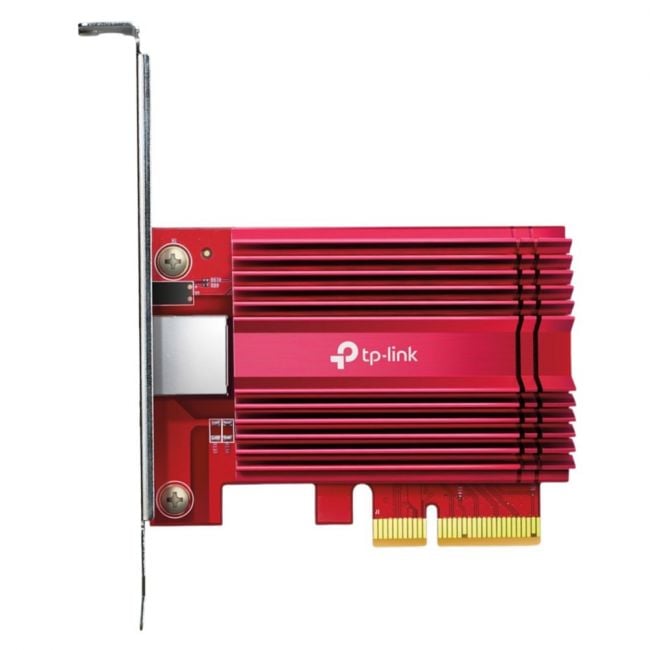
The TX401 TP-Link 10 Gigabit PCIe Network Adapter provides desktop systems with 10 GbE network connectivity through a PCIe interface. Intended for high-speed networking environments, it fits into standard PCIe slots, offering increased bandwidth for demanding data tasks. |
General Information |
|
|---|---|
| Brand | TP-Link |
Technical Information |
|
|---|---|
| Product Type | Network Interface Card |
| Chipset/Controller | Aquantia AQC107 |
| Data Rate (Speed) | 10GbE |
| Data Center Bridging | No |
| Interface (Bus) | PCIe 3.0 x4 |
| Number of Ports | 1-Port |
| Offload Support | PXE Boot, Wake-on-LAN (WoL), TCP Stateless Offload, Jumbo Frames |
| Bracket Height | Both Brackets Included |
Connectivity & Physical |
|
|---|---|
| Form Factor | Standard PCIe Card |
| Port Type | RJ-45 (Copper) |
| Weight | 3.00 |
| Condition | Refurbished |
Miscellaneous |
|
|---|---|
| Assembly Required | No |
| Compliance Standards | WEEE, RoHS, CE, FCC |
Product Description |
|---|
The TP-Link TX401 is a 10 Gigabit PCIe network adapter designed to add high-speed networking capabilities to compatible desktop systems. It provides a reliable 10 GbE connection, ideal for environments requiring fast data transfer rates. This adapter is generally used in professional or advanced home networking setups where increased bandwidth and reduced latency are essential. IT professionals and users managing large data workloads benefit from its capabilities. Key Features
The TX401 network adapter serves a critical role in upgrading network interfaces to handle modern data demands. Its integration into systems supports enhanced network throughput and connectivity for various professional applications. |
Use Cases |
|---|
The TX401 is typically used in desktop computers within professional or advanced home networks requiring enhanced data transfer speeds. It benefits users who manage large files, streaming, or data-intensive applications. How It's Used:
This network adapter plays a role in improving network throughput and reducing bottlenecks, enabling better handling of large data volumes across connected systems. |
FAQ's |
|---|
|
 Shipping Options
 International Delivery
Requires a UPS, FedEx, or DHL account. Customers may arrange pickup from our US warehouse.
International Delivery
Requires a UPS, FedEx, or DHL account. Customers may arrange pickup from our US warehouse.
 Payment Methods
We accept Visa, Mastercard, AMEX, Discover, and Wire Transfer.
Payment Methods
We accept Visa, Mastercard, AMEX, Discover, and Wire Transfer.
 Purchase Orders
We process purchase orders for government agencies, enterprises, data centers, and SMBs.
Purchase Orders
We process purchase orders for government agencies, enterprises, data centers, and SMBs.