

Subscribe To Our Newsletter!
Subscribe to the newsletter to stay up to date with the latest news and most useful
Newsletter
↑
Back to Top



Product Overview |
|---|
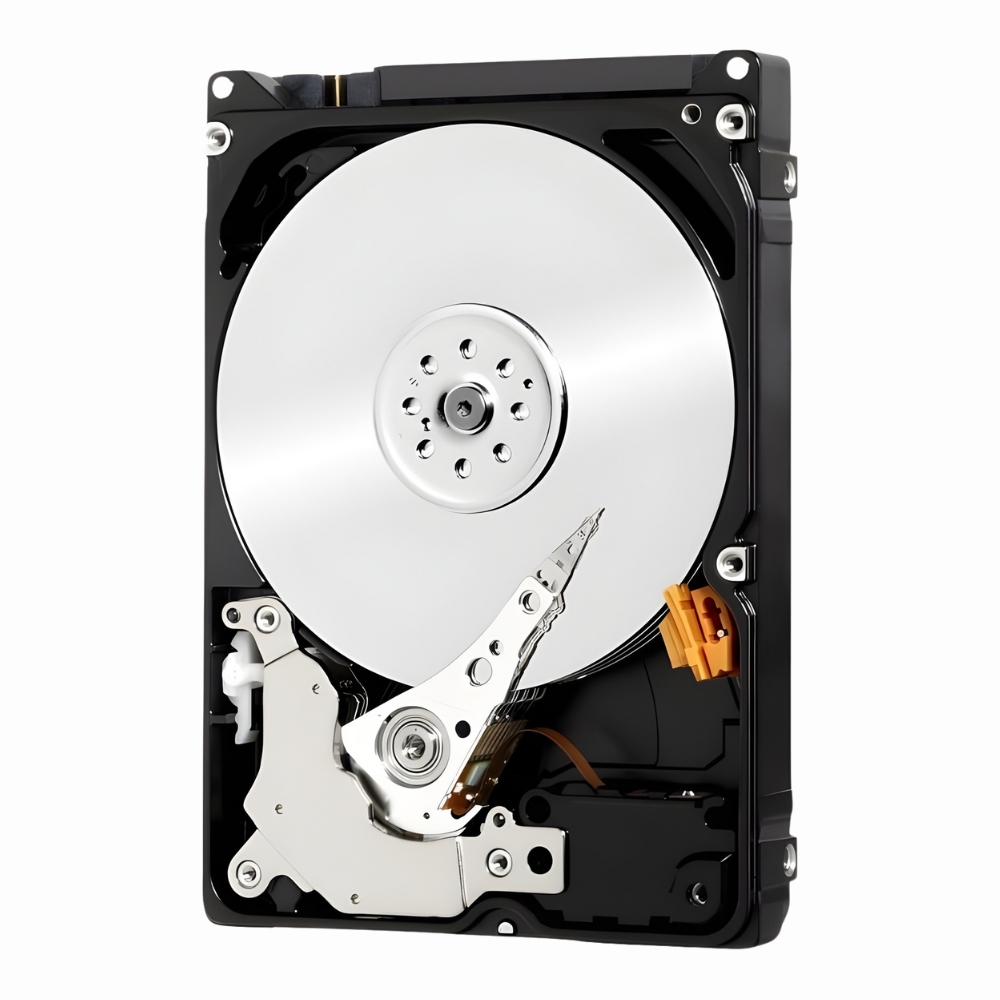
The Seagate BarraCuda ATA II 15.3GB hard drive delivers reliable storage with a balance of speed and capacity. It fits comfortably in standard desktop PCs, providing steady performance for everyday computing tasks without unnecessary complexity. |
General Information |
|
|---|---|
| Brand | Seagate |
| Part Number | ST315320A |
Technical Information |
|
|---|---|
| Form Factor | 3.5-inch |
| Disk Format | 3.5-inch PATA (ATA-66, Ultra ATA/66, IDE) |
| Cache | 2MB |
| Spindle Speed | 7200 RPM |
| Hot Pluggable | No |
| Hot Swappable | No |
| Hybrid Drive | No |
| Compatible For | Desktop PC, Workstation |
Interfaces/Ports |
|
|---|---|
| Interface | ATA-66 |
Physical Characteristics |
|
|---|---|
| Height | 1.028 |
| Width | 4.0 |
| Depth | 5.787 |
| Dimensions | 1.028 x 4.0 x 5.787 |
| Condition | Refurbished |
| Weight | 1.76 |
Miscellaneous |
|
|---|---|
| Eco Friendly | Yes |
Product Description |
|---|
The Seagate BarraCuda ATA II 15.3GB hard drive is built for desktop computers requiring dependable performance and moderate storage. It is often found in office setups, home PCs, and entry-level workstations where a balance of speed and capacity matters. This drive suits users who need solid storage for everyday applications, from file storage to light multimedia use. Key Features
This hard drive has been commonly deployed in older desktop systems and small servers, where it provides consistent performance without excessive power consumption. Its straightforward design makes it easy to install and maintain, making it a practical choice for users replacing or upgrading legacy hardware. |
Use Cases |
|---|
The ST315320A Seagate BarraCuda ATA II hard drive is suited for legacy desktop environments requiring reliable secondary storage. Its moderate capacity and interface compatibility make it appropriate for IT departments maintaining older workstations or refurbishing systems for cost-effective operations. How It's Used:
This hard drive accommodates operational efficiency by providing stable performance within established infrastructures, allowing IT teams to balance capacity needs without disrupting system compatibility. Its role in sustaining legacy systems supports cost management and operational continuity in environments where newer storage interfaces are not feasible. |
 Shipping Options
 International Delivery
Requires a UPS, FedEx, or DHL account. Customers may arrange pickup from our US warehouse.
International Delivery
Requires a UPS, FedEx, or DHL account. Customers may arrange pickup from our US warehouse.
 Payment Methods
We accept Visa, Mastercard, AMEX, Discover, and Wire Transfer.
Payment Methods
We accept Visa, Mastercard, AMEX, Discover, and Wire Transfer.
 Purchase Orders
We process purchase orders for government agencies, enterprises, data centers, and SMBs.
Purchase Orders
We process purchase orders for government agencies, enterprises, data centers, and SMBs.