

Subscribe To Our Newsletter!
Subscribe to the newsletter to stay up to date with the latest news and most useful
Newsletter
↑
Back to Top



Product Overview |
|---|
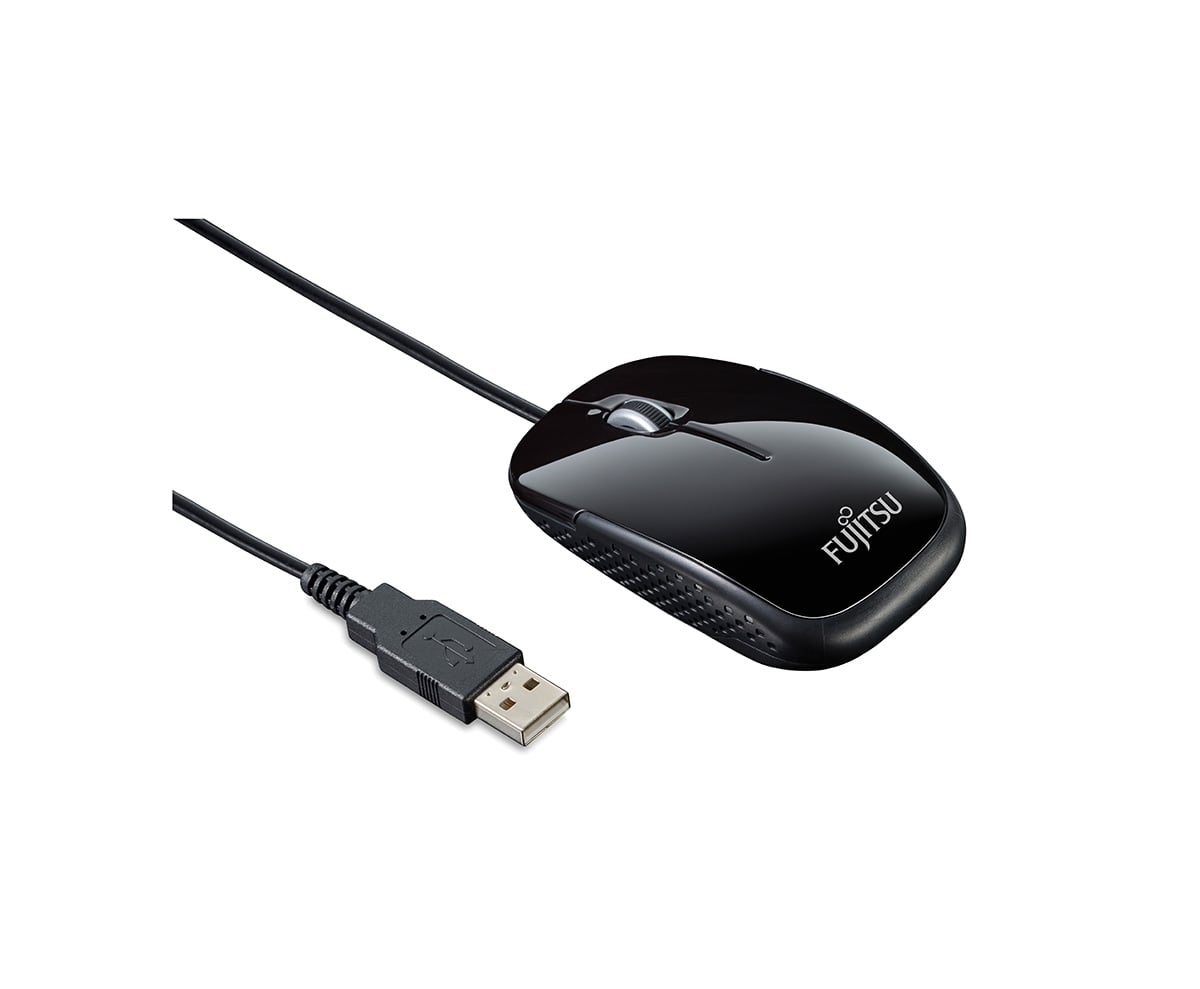
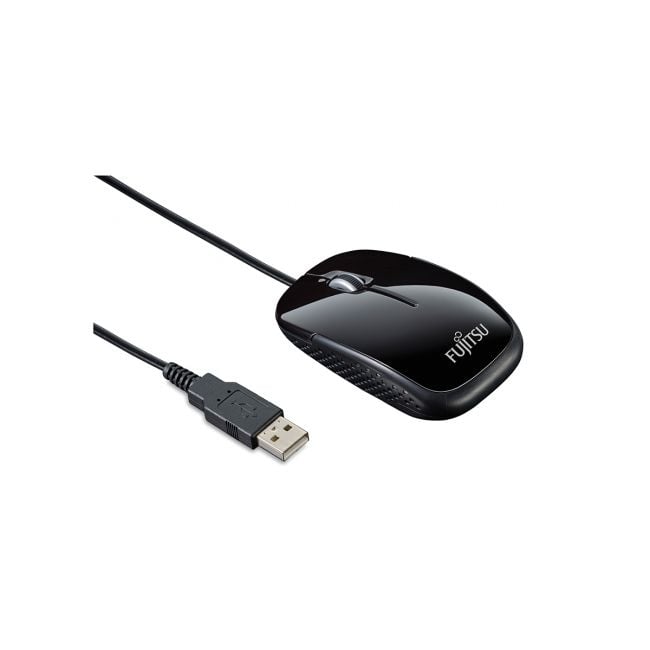
The Fujitsu M420NB mouse offers a balanced design with an optical sensor designed for steady and accurate tracking. It fits comfortably in various environments, from professional offices to personal computers, providing a straightforward solution for everyday navigation needs. |
General Information |
|
|---|---|
| Brand | Fujitsu |
| Part Number | S26381-K454-L100 |
Technical Information |
|
|---|---|
| Interface | USB 2.0 |
| Compatibility | Windows,macOS,Linux |
| Functionality | Optical tracking 1000 DPI,Pointing,Scroll Wheel,3 Buttons,Wired (USB),Plug-and-Play |
| Material | Plastic (ABS) |
Miscellaneous |
|
|---|---|
| Assembly Required | Yes |
| Eco Friendly | Yes |
| Compliance Standards | WEEE, RoHS, CE, FCC |
Physical Characteristics |
|
|---|---|
| Form Factor | Ambidextrous |
| Weight | 5.00 |
| Condition | Refurbished |
Product Description |
|---|
The Fujitsu M420NB mouse is a versatile pointing device built for everyday computer tasks. It offers reliable optical tracking and a comfortable ambidextrous shape that suits both left- and right-handed users. This mouse is commonly found in office settings and home workstations where straightforward, dependable navigation is necessary. Designed with USB Type-A connectivity, the M420NB plugs directly into most desktops and laptops without requiring additional drivers. It's often used by professionals, students, and casual users who need a no-fuss, responsive mouse for daily computing. Key Features
This mouse is typically deployed in office environments, classrooms, and home setups where simple, effective pointing devices are preferred. Its straightforward design and reliable performance make it a solid choice for those who need a mouse that just works without complications. |
Use Cases |
|---|
The Fujitsu M420NB mouse is commonly deployed in office and enterprise environments where reliable and precise input devices are essential. Its ambidextrous design supports diverse user groups, including administrative staff and IT personnel, especially in settings utilizing standard desktop and laptop workstations. How It's Used:
This mouse facilitates operational efficiency by delivering precise control and adaptability in multi-user contexts, helping maintain productivity without introducing complex setup requirements. Its USB Type-A interface ensures broad compatibility, allowing seamless integration into existing IT infrastructures. |
 Shipping Options
 International Delivery
Requires a UPS, FedEx, or DHL account. Customers may arrange pickup from our US warehouse.
International Delivery
Requires a UPS, FedEx, or DHL account. Customers may arrange pickup from our US warehouse.
 Payment Methods
We accept Visa, Mastercard, AMEX, Discover, and Wire Transfer.
Payment Methods
We accept Visa, Mastercard, AMEX, Discover, and Wire Transfer.
 Purchase Orders
We process purchase orders for government agencies, enterprises, data centers, and SMBs.
Purchase Orders
We process purchase orders for government agencies, enterprises, data centers, and SMBs.