

Subscribe To Our Newsletter!
Subscribe to the newsletter to stay up to date with the latest news and most useful
Newsletter
↑
Back to Top



Product Overview |
|---|
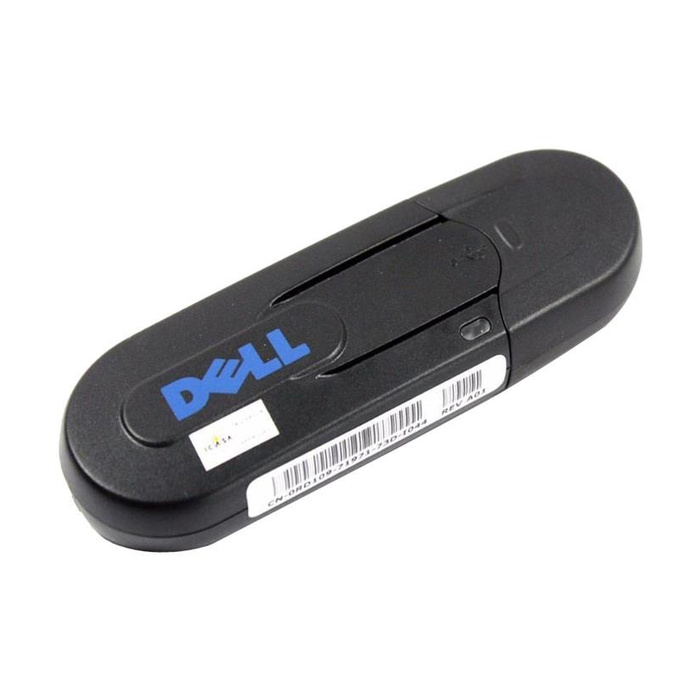
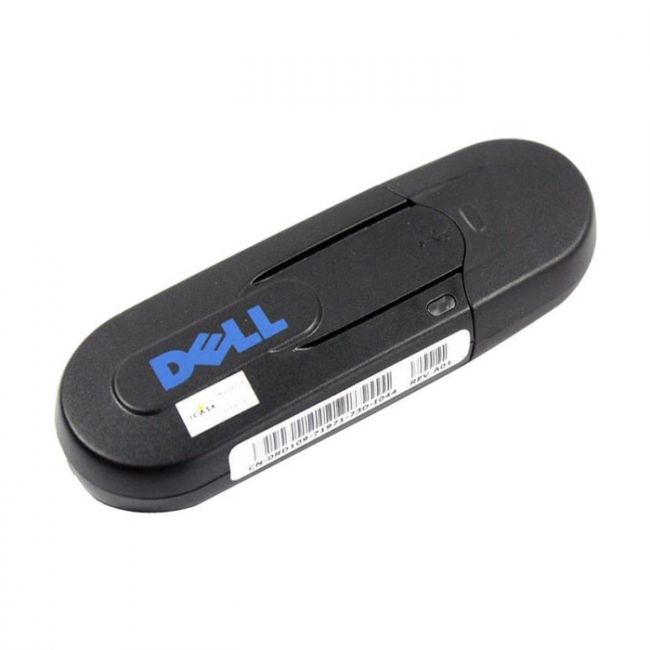
The RD109 - Dell Wireless Network Printer Adapter enables network printers to operate on wireless networks, making it easier to position and access printers within office spaces. It bridges wired printers to Wi-Fi networks without complex setup, fitting naturally into enterprise and SMB environments seeking flexible printing solutions. |
General Information |
|
|---|---|
| Brand | Dell |
Technical Information |
|
|---|---|
| Series | RD109 |
| product type | Wireless Network Printer Adapter |
| Product Category | Wireless Adapters |
| Compatibility | Dell printers |
Miscellaneous |
|
|---|---|
| Assembly Required | No |
| Compliance Standards | RoHS, CE, FCC |
Physical Characteristics |
|
|---|---|
| Form Factor | External |
| Weight | 3.00 |
| Condition | Refurbished |
Product Description |
|---|
The Dell Wireless Network Printer Adapter allows network printers to connect wirelessly, eliminating the need for physical cables and simplifying printer placement in office environments. It is often found in business or enterprise networks where flexible printer access is essential. IT administrators and office users benefit from the convenience of wireless printing without compromising security or performance. Key Features
This adapter plays a practical role by reducing cable clutter and enhancing printer accessibility across different office locations. Its consistent wireless performance ensures reliable print job delivery, supporting daily business functions smoothly. |
Use Cases |
|---|
The RD109 adapter is typically used in office environments where wired printer connections are impractical or limiting. It benefits organizations that want to extend printer accessibility without reworking network cabling or infrastructure. How It's Used:
By supporting wireless connections, the RD109 helps maintain network efficiency and printer availability in diverse environments, reducing downtime and improving operational flexibility. |
 Shipping Options
 International Delivery
Requires a UPS, FedEx, or DHL account. Customers may arrange pickup from our US warehouse.
International Delivery
Requires a UPS, FedEx, or DHL account. Customers may arrange pickup from our US warehouse.
 Payment Methods
We accept Visa, Mastercard, AMEX, Discover, and Wire Transfer.
Payment Methods
We accept Visa, Mastercard, AMEX, Discover, and Wire Transfer.
 Purchase Orders
We process purchase orders for government agencies, enterprises, data centers, and SMBs.
Purchase Orders
We process purchase orders for government agencies, enterprises, data centers, and SMBs.