

Subscribe To Our Newsletter!
Subscribe to the newsletter to stay up to date with the latest news and most useful
Newsletter
↑
Back to Top



Product Overview |
|---|
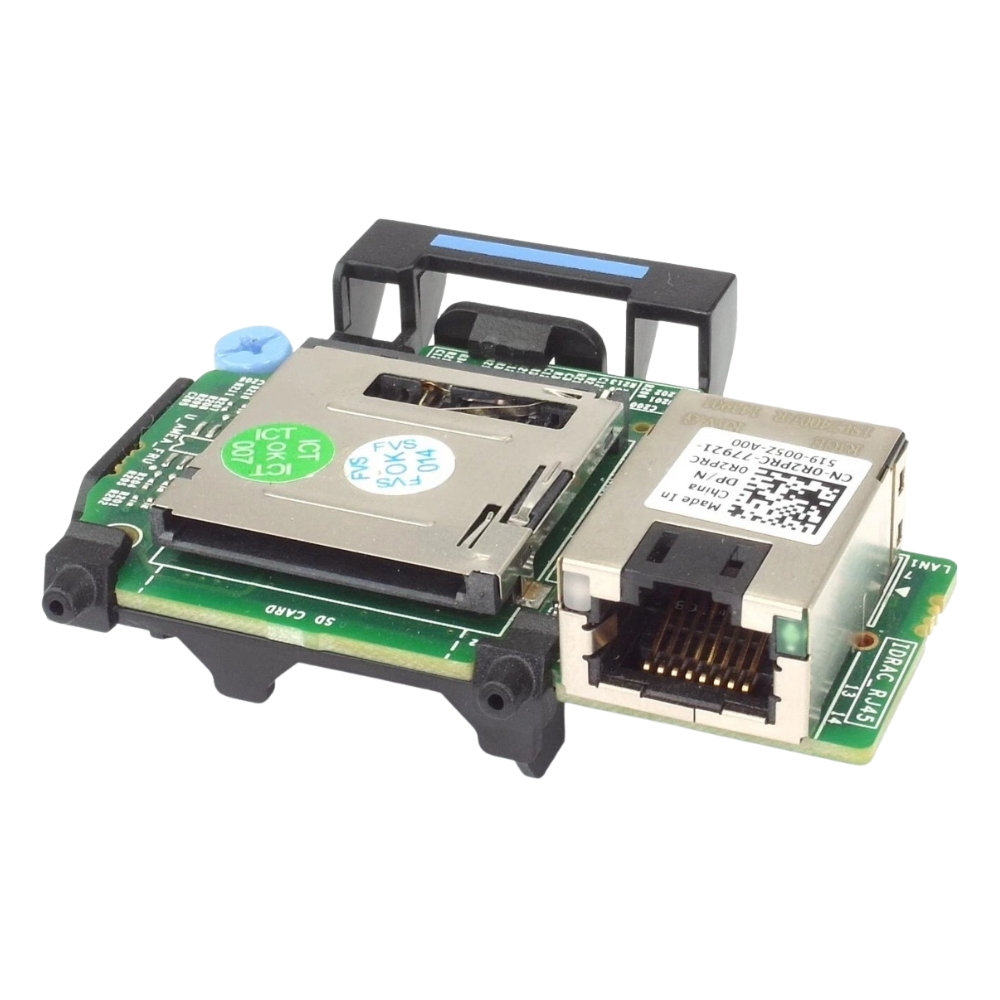
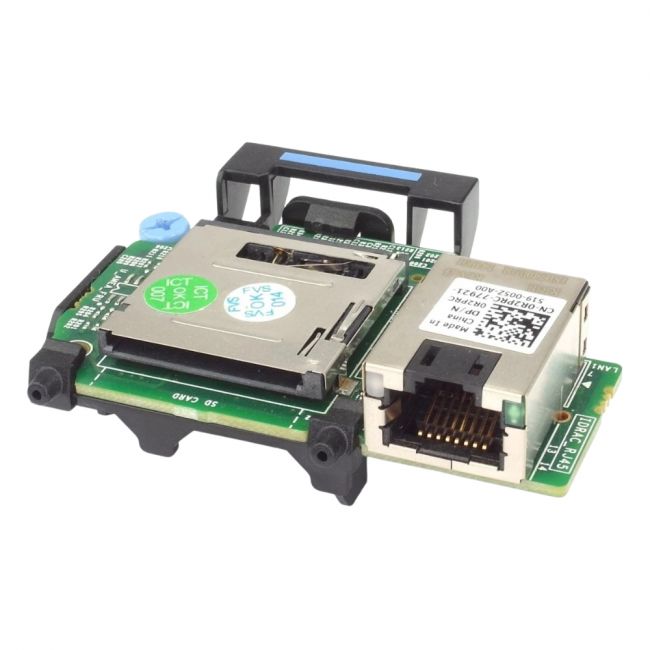
The Dell iDRAC R430/R530 Expansion Card enhances remote management functionality specifically for Dell PowerEdge R430 and R530 servers. This card integrates with the server's existing management infrastructure to provide administrators with improved monitoring, control, and troubleshooting capabilities. |
General Information |
|
|---|---|
| Brand | Dell |
Technical Information |
|
|---|---|
| Port Type | 1000Base-T |
| Port Speed | 1 Gbps |
| Ports | 1 |
| Data Rate | 1 Gbps |
| Compatibility | Dell PowerEdge R430,Dell PowerEdge R530 |
| Connector Type | RJ-45 |
| product type | iDRAC Remote Access/Management Expansion Card |
| Product Category | Expansion Modules |
Physical Characteristics |
|
|---|---|
| Form Factor | PCIe/mezzanine card |
| Weight | 3.00 |
| Condition | Refurbished |
Miscellaneous |
|
|---|---|
| Assembly Required | No |
| Compliance Standards | RoHS, CE, FCC |
Product Description |
|---|
The Dell iDRAC R430/R530 Expansion Card (part number R2PRC) is designed to extend the remote management features of Dell PowerEdge R430 and R530 servers. It allows IT administrators to access advanced server management functions remotely, improving operational oversight. This expansion card is typically used in data centers and enterprise environments where Dell R430 and R530 servers are deployed. IT professionals and system administrators benefit from the additional control and monitoring options it provides. Key Features
This expansion card plays a practical role in maintaining server health and simplifying management tasks. By enabling advanced remote access, it reduces the need for physical interventions and helps maintain uptime in managed server environments. |
Use Cases |
|---|
The R2PRC expansion card is typically deployed in enterprise data centers and IT environments utilizing Dell PowerEdge R430 or R530 servers. It is suited for workloads requiring centralized management and efficient server monitoring. How It's Used:
This expansion card supports operational efficiency by providing enhanced remote management tools, which help IT teams maintain system reliability while minimizing hands-on maintenance efforts. |
FAQ's |
|---|
|
 Shipping Options
 International Delivery
Requires a UPS, FedEx, or DHL account. Customers may arrange pickup from our US warehouse.
International Delivery
Requires a UPS, FedEx, or DHL account. Customers may arrange pickup from our US warehouse.
 Payment Methods
We accept Visa, Mastercard, AMEX, Discover, and Wire Transfer.
Payment Methods
We accept Visa, Mastercard, AMEX, Discover, and Wire Transfer.
 Purchase Orders
We process purchase orders for government agencies, enterprises, data centers, and SMBs.
Purchase Orders
We process purchase orders for government agencies, enterprises, data centers, and SMBs.