

Subscribe To Our Newsletter!
Subscribe to the newsletter to stay up to date with the latest news and most useful
Newsletter
↑
Back to Top



Product Overview |
|---|
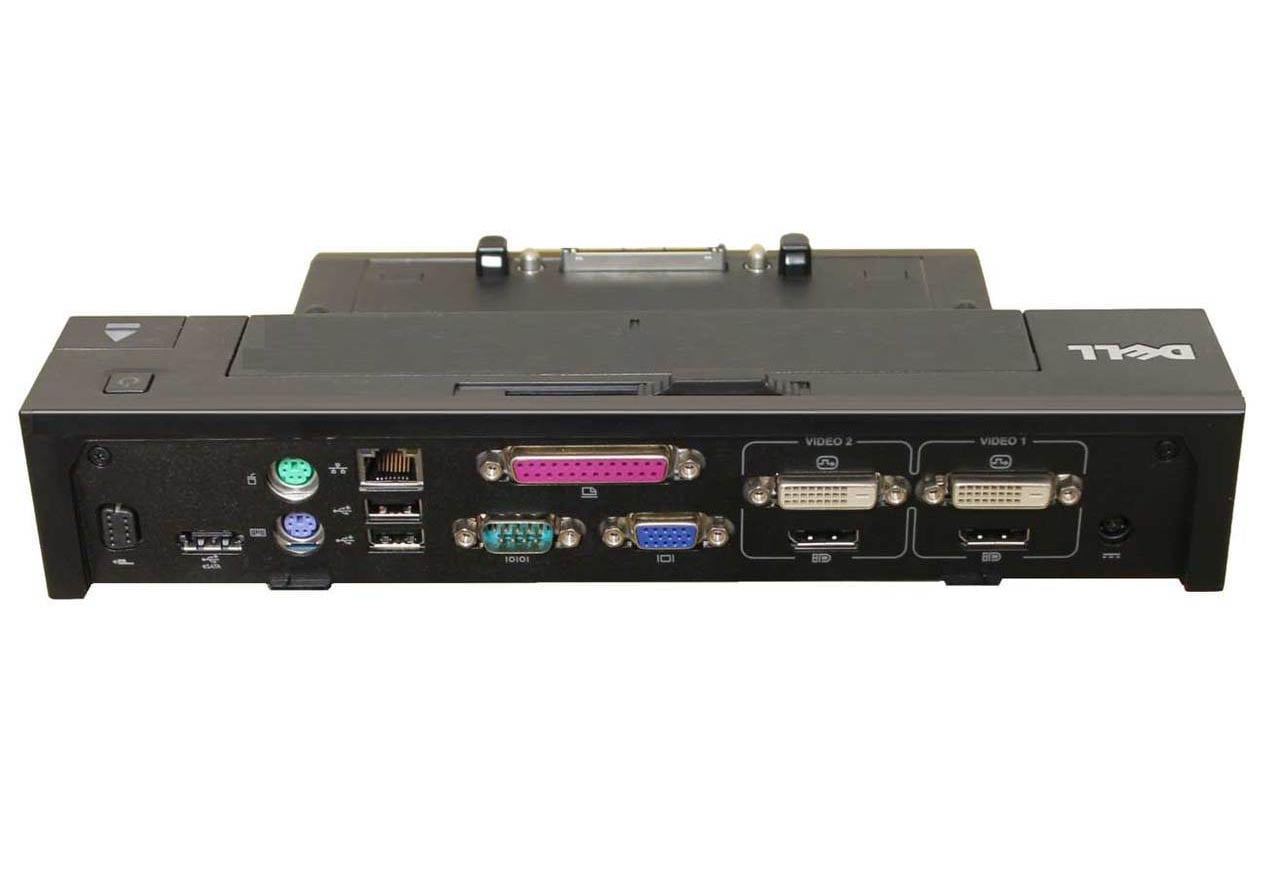
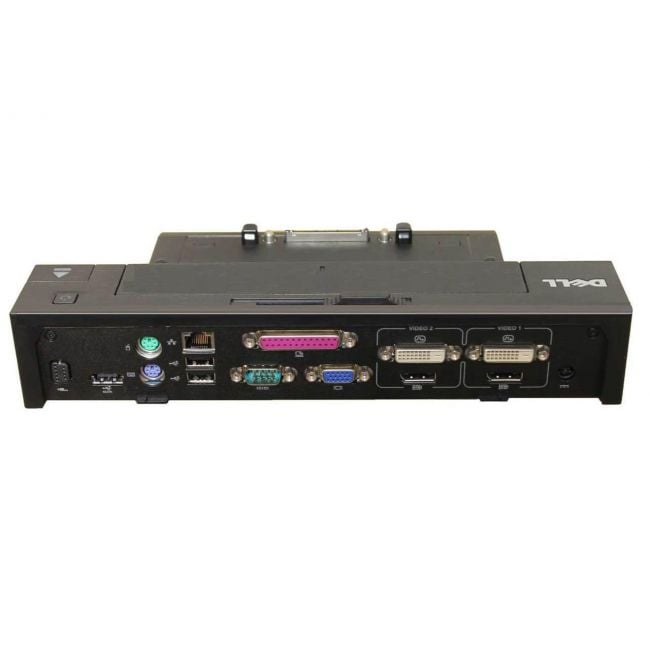
The Dell E-Port Plus II USB 3.0 Advanced Port Replicator expands a Latitude E-Family laptop's capabilities by connecting it to various external devices and displays. It fits naturally into office setups where users need quick, reliable docking and power support without juggling multiple cables. |
General Information |
|
|---|---|
| Brand | Dell |
| Part Number | PR02X |
Technical Information |
|
|---|---|
| USB Port | USB 3.0, USB 2.0 |
| Ports | USB 3.0 x4, USB 2.0 x2, DisplayPort x1, DVI-D x1, VGA x1, RJ-45 (Gigabit Ethernet) x1, eSATA x1, Audio-out (line/headphone) x1, Microphone-in x1 |
| Audio Ports | Line-out (headphone), Microphone-in |
| Output Connectors | DVI-D, VGA, DisplayPort, RJ-45 (Gigabit Ethernet), eSATA |
| Power Supply | PA-3E 130-Watt AC Adapter |
Physical Characteristics |
|
|---|---|
| Weight | 5.00 |
| Condition | Refurbished |
Miscellaneous |
|
|---|---|
| Eco Friendly | Yes |
Product Description |
|---|
The Dell E-Port Plus II USB 3.0 Advanced Port Replicator offers a convenient way to expand your laptop's connectivity options. It provides a single docking solution that connects your Latitude E-Family laptop to multiple devices, enabling a streamlined work setup. Often found in office environments and workstations, this replicator is built for professionals who need quick access to extended displays, USB devices, and network connections without the hassle of plugging and unplugging multiple cables. Key Features
This port replicator is typically seen on desks where users need to quickly connect their laptops to numerous devices such as monitors, keyboards, and network cables. It helps maintain an organized workspace and reduces setup time. By centralizing connections, it streamlines workflows and ensures laptops retain full functionality in a desktop-like environment, which is especially helpful for professionals moving between office and remote work settings. |
Use Cases |
|---|
The Dell E-Port Plus II USB 3.0 Advanced Port Replicator is commonly deployed in enterprise office environments where IT professionals require efficient workstation setups. It is particularly beneficial for users of Latitude E-Family laptops who need seamless access to multiple peripherals and external displays for complex multitasking. How It's Used:
This port replicator enhances operational efficiency by enabling fast, consistent docking with reliable power delivery. It supports scalability in office environments where users frequently switch workstations, ensuring uninterrupted access to critical peripherals and displays. |
 Shipping Options
 International Delivery
Requires a UPS, FedEx, or DHL account. Customers may arrange pickup from our US warehouse.
International Delivery
Requires a UPS, FedEx, or DHL account. Customers may arrange pickup from our US warehouse.
 Payment Methods
We accept Visa, Mastercard, AMEX, Discover, and Wire Transfer.
Payment Methods
We accept Visa, Mastercard, AMEX, Discover, and Wire Transfer.
 Purchase Orders
We process purchase orders for government agencies, enterprises, data centers, and SMBs.
Purchase Orders
We process purchase orders for government agencies, enterprises, data centers, and SMBs.