

Subscribe To Our Newsletter!
Subscribe to the newsletter to stay up to date with the latest news and most useful
Newsletter
↑
Back to Top



Product Overview |
|---|
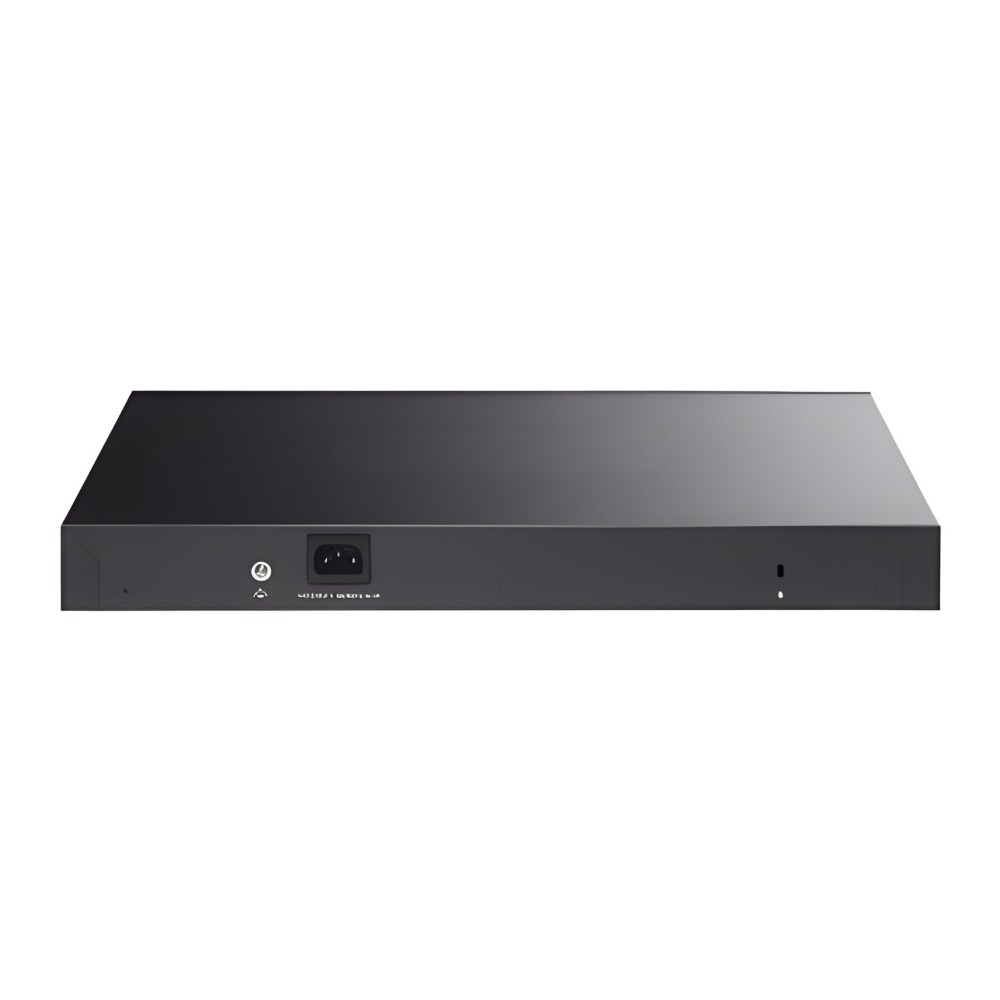
The Cisco Meraki MS210-24 Access Switch offers reliable Gigabit connections with simple cloud-based management. Designed to fit into access layer roles, it provides essential switching features suitable for a range of environments from small offices to branch locations. Its integration into the Meraki ecosystem makes it a practical choice for networks that need straightforward control without complex hardware setups. |
General Information |
|
|---|---|
| Brand | Cisco |
| Part Number | MS210-24-HW |
| Condition | Refurbished |
Technical Information |
|
|---|---|
| Switch Ports | 24 x 10/100/1000 RJ-45,2 x 1G SFP |
| Number of Ports | 24-Ports |
| Port Speed | 10/100/1000 Mbps |
| Switching Capacity | 52 Gbps |
| Max VLANs Supported | 1-4094 |
| Connector Type | RJ-45,SFP |
Performance |
|
|---|---|
| Jumbo Frame Support | Up To 9216 Bytes |
Management and Configuration |
|
|---|---|
| Security | 802.1X,RADIUS,Access Control Lists (ACLs), MAC-based access control |
| Remote Management Protocol | Meraki Dashboard API,SNMP,HTTPS |
Power & Cooling |
|
|---|---|
| Fans | Fanless |
Physical Characteristics |
|
|---|---|
| Weight | 3.00 |
| Operating Temperature | 0°C to 40°C |
Miscellaneous |
|
|---|---|
| Compliance Standards | RoHS, CE, FCC |
| Compliant Standards | IEEE 802.3, IEEE 802.3u, IEEE 802.3ab, IEEE 802.3x, IEEE 802.1Q, IEEE 802.1p, IEEE 802.1X, IEEE 802.1D, IEEE 802.1w |
Product Description |
|---|
The Cisco Meraki MS210-24 is a versatile access switch designed to provide reliable network connectivity in business environments. It’s commonly used in offices, schools, and retail stores to connect devices like computers, printers, and IP phones to the network with ease. Built for network administrators who want straightforward setup and management, the MS210-24 integrates seamlessly into Meraki’s cloud platform, allowing remote monitoring and configuration without the need for onsite intervention. Key Features
This switch is often found in small to medium-sized networks where ease of use and centralized management are important. In practice, it helps reduce overhead for IT teams and keeps network performance steady by simplifying routine tasks. |
Use Cases |
|---|
The Cisco Meraki MS210-24 Access Switch is typically deployed in access layer network segments where centralized cloud management and reliable Gigabit connectivity are essential. It is well-suited for environments such as small to medium-sized branch offices, educational campuses, and retail locations that require straightforward network deployment and monitoring without heavy on-premises infrastructure. How It's Used:
This switch facilitates operational efficiency by offering centralized network oversight and seamless scalability through cloud management, reducing the need for localized technical intervention. Its design supports effective bandwidth utilization and network segmentation, aiding performance consistency across diverse access layer deployments. |
 Shipping Options
 International Delivery
Requires a UPS, FedEx, or DHL account. Customers may arrange pickup from our US warehouse.
International Delivery
Requires a UPS, FedEx, or DHL account. Customers may arrange pickup from our US warehouse.
 Payment Methods
We accept Visa, Mastercard, AMEX, Discover, and Wire Transfer.
Payment Methods
We accept Visa, Mastercard, AMEX, Discover, and Wire Transfer.
 Purchase Orders
We process purchase orders for government agencies, enterprises, data centers, and SMBs.
Purchase Orders
We process purchase orders for government agencies, enterprises, data centers, and SMBs.