
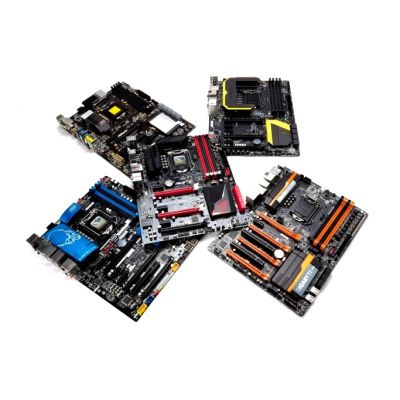

Subscribe To Our Newsletter!
Subscribe to the newsletter to stay up to date with the latest news and most useful
Newsletter
↑
Back to Top


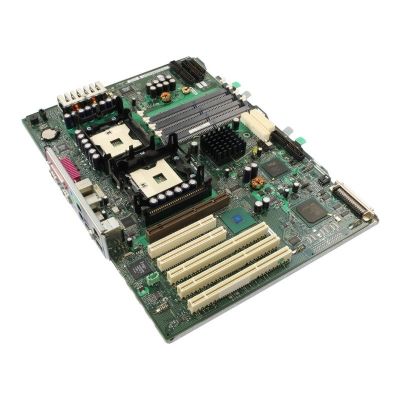
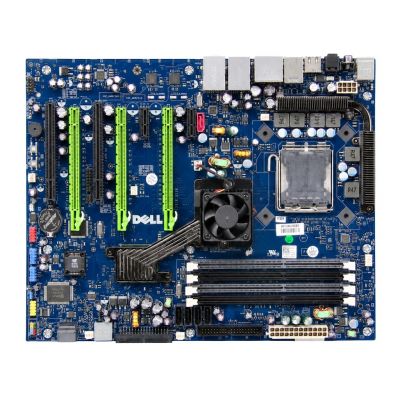
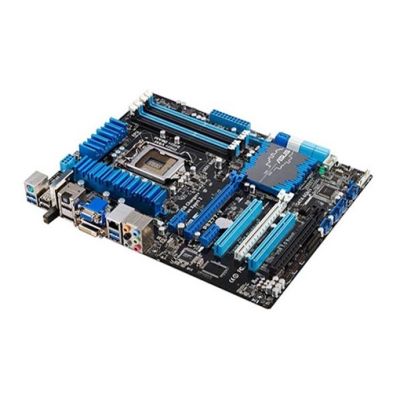
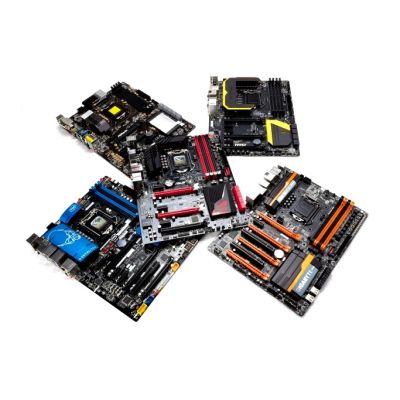
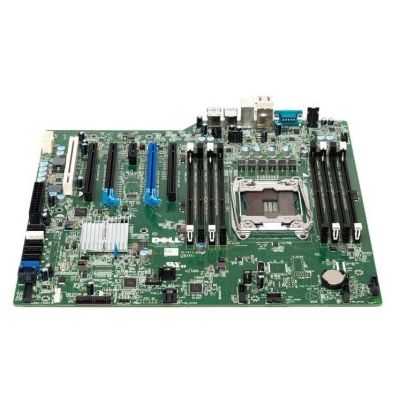
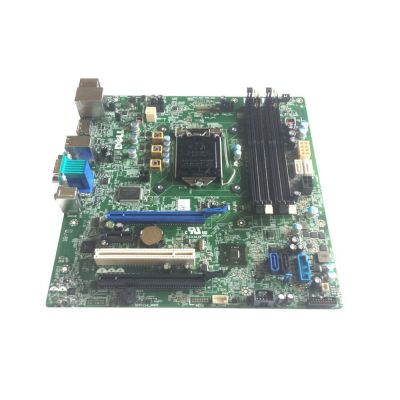
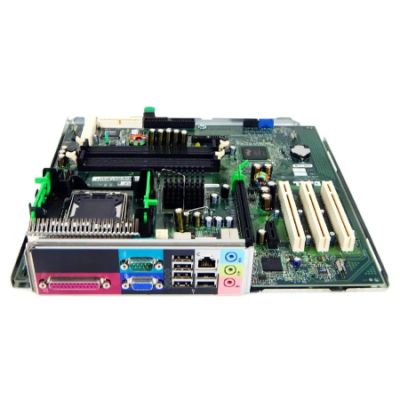
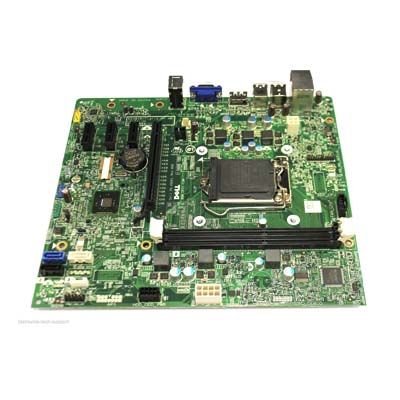
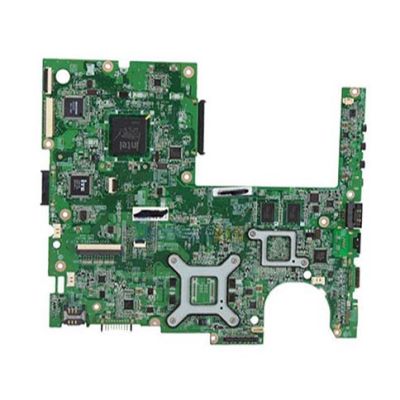
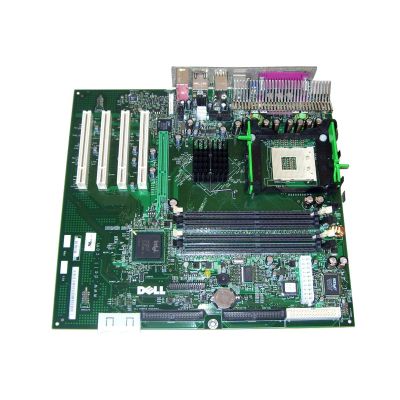
Motherboard is the main control center of your computer. Without it, your computer just wouldn’t function. It makes sure that all the parts are working efficiently together.
What is a Motherboard
The motherboard works as a central hub that connects all the key components it is the main circuit board inside a computer. It allows communication between all these components through ways called buses and manages power distribution. It provides slots for expansion cards and has ports to connect external devices like USBs and monitors. Advanced motherboard models also support overclocking, integrated Wi-Fi, and multiple GPU configurations.
Types of Motherboards
Motherboards are available in different sizes and form factors all of them are for different needs. ATX offers plenty of expansion slots and ports for things like graphics cards and USBs and the Micro-ATX is a more compact version. For space-saving builds Mini ITX would be perfect as it is smaller and used in compact. E-ATX is perfect for high-end setups as it has more room for advanced components and XL-ATX is larger and supports multiple GPUs for extreme-performance builds. It depends on the user's needs for performance and space.
