

Subscribe To Our Newsletter!
Subscribe to the newsletter to stay up to date with the latest news and most useful
Newsletter
↑
Back to Top



Product Overview |
|---|
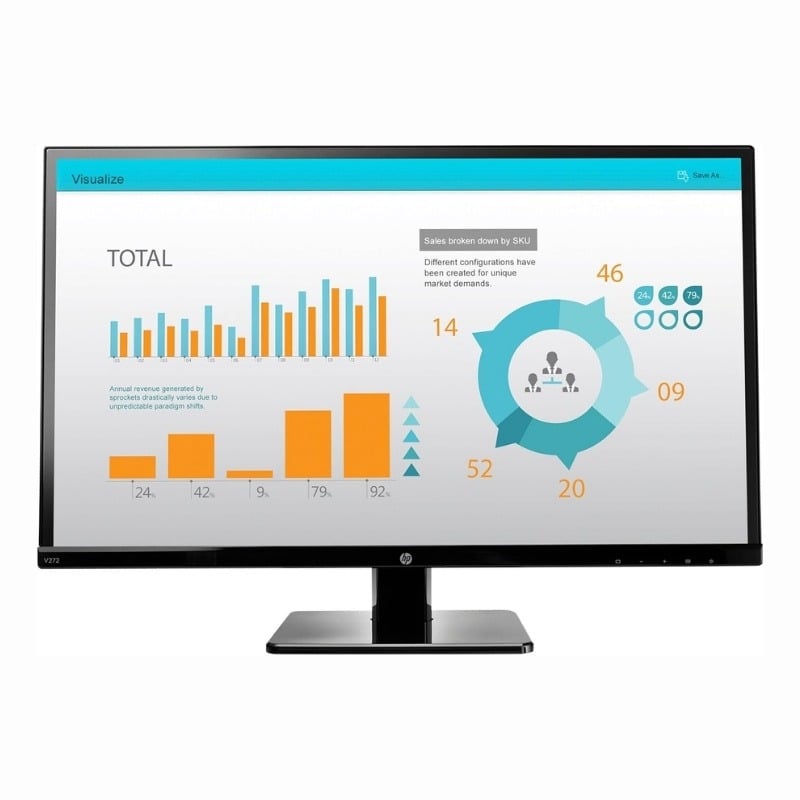
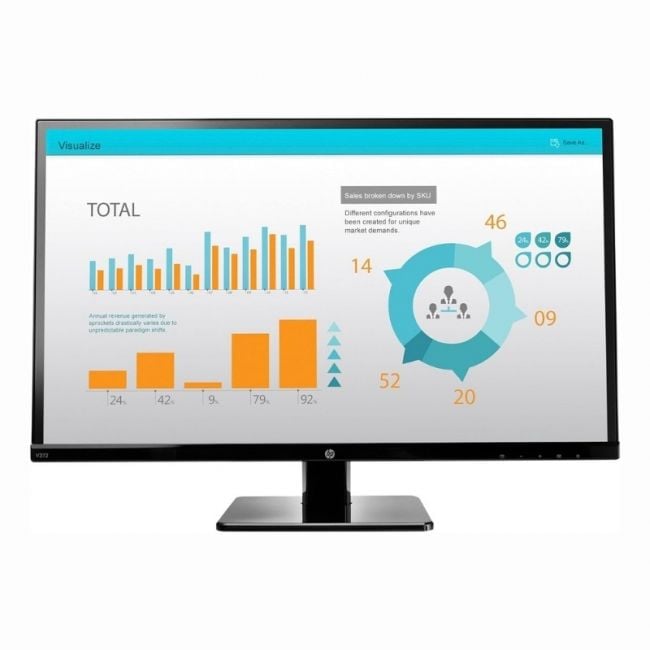
The HP V272 27-inch LED monitor offers clear full HD display and a variety of connection ports that fit well in both personal and professional settings. Its size and input options make it a practical choice for users who want a reliable screen that handles work and entertainment with ease. |
General Information |
|
|---|---|
| Brand | HP |
| Part Number | M4B78AA#ABA |
Technical Information |
|
|---|---|
| Screen Size | 27-Inch |
| Screen Type | TFT LCD (LED backlight) |
| Screen Resolution | 1920 x 1080 (Full HD) |
| Monitor Ports | DVI-D, HDMI, VGA, 3.5 mm Audio-In |
| Refresh Rate | 60 Hz |
| Aspect Ratio | 16:9 |
| Connectivity | DVI-D, HDMI, VGA, 3.5 mm audio |
Physical Characteristics |
|
|---|---|
| Condition | Refurbished |
| Weight | 5.00 |
Miscellaneous |
|
|---|---|
| Assembly Required | Yes |
| Compliance Standards | CE, FCC |
Product Description |
|---|
The HP V272 is a 27-inch monitor designed to deliver sharp visuals and convenient connectivity for everyday computing needs. It provides a full HD resolution that suits both work and entertainment, making it a solid choice for home offices, classrooms, or general use environments. Often found in office setups and media centers, this monitor supports a wide range of devices thanks to its multiple input options including HDMI, DVI-D, and VGA. Users who need a straightforward display with reliable performance often choose it for its balance of size, picture quality, and connectivity. Key Features
This monitor typically sits on desks where users need a clean, clear display for everyday tasks like document editing, web browsing, and media consumption. Its range of input options makes it easy to switch between devices, and the built-in audio input adds flexibility for multimedia use without extra cables. |
Use Cases |
|---|
The HP V272 27-inch monitor is optimized for office environments and professional workspaces that require reliable full HD display with flexible connectivity. It suits users who manage multiple devices or need clear visuals for tasks such as data analysis, content creation, or administrative workflows. How It's Used:
This monitor supports operational efficiency by accommodating various device inputs and providing a dependable visual platform. Its adaptability to different workflows ensures scalable deployment across multiple office scenarios, reinforcing performance without complexity. |
 Shipping Options
 International Delivery
Requires a UPS, FedEx, or DHL account. Customers may arrange pickup from our US warehouse.
International Delivery
Requires a UPS, FedEx, or DHL account. Customers may arrange pickup from our US warehouse.
 Payment Methods
We accept Visa, Mastercard, AMEX, Discover, and Wire Transfer.
Payment Methods
We accept Visa, Mastercard, AMEX, Discover, and Wire Transfer.
 Purchase Orders
We process purchase orders for government agencies, enterprises, data centers, and SMBs.
Purchase Orders
We process purchase orders for government agencies, enterprises, data centers, and SMBs.