

Subscribe To Our Newsletter!
Subscribe to the newsletter to stay up to date with the latest news and most useful
Newsletter
↑
Back to Top



Product Overview |
|---|
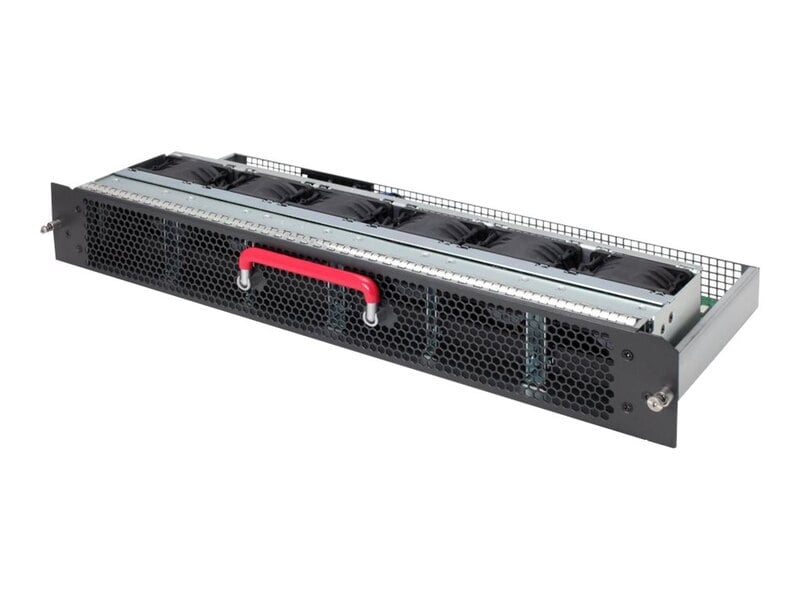
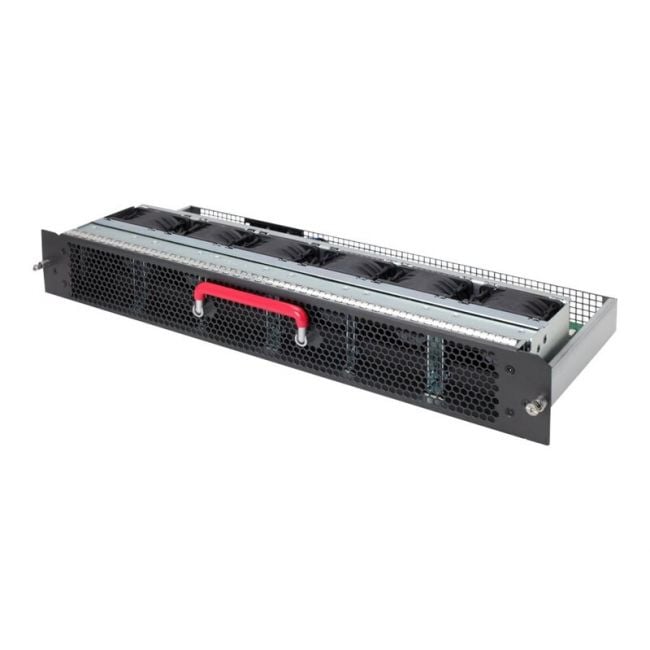
The HP JG843A Front to Back Airflow Fan Tray plays a key role in managing airflow within HP server environments. It fits into ProLiant servers to channel air effectively from front to back, helping keep vital components cool and operational during heavy workloads. |
General Information |
|
|---|---|
| Brand | HP |
Technical Specification |
|
|---|---|
| Component Type | Fan Tray |
| Cooling Method | Active |
| Airflow Direction | Front to Back |
Physical Characteristics |
|
|---|---|
| Form Factor | Hot-plug Fan Tray |
| Weight | 5.00 |
| Condition | Refurbished |
Miscellaneous |
|
|---|---|
| Assembly Required | Yes |
| Eco Friendly | Yes |
| Compliance Standards | WEEE, RoHS, cURus, CE, FCC, CCC, UL, TUV, cULus, CSA, cUL |
Product Description |
|---|
The HP JG843A Front to Back Airflow Fan Tray is built to regulate airflow within HP ProLiant server systems. It efficiently directs cool air from the front to the back of the chassis, maintaining proper temperature balance and preventing overheating. This fan tray is often found in data centers and IT environments where server reliability is critical. Key Features
This fan tray is typically deployed inside enterprise-grade servers where maintaining temperature is essential to system performance. By supporting efficient airflow, it contributes to stable hardware performance and reduces the risk of thermal shutdowns in demanding IT setups. |
Use Cases |
|---|
The HP JG843A Front to Back Airflow Fan Tray is designed for deployment within HP ProLiant server environments, particularly where effective thermal management is critical. IT administrators operating data centers or enterprise server rooms with dense rack deployments benefit from its focused airflow design, which enhances cooling efficiency in high-demand computing scenarios. How It's Used:
Integrating the JG843A fan tray helps maintain consistent thermal conditions, which is essential for the longevity and performance of server hardware. Its role in managing front-to-back airflow supports scalable infrastructure by enabling dense hardware configurations without compromising cooling effectiveness. |
 Shipping Options
 International Delivery
Requires a UPS, FedEx, or DHL account. Customers may arrange pickup from our US warehouse.
International Delivery
Requires a UPS, FedEx, or DHL account. Customers may arrange pickup from our US warehouse.
 Payment Methods
We accept Visa, Mastercard, AMEX, Discover, and Wire Transfer.
Payment Methods
We accept Visa, Mastercard, AMEX, Discover, and Wire Transfer.
 Purchase Orders
We process purchase orders for government agencies, enterprises, data centers, and SMBs.
Purchase Orders
We process purchase orders for government agencies, enterprises, data centers, and SMBs.