

Subscribe To Our Newsletter!
Subscribe to the newsletter to stay up to date with the latest news and most useful
Newsletter
↑
Back to Top



Product Overview |
|---|
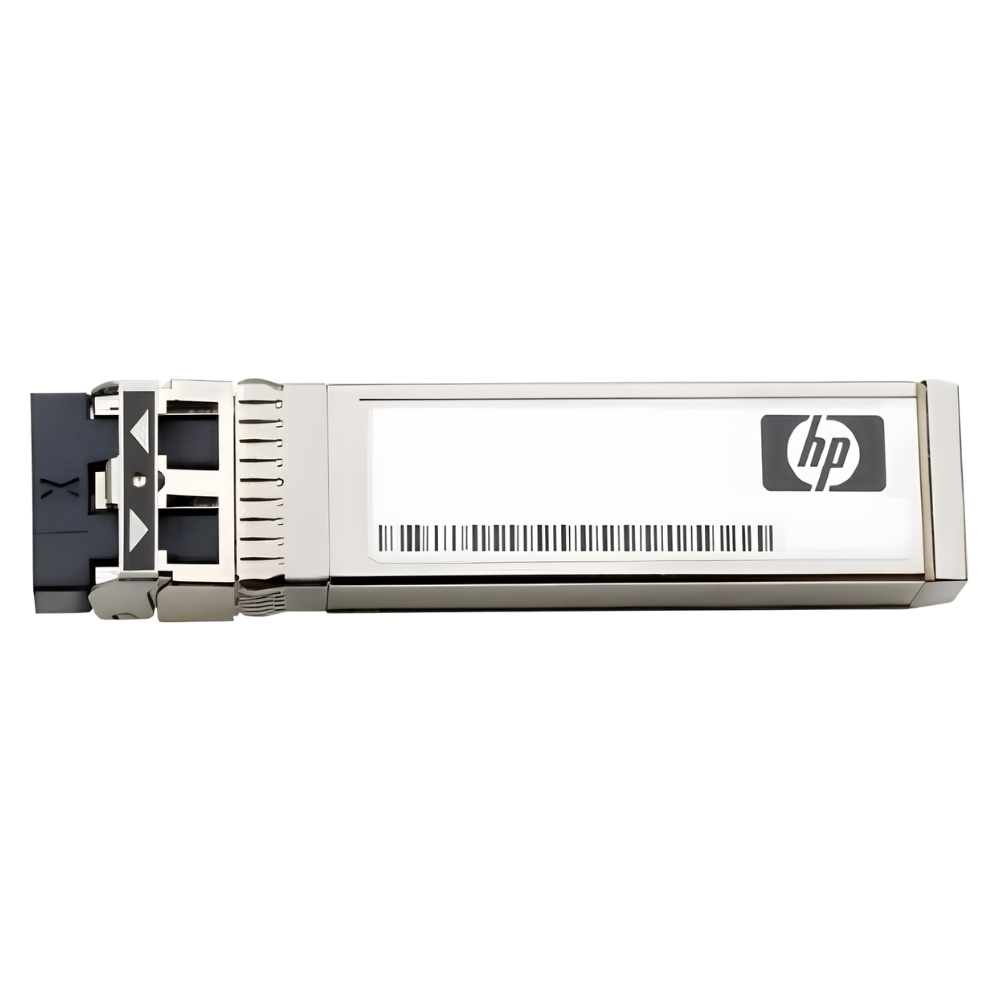
The JD497A HP X110 SFP Transceiver Module enables 100 Mbps fiber optic connectivity using multi-mode fiber cables with an LC interface. It fits into standard SFP slots on HP networking devices and allows for flexible fiber link deployment in various network infrastructures. |
General Information |
|
|---|---|
| Brand | HP |
Technical Information |
|
|---|---|
| Form Factor | SFP |
| Media | MMF |
| Protocols | 100BASE-FX |
| Connector | LC Duplex |
| DOM Support | No |
Physical Characteristics |
|
|---|---|
| Weight | 3.00 |
| Condition | Refurbished |
Product Description |
|---|
The JD497A HP X110 SFP Transceiver Module is designed to provide high-quality fiber connectivity over multi-mode cables. It is commonly found in networking environments requiring 100 Mbps fiber optic links using the LC connector type. Built for network administrators and IT professionals, it offers a straightforward solution for extending fiber connections in enterprise and data center networks. This module fits into standard SFP slots and supports efficient network scalability. Key Features
Its role is to facilitate fiber optic communication with dependable signal integrity, aiding in smooth data transmission across network segments. The module’s solid performance and compatibility make it a reliable choice for maintaining fiber network links. |
Use Cases |
|---|
This transceiver module is typically used in enterprise and data center environments where multi-mode fiber links are needed to connect switches, routers, or other network hardware. It benefits networks requiring reliable 100 Mbps fiber connections with minimal downtime. How It's Used:
By supporting hot-swappable installation and consistent fiber transmission, the JD497A module helps maintain network uptime and supports scalable network growth. It contributes to efficient fiber link management across various network setups. |
 Shipping Options
 International Delivery
Requires a UPS, FedEx, or DHL account. Customers may arrange pickup from our US warehouse.
International Delivery
Requires a UPS, FedEx, or DHL account. Customers may arrange pickup from our US warehouse.
 Payment Methods
We accept Visa, Mastercard, AMEX, Discover, and Wire Transfer.
Payment Methods
We accept Visa, Mastercard, AMEX, Discover, and Wire Transfer.
 Purchase Orders
We process purchase orders for government agencies, enterprises, data centers, and SMBs.
Purchase Orders
We process purchase orders for government agencies, enterprises, data centers, and SMBs.