

Subscribe To Our Newsletter!
Subscribe to the newsletter to stay up to date with the latest news and most useful
Newsletter
↑
Back to Top



Product Overview |
|---|
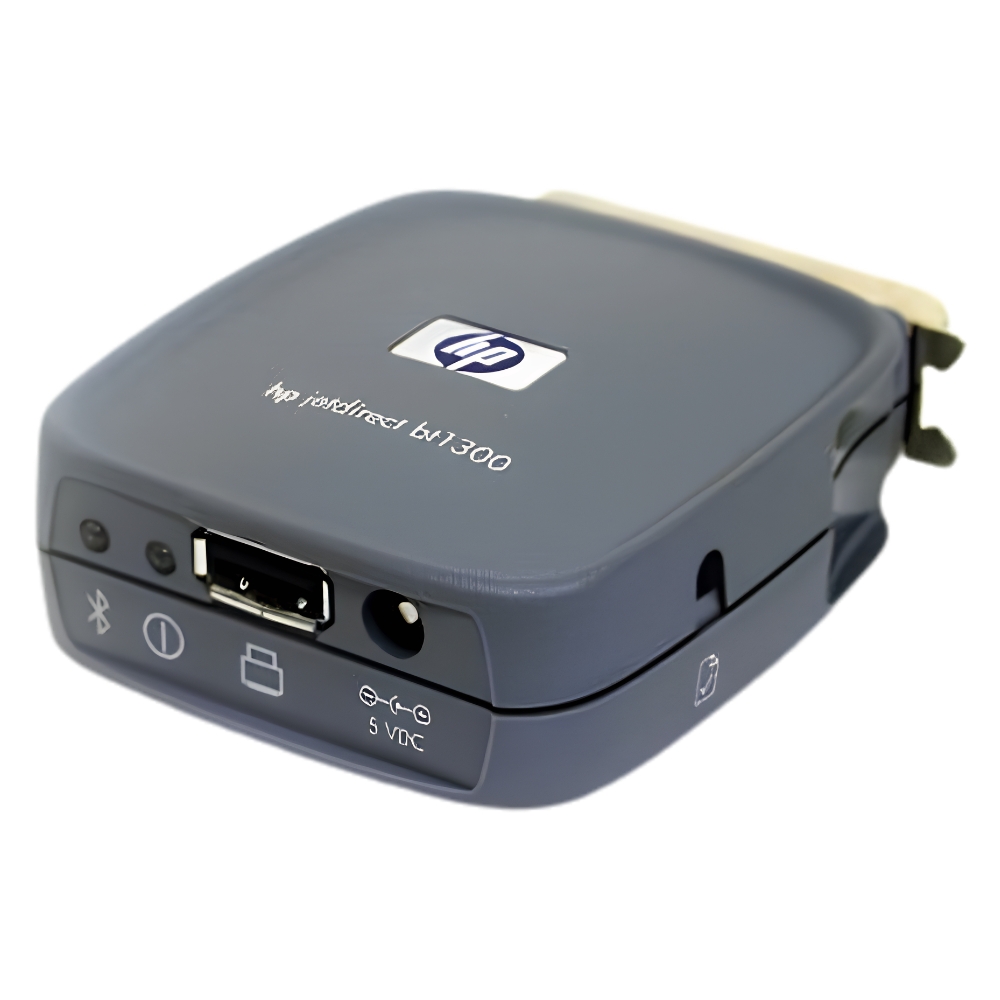
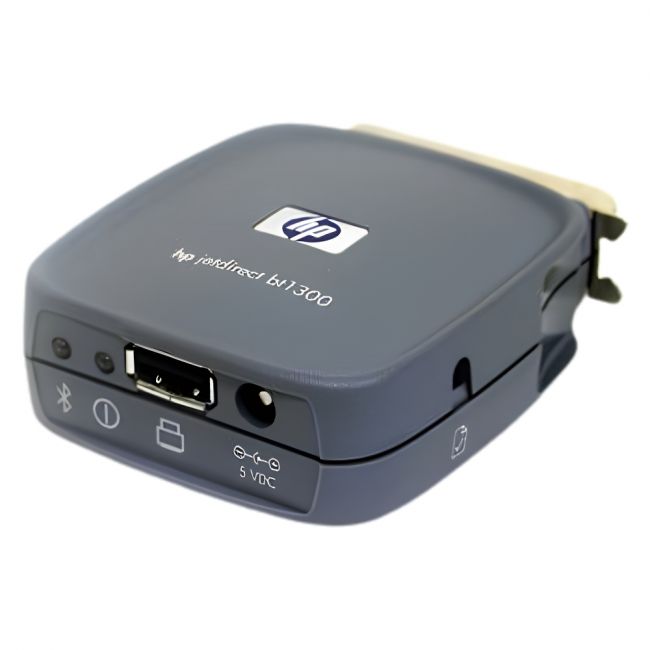
The J6072-61001 HP JetDirect BT1300 Bluetooth Wireless Printer Adapter allows printers to connect wirelessly via Bluetooth, eliminating the need for physical network cables. It fits between the printer and the computer, bridging USB or parallel interfaces to Bluetooth-enabled devices and facilitating convenient printing in environments where wireless access is preferred. |
General Information |
|
|---|---|
| Brand | HP |
Technical Information |
|
|---|---|
| Product Type | Network Adaptor |
| Data Center Bridging | No |
Connectivity & Physical |
|
|---|---|
| Form Factor | USB Dongle |
| Weight | 3.00 |
| Condition | Refurbished |
Miscellaneous |
|
|---|---|
| Assembly Required | No |
| Compliance Standards | WEEE, RoHS, CE, FCC |
Product Description |
|---|
The J6072-61001 HP JetDirect BT1300 adapter provides wireless Bluetooth connectivity for printers, allowing them to communicate with computers and other devices without physical network cables. It is commonly found in office environments where flexible printer placement is desired, especially in areas requiring cable reduction. Built for IT managers and office administrators, it helps extend printer accessibility without rewiring or relocating network infrastructure. The adapter supports both USB and parallel interfaces, making it compatible with a variety of printer models. Key Features
This adapter plays a practical role in simplifying printer connectivity in busy office settings. By removing the need for network cables, it streamlines setup and reduces maintenance challenges. Its stable Bluetooth connection supports consistent printing performance. |
Use Cases |
|---|
This adapter is typically used in office spaces and small business environments where flexible printer placement is necessary. It benefits users requiring wireless printing capability without extensive network rewiring or infrastructure changes. How It's Used:
By supporting wireless communication between printers and devices, this adapter helps maintain efficient printing workflows. It enhances operational flexibility and reduces physical setup constraints in various professional environments. |
 Shipping Options
 International Delivery
Requires a UPS, FedEx, or DHL account. Customers may arrange pickup from our US warehouse.
International Delivery
Requires a UPS, FedEx, or DHL account. Customers may arrange pickup from our US warehouse.
 Payment Methods
We accept Visa, Mastercard, AMEX, Discover, and Wire Transfer.
Payment Methods
We accept Visa, Mastercard, AMEX, Discover, and Wire Transfer.
 Purchase Orders
We process purchase orders for government agencies, enterprises, data centers, and SMBs.
Purchase Orders
We process purchase orders for government agencies, enterprises, data centers, and SMBs.