

Subscribe To Our Newsletter!
Subscribe to the newsletter to stay up to date with the latest news and most useful
Newsletter
↑
Back to Top



Product Overview |
|---|
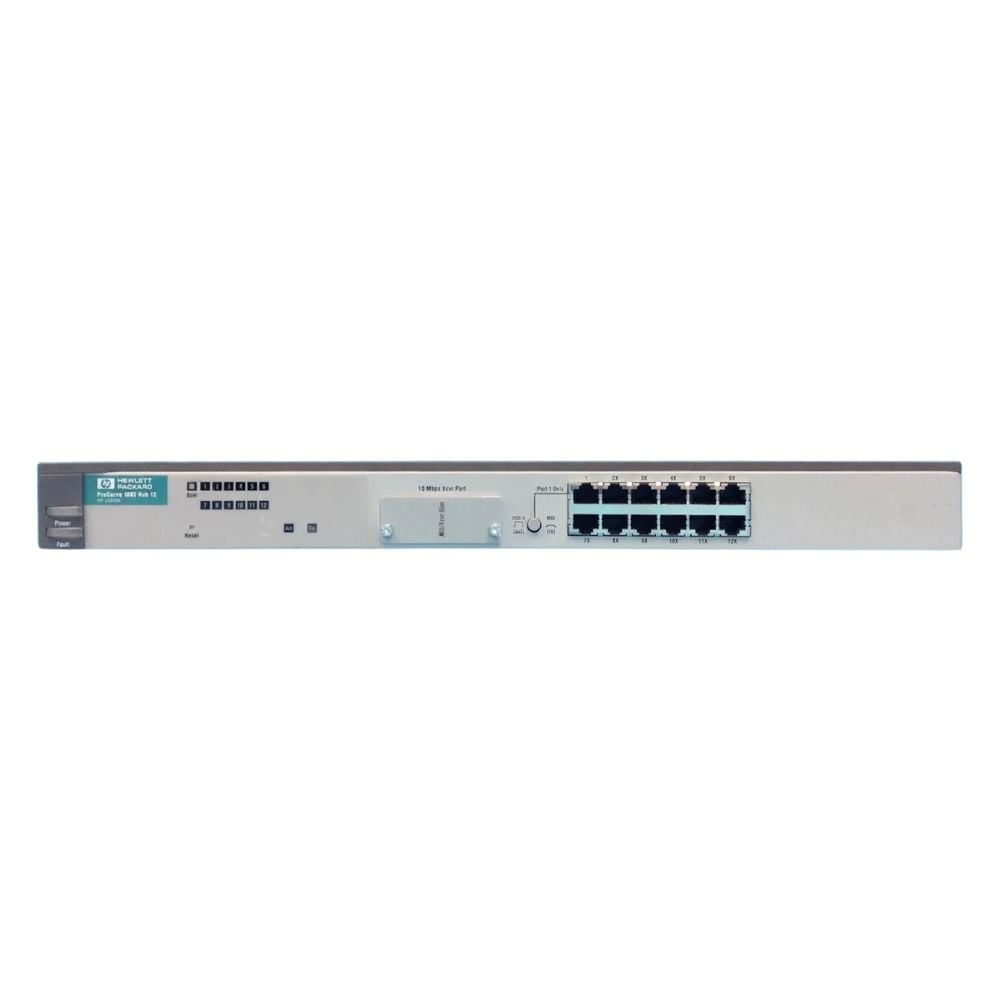
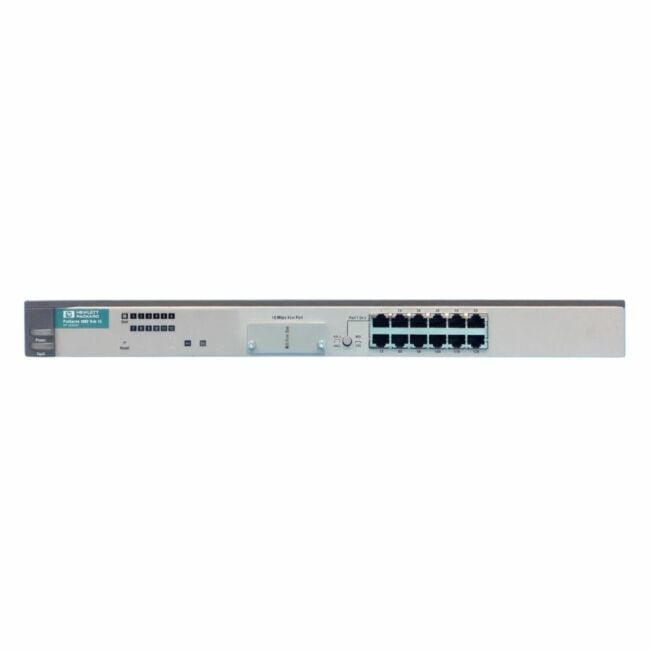
The HPE ProCurve J3300A hub offers 12 RJ-45 Ethernet ports along with a single transceiver slot, allowing connectivity for multiple network devices. It fits within HPE ProCurve networking systems and supports standard Ethernet cabling to ensure interoperability in structured network environments. |
General Information |
|
|---|---|
| Brand | HPE |
| Condition | Refurbished |
Technical Information |
|
|---|---|
| Switch Type | Unmanaged Switch |
| Form Factor | Desktop |
| Mount Type | Desktop |
| Switch Ports | 12-Ports |
| Number of Ports | 12-Ports |
| Port Type | 10/100Base-TX, RJ-45, SFP |
| Port Speed | 10/100Base-TX |
| UpLink Ports | 1-Port |
| POE Support | No |
| VLAN Support | No |
| Stackable | No |
| Connector Type | RJ-45,SFP |
Management and Configuration |
|
|---|---|
| Remote Protocols | No |
| Management Type | Unmanaged |
Power & Cooling |
|
|---|---|
| Fans | No |
Physical Characteristics |
|
|---|---|
| Weight | 3.00 |
Miscellaneous |
|
|---|---|
| Eco Friendly | Yes |
| Assembly Required | No |
Product Description |
|---|
The HPE ProCurve J3300A is a network hub designed to provide 12 RJ-45 Ethernet ports along with a single transceiver slot. It serves as a connection point for multiple devices within a local area network, enabling data communication between devices. This hub is typically used in enterprise or medium-sized business networking environments where multiple devices need to be interconnected. Network administrators and IT professionals use it to facilitate network traffic management and device connectivity. Key Features
By providing multiple Ethernet ports and a transceiver slot, this hub allows organizations to expand their wired network infrastructure efficiently. It supports the connectivity needs of various network devices and helps maintain structured network layouts. |
Use Cases |
|---|
The J3300A hub is commonly used in office or data center networks requiring multiple wired connections. It suits environments where integrating various Ethernet-enabled devices is necessary, and flexible transceiver support benefits network expansion. How It's Used:
This hub plays a fundamental role in simplifying network connections and allowing manageable growth. It enables IT teams to maintain structured and organized network topologies without complex configurations. |
FAQ's |
|---|
|
 Shipping Options
 International Delivery
Requires a UPS, FedEx, or DHL account. Customers may arrange pickup from our US warehouse.
 Payment Methods
We accept Visa, Mastercard, AMEX, Discover, and Wire Transfer.
 Purchase Orders
We process purchase orders for government agencies, enterprises, data centers, and SMBs.