

Subscribe To Our Newsletter!
Subscribe to the newsletter to stay up to date with the latest news and most useful
Newsletter
↑
Back to Top



Product Overview |
|---|
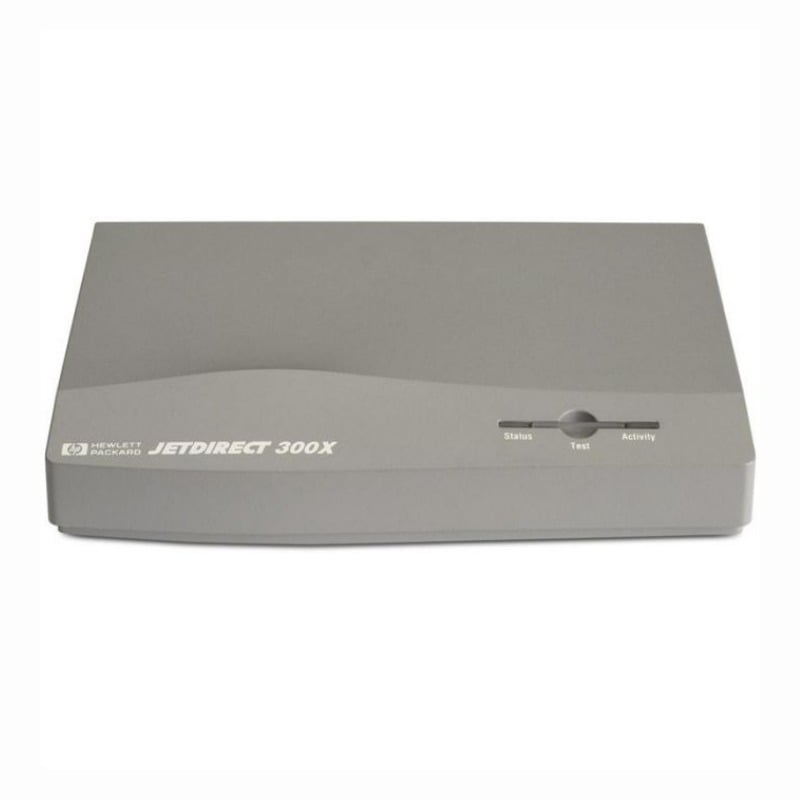
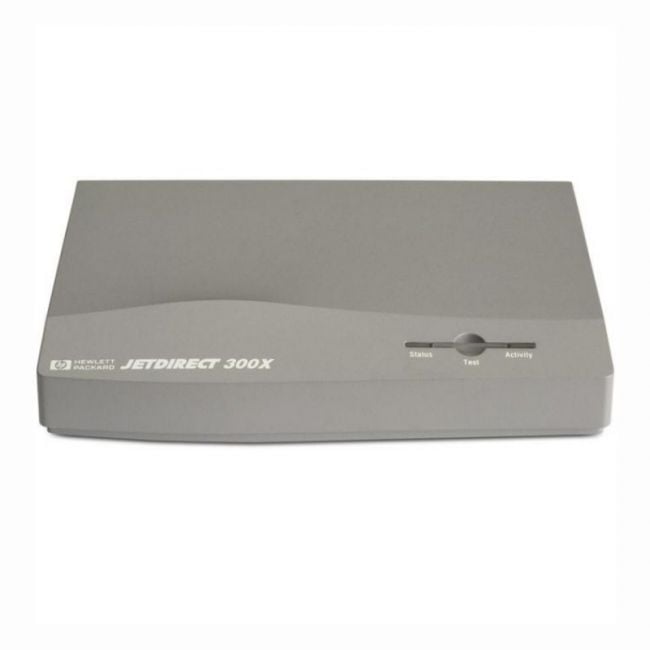
The HP JetDirect 300X print server connects parallel printers to Ethernet networks, providing a simple way to share printers within an office. It fits well in setups where older parallel printers need network accessibility without complicated installation or upgrades. |
General Information |
|
|---|---|
| Brand | HP |
| Part Number | J3263-60001 |
Technical Specification |
|
|---|---|
| Product Type | simple |
| Product Category | Print Server |
| Host Interface | 10/100Base-TX (RJ-45) Ethernet |
| Data Rate | 10/100 Mbps |
| Ports | 2 |
| Connectivity | Wired Ethernet |
| External Interface | RJ-45 (10/100Base-TX), IEEE 1284 Parallel (DB-25) |
| Cable Type | Category 5 (Cat5) Ethernet cable, IEEE 1284 Parallel cable |
| Compatibility | HP and most Centronics/parallel printers; compatible with Windows, macOS and Unix via standard network printing protocols (LPR/LPD, IPP, RAW/TCP) |
Physical Characteristics |
|
|---|---|
| Weight | 5.00 |
| Condition | Refurbished |
Miscellaneous |
|
|---|---|
| Assembly Required | Yes |
| Eco Friendly | Yes |
| Compliance Standards | WEEE, RoHS, CE, FCC, UL |
Product Description |
|---|
The HP JetDirect 300X is a compact print server designed to connect parallel printers to an Ethernet network. It allows multiple users to share a single printer easily, making it a practical solution for office environments where network printer access is needed. Often found in small to medium-sized businesses, this device is built for straightforward integration with existing network setups and parallel printers. IT administrators and office staff benefit from its simple connectivity and reliable performance. Key Features
This print server is typically deployed in office settings with legacy parallel printers that need network access without replacing existing hardware. It streamlines printing tasks and reduces the need for dedicated printer connections on individual workstations. By enabling networked printing, it helps improve workflow and reduces downtime caused by printer sharing conflicts. |
Use Cases |
|---|
The HP JetDirect 300X print server is primarily utilized in office environments where legacy parallel printers require integration into existing Ethernet networks. It is ideal for organizations looking to extend the lifespan of their peripheral equipment without investing in new network-enabled printers, particularly suitable for SMBs and departments with moderate print workloads. How It's Used:
By enabling network connectivity for parallel printers, the HP JetDirect 300X enhances operational efficiency without necessitating hardware replacement. This approach supports scalability in mixed network environments by bridging older printing technologies with modern Ethernet infrastructure. |
 Shipping Options
 International Delivery
Requires a UPS, FedEx, or DHL account. Customers may arrange pickup from our US warehouse.
International Delivery
Requires a UPS, FedEx, or DHL account. Customers may arrange pickup from our US warehouse.
 Payment Methods
We accept Visa, Mastercard, AMEX, Discover, and Wire Transfer.
Payment Methods
We accept Visa, Mastercard, AMEX, Discover, and Wire Transfer.
 Purchase Orders
We process purchase orders for government agencies, enterprises, data centers, and SMBs.
Purchase Orders
We process purchase orders for government agencies, enterprises, data centers, and SMBs.