

Subscribe To Our Newsletter!
Subscribe to the newsletter to stay up to date with the latest news and most useful
Newsletter
↑
Back to Top



Product Overview |
|---|
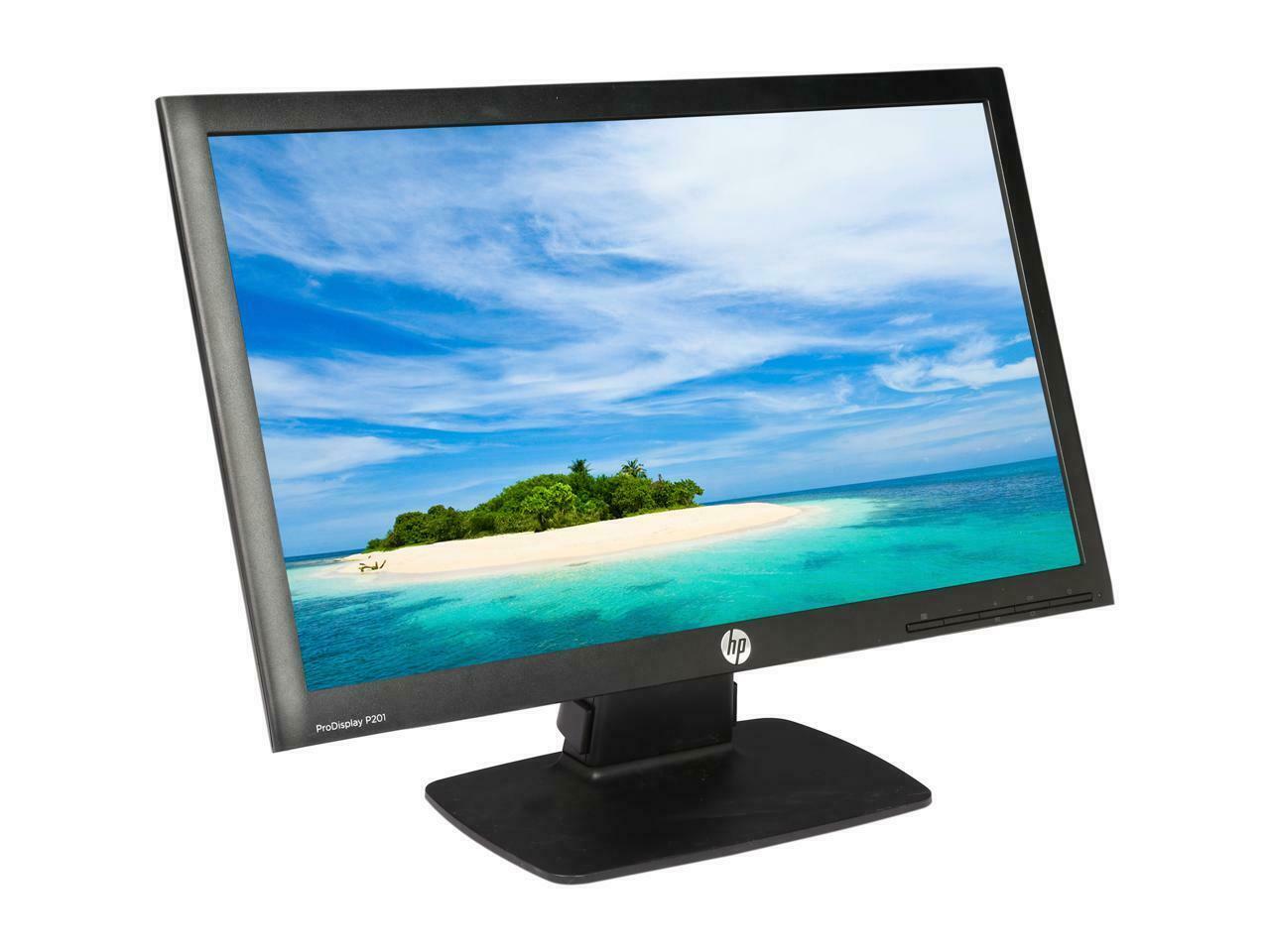
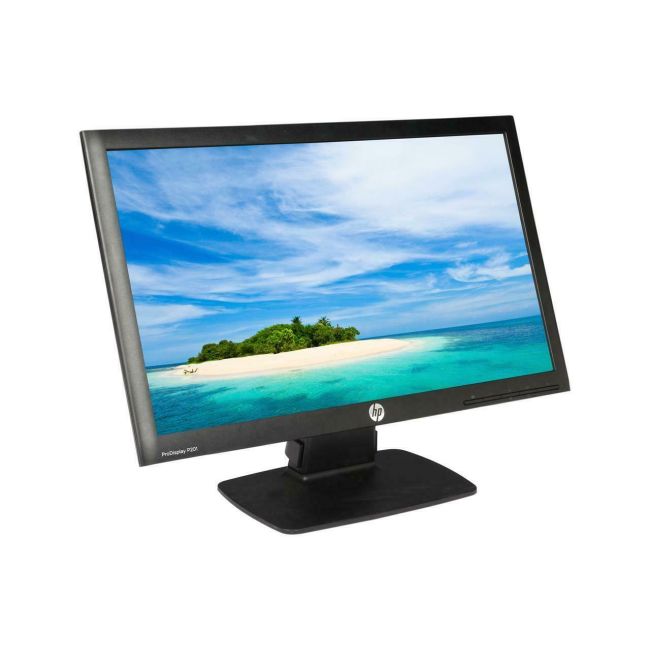
The HP ProDisplay P201 20-inch monitor offers a simple, clear display option suited for common business and personal computing needs. It fits well into office spaces or any workspace requiring a dependable screen with solid image quality and easy connectivity options. |
General Information |
|
|---|---|
| Brand | HP |
Technical Information |
|
|---|---|
| Screen Size | 20-Inch |
| Screen Type | LCD (LED-backlit) |
| Screen Resolution | 1600 x 900 |
| Touchscreen Type | None |
| Monitor Ports | VGA,DVI-D |
| Refresh Rate | 60 Hz |
| Aspect Ratio | 16:9 |
| Connectivity | VGA,DVI-D |
Physical Characteristics |
|
|---|---|
| Condition | Refurbished |
| Weight | 10.00 |
Miscellaneous |
|
|---|---|
| Eco Friendly | Yes |
| Assembly Required | Yes |
| Compliance Standards | WEEE, RoHS, CE, FCC, UL |
Product Description |
|---|
The HP ProDisplay P201 is built for everyday computing needs, delivering a clear and sharp display ideal for office work, web browsing, and general multimedia use. It’s commonly found in business environments where space is limited but screen quality remains important. Designed to support typical office users, students, and home professionals, this monitor balances performance with straightforward functionality. Its LED backlighting helps reduce power consumption while maintaining good color clarity. Key Features
This monitor is often deployed in office desks, call centers, or classrooms where reliable visual performance matters. It provides a straightforward display solution that meets the needs of users without requiring advanced features. By focusing on essential functions and ease of setup, the HP ProDisplay P201 serves as a practical choice for everyday tasks and standard computer environments. |
Use Cases |
|---|
The HP ProDisplay P201 20-inch monitor is ideally suited for office environments and small to medium-sized business settings where space and budget constraints require efficient, reliable display solutions. Users who perform standard productivity tasks, such as data entry, document editing, and web-based research, benefit from its clear visuals and responsive performance. How It's Used:
This monitor supports operational efficiency by providing consistent image quality and flexible connectivity, streamlining workflows in varied professional environments. Its tilt adjustment and modest footprint facilitate scalable deployments across diverse workspace configurations. |
 Shipping Options
 International Delivery
Requires a UPS, FedEx, or DHL account. Customers may arrange pickup from our US warehouse.
 Payment Methods
We accept Visa, Mastercard, AMEX, Discover, and Wire Transfer.
 Purchase Orders
We process purchase orders for government agencies, enterprises, data centers, and SMBs.