

Subscribe To Our Newsletter!
Subscribe to the newsletter to stay up to date with the latest news and most useful
Newsletter
↑
Back to Top



Product Overview |
|---|
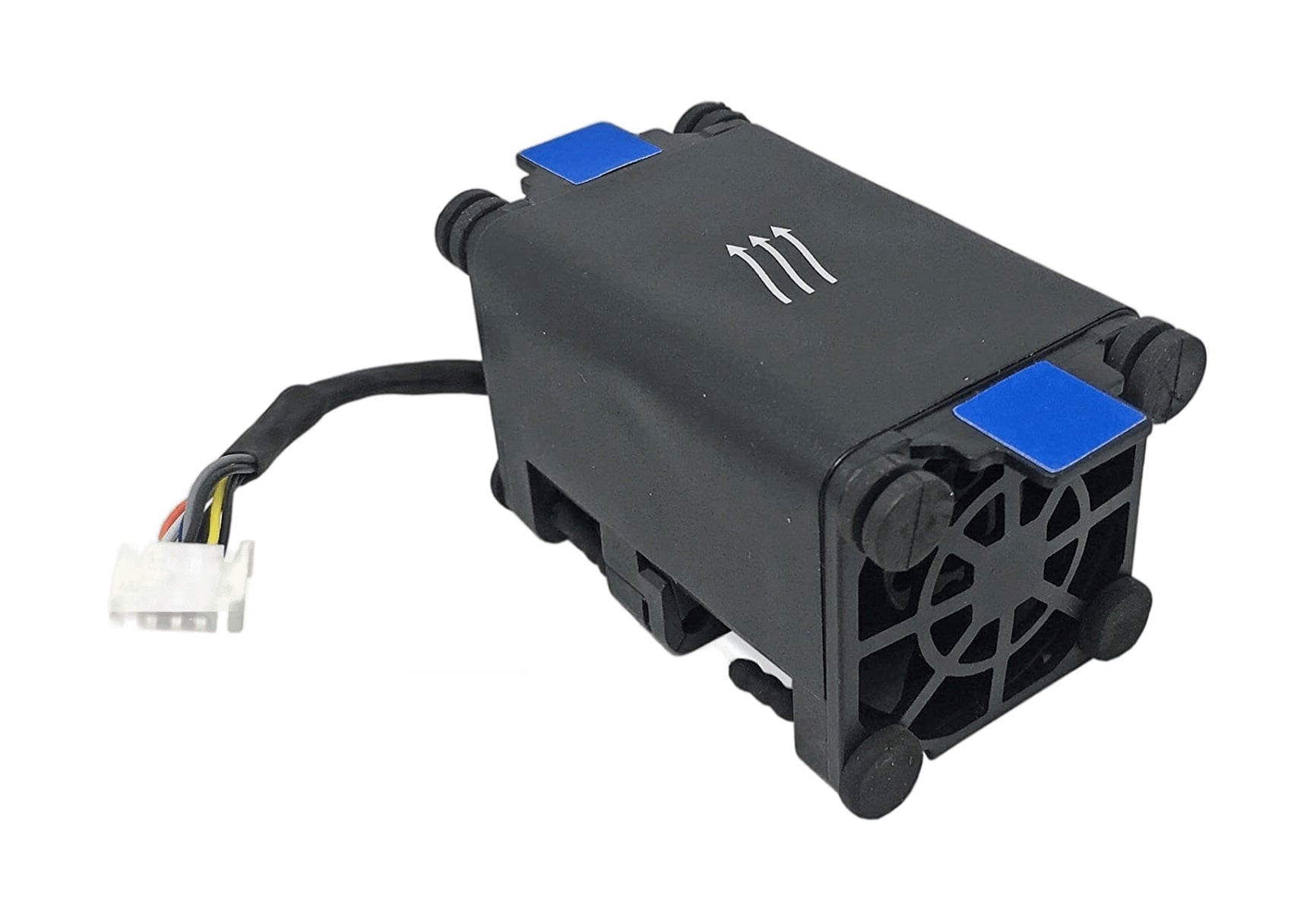
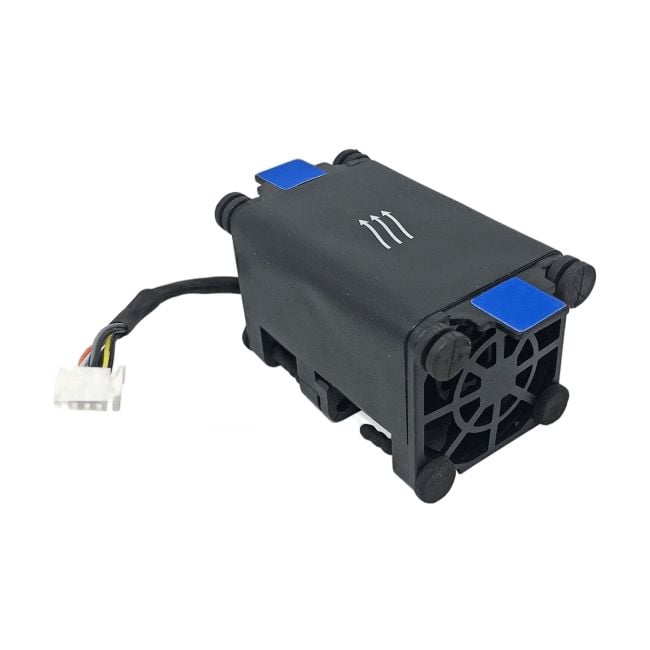
The HP Fan Assembly V2 for Proliant DL320E Gen8 is a key part that regulates airflow inside the server, helping to maintain proper operating temperatures. It fits seamlessly into the server chassis and is designed to run quietly while providing consistent cooling, making it an important component for keeping servers stable and running efficiently in professional IT environments. |
General Information |
|
|---|---|
| Brand | HP |
Technical Specification |
|
|---|---|
| Component Type | Fan Tray |
| Cooling Method | Active |
| Material | Plastic housing, metal fan blades and frame |
| Compatibility | HP ProLiant DL320e Gen8 (PN 675449-001) |
| Voltage | 12V DC |
| Connector Type | 4-pin PWM (server proprietary connector) |
| Airflow Direction | Front-to-Back |
Physical Characteristics |
|
|---|---|
| Weight | 3.00 |
| Condition | Refurbished |
Miscellaneous |
|
|---|---|
| Assembly Required | Yes |
| Eco Friendly | Yes |
| Compliance Standards | WEEE, RoHS, cURus, CE, FCC, CCC, UL, TUV, cULus, CSA, cUL |
Product Description |
|---|
The HP Fan Assembly V2 is built for maintaining optimal airflow within the Proliant DL320E Gen8 servers. It keeps the internal components cool by efficiently dissipating heat generated during heavy workloads. This fan assembly is commonly found in server environments where consistent performance and temperature control are vital. System administrators and IT professionals often rely on this component to ensure their servers run smoothly without thermal interruptions. It is particularly useful in data centers and enterprise setups where uptime and hardware longevity are priorities. Key Features
This fan assembly is typically deployed in business or technical environments that require reliable cooling solutions for servers. It plays an essential role in maintaining system stability and preventing hardware damage caused by excessive heat. By keeping the server components within recommended temperature ranges, it helps extend the overall life of the server. |
Use Cases |
|---|
The HP Fan Assembly V2 for Proliant DL320E Gen8 is primarily used within server environments that demand reliable thermal management to ensure sustained hardware performance. IT professionals managing rack servers in data centers or enterprise IT infrastructures benefit from its efficient cooling capabilities, especially in setups running continuous workloads or virtualization tasks. How It's Used:
By enabling consistent airflow and heat dissipation, this fan assembly helps preserve server hardware integrity and operational stability. It supports scalability in growing IT environments by reducing thermal-related failures, thus enhancing overall system reliability and performance continuity. |
 Shipping Options
 International Delivery
Requires a UPS, FedEx, or DHL account. Customers may arrange pickup from our US warehouse.
International Delivery
Requires a UPS, FedEx, or DHL account. Customers may arrange pickup from our US warehouse.
 Payment Methods
We accept Visa, Mastercard, AMEX, Discover, and Wire Transfer.
Payment Methods
We accept Visa, Mastercard, AMEX, Discover, and Wire Transfer.
 Purchase Orders
We process purchase orders for government agencies, enterprises, data centers, and SMBs.
Purchase Orders
We process purchase orders for government agencies, enterprises, data centers, and SMBs.