

Subscribe To Our Newsletter!
Subscribe to the newsletter to stay up to date with the latest news and most useful
Newsletter
↑
Back to Top



Product Overview |
|---|
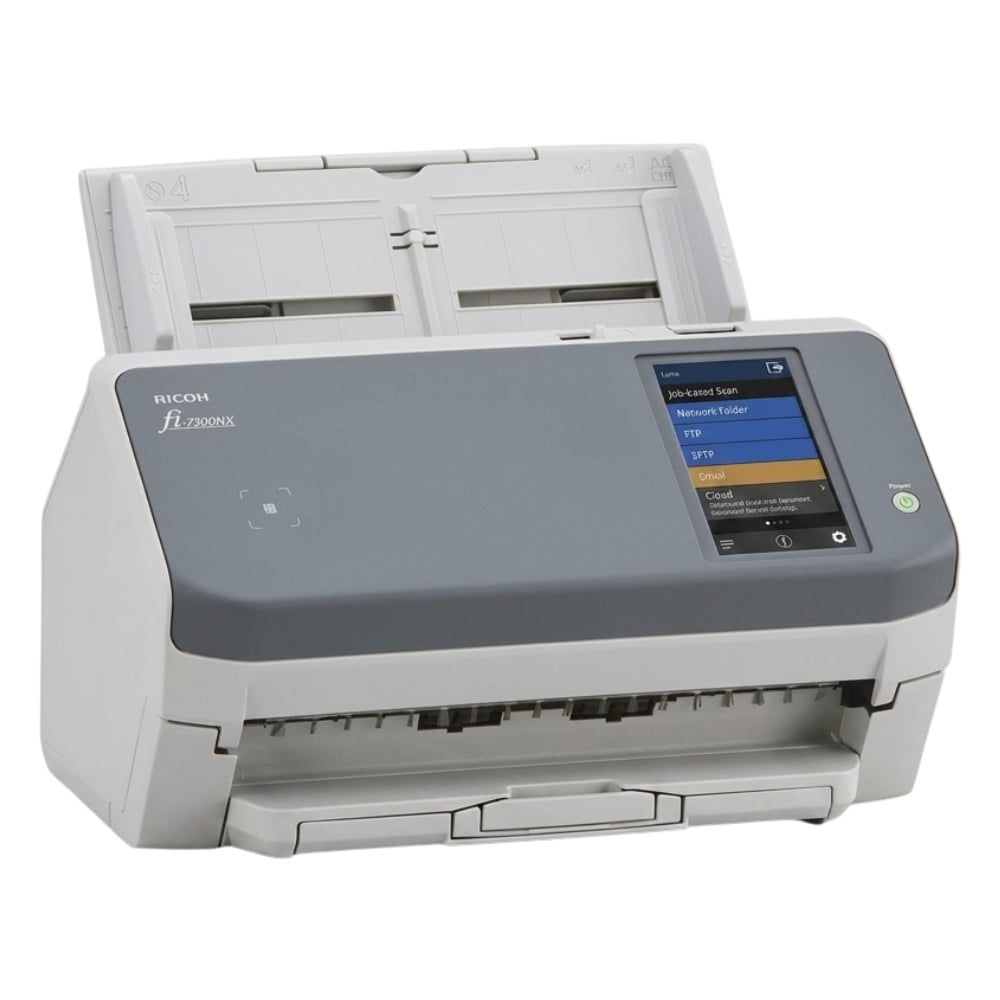
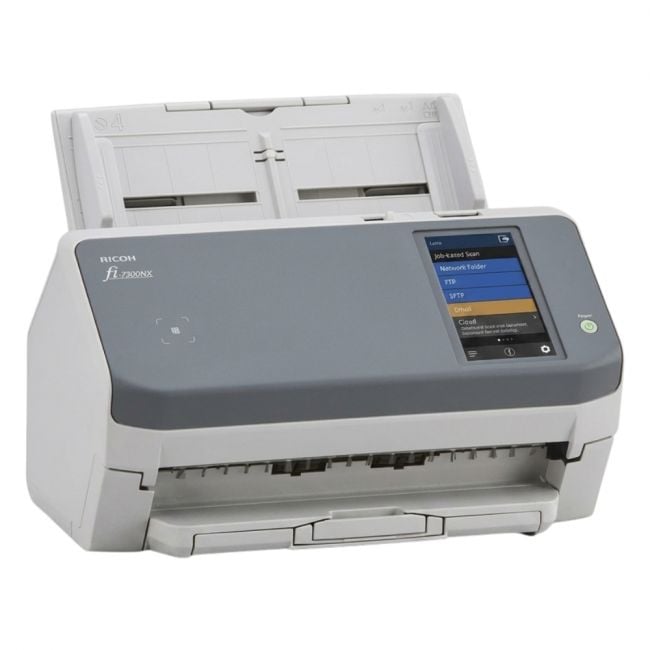
The Ricoh fi-7300NX Mono scanner offers rapid monochrome document scanning at 60 pages per minute with a 300 dpi optical resolution. It connects using a USB interface and supports TWAIN drivers, ensuring compatibility with a variety of scanning software solutions typically found in office environments. |
General Information |
|
|---|---|
| Brand | Ricoh |
Technical Information |
|
|---|---|
| Optical Resolution | 300 dpi,600 dpi |
| Scanner | TWAIN,ISIS,WIA |
| Scan File Formats | PDF,TIFF,JPEG |
| Functions | Scan, E-mail |
| Light Source | LED |
| Connectivity | USB,Ethernet |
| Color Depth | 24-bit,8-bit,1-bit |
Miscellaneous |
|
|---|---|
| Compliance Standards | RoHS, CE, FCC |
| Assembly Required | No |
Physical Characteristics |
|
|---|---|
| Weight | 3.00 |
| Condition | Refurbished |
Product Description |
|---|
The Ricoh fi-7300NX is a monochrome document scanner designed to handle high-volume scanning tasks efficiently. It captures images at an optical resolution of 300 dpi and processes up to 60 pages per minute, making it suitable for environments with demanding scanning workloads. This scanner connects via USB and supports the TWAIN driver standard, facilitating integration with various document management and imaging applications. It is typically used in offices and administrative settings where reliable monochrome scanning is essential. Key Features
The Ricoh fi-7300NX provides practical value by enabling efficient digitization of documents with clear image quality. Its speed and connectivity options make it a practical choice for administrative professionals managing large volumes of paper records. |
Use Cases |
|---|
The Ricoh fi-7300NX is typically used in office environments requiring reliable monochrome scanning for document digitization. It benefits administrative staff and record management professionals handling large volumes of paperwork that need to be converted into digital format efficiently. How It's Used:
This scanner plays a role in streamlining document workflows by converting physical paperwork into clear digital images, enabling easier storage and retrieval without altering original content through color scanning. |
FAQ's |
|---|
|
 Shipping Options
 International Delivery
Requires a UPS, FedEx, or DHL account. Customers may arrange pickup from our US warehouse.
International Delivery
Requires a UPS, FedEx, or DHL account. Customers may arrange pickup from our US warehouse.
 Payment Methods
We accept Visa, Mastercard, AMEX, Discover, and Wire Transfer.
Payment Methods
We accept Visa, Mastercard, AMEX, Discover, and Wire Transfer.
 Purchase Orders
We process purchase orders for government agencies, enterprises, data centers, and SMBs.
Purchase Orders
We process purchase orders for government agencies, enterprises, data centers, and SMBs.