

Subscribe To Our Newsletter!
Subscribe to the newsletter to stay up to date with the latest news and most useful
Newsletter
↑
Back to Top



Product Overview |
|---|
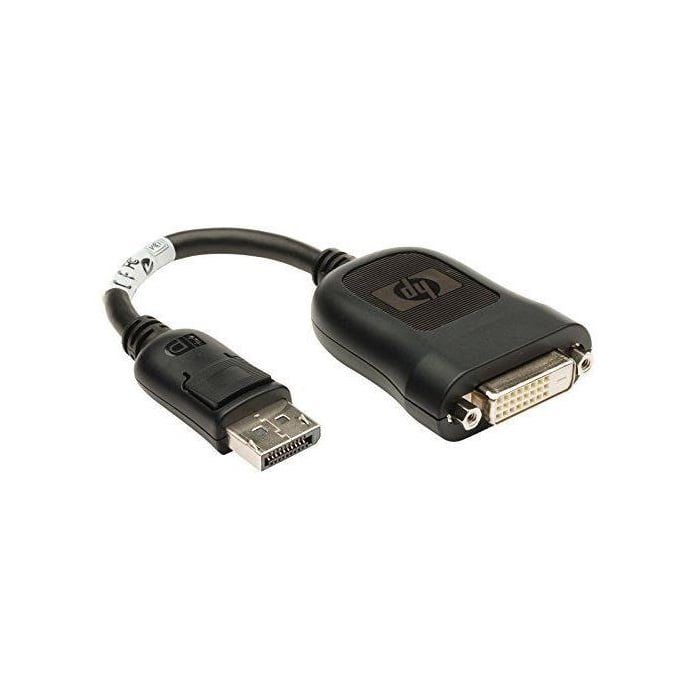
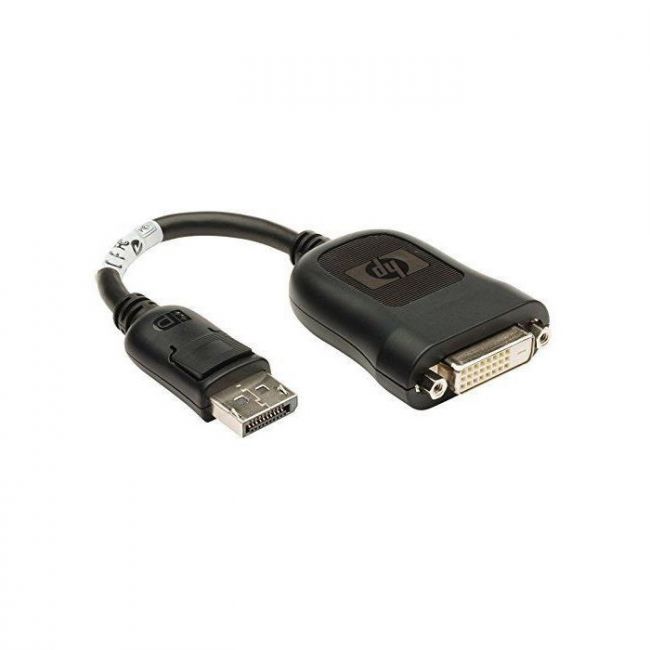
The FH973AT HP DisplayPort to DVI-D Adapter facilitates the connection of DisplayPort-equipped devices to DVI-D monitors. It fits well in setups where video interface compatibility needs to be maintained without additional configuration, providing a simple and effective bridge between these technologies. |
General Information |
|
|---|---|
| Brand | HP |
Technical Information |
|
|---|---|
| product type | DisplayPort to DVI-D Adapter |
| Product Category | Display Adapters |
| Compatibility | DisplayPort (source) to DVI-D displays; Requires DP++ (Dual-Mode DisplayPort); Compatible with PCs, laptops and workstations with DisplayPort output |
Miscellaneous |
|
|---|---|
| Assembly Required | No |
Physical Characteristics |
|
|---|---|
| Form Factor | Adapter, Passive |
| Weight | 3.00 |
| Condition | Refurbished |
Product Description |
|---|
The FH973AT HP DisplayPort to DVI-D Adapter is designed to connect devices with DisplayPort outputs to displays that accept DVI-D input. It ensures seamless video signal conversion without compromising quality, making it suitable for various computing setups. Commonly found in professional and office environments, this adapter supports a reliable connection between modern graphics sources and legacy monitors. IT professionals and end users benefit from its straightforward design and broad compatibility. Key Features
This adapter serves as a practical solution for bridging newer DisplayPort outputs to established DVI-D displays. It emphasizes reliability and straightforward operation, ensuring users maintain optimal video clarity during transitions between interface types. |
Use Cases |
|---|
The FH973AT adapter is typically used in environments where newer computers or graphics cards with DisplayPort outputs need to connect to existing DVI-D monitors. It is particularly valuable in office settings, IT departments, and any setup requiring reliable video conversion without upgrading display hardware. How It's Used:
This adapter supports operational efficiency by maintaining video connectivity across different hardware generations. It ensures consistent display output without complexity, making it a dependable component in diverse computing environments. |
 Shipping Options
 International Delivery
Requires a UPS, FedEx, or DHL account. Customers may arrange pickup from our US warehouse.
International Delivery
Requires a UPS, FedEx, or DHL account. Customers may arrange pickup from our US warehouse.
 Payment Methods
We accept Visa, Mastercard, AMEX, Discover, and Wire Transfer.
Payment Methods
We accept Visa, Mastercard, AMEX, Discover, and Wire Transfer.
 Purchase Orders
We process purchase orders for government agencies, enterprises, data centers, and SMBs.
Purchase Orders
We process purchase orders for government agencies, enterprises, data centers, and SMBs.