

Subscribe To Our Newsletter!
Subscribe to the newsletter to stay up to date with the latest news and most useful
Newsletter
↑
Back to Top



Product Overview |
|---|
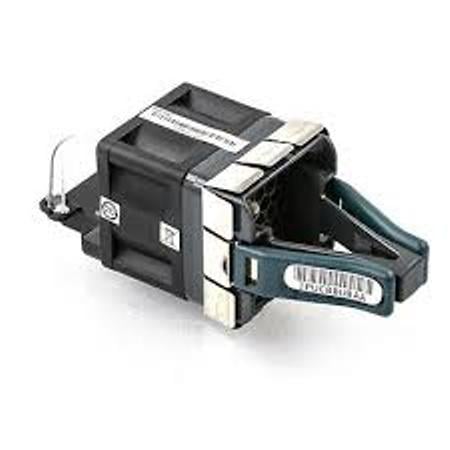
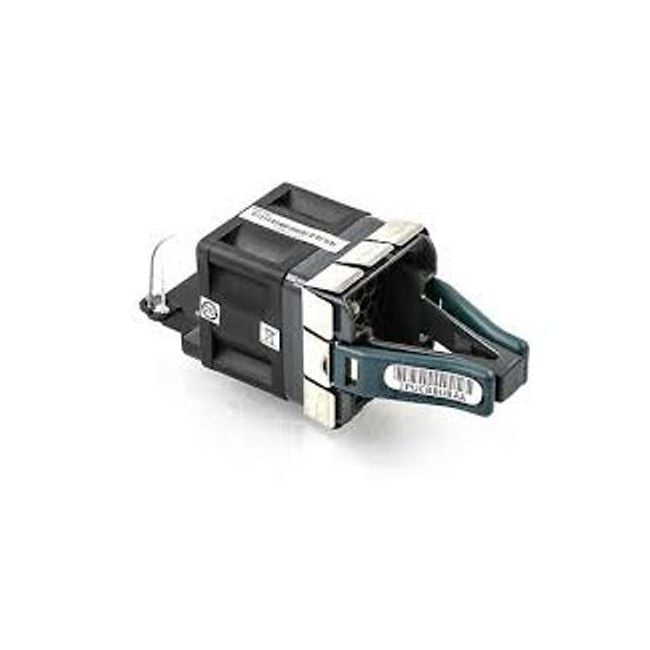
The Cisco FAN-T2 installation guide covers the essential steps to install and verify fan modules on Catalyst 9300 switches. It fits into the broader setup and maintenance processes, helping network professionals manage system cooling effectively to prevent overheating and maintain performance. |
General Information |
|
|---|---|
| Brand | Cisco |
| Part Number | FAN-T2 |
Technical Specification |
|
|---|---|
| Component Type | Fan Tray |
| Cooling Method | Active |
| Material | Plastic, Metal |
| Compatibility | Cisco Catalyst 9300 Series Switches |
| Voltage | 12V DC |
| Airflow Direction | Front-to-back |
Physical Characteristics |
|
|---|---|
| Form Factor | Fan Tray |
| Weight | 5.00 |
| Condition | Refurbished |
Miscellaneous |
|
|---|---|
| Assembly Required | Yes |
| Eco Friendly | Yes |
| Compliance Standards | WEEE, RoHS, cURus, CE, FCC, CCC, UL, TUV, cULus, CSA, cUL |
Product Description |
|---|
The FAN-T2 installation guide provides step-by-step directions for installing and configuring the fan modules on Cisco Catalyst 9300 Series Switches. These fan modules help regulate internal temperature to ensure consistent and safe switch performance. Commonly found in enterprise network setups, these switches benefit from the cooling system outlined in this guide, which is built to fit seamlessly with the hardware. Network administrators and IT professionals typically use this guide during initial setup or maintenance to keep systems running smoothly. Key Features
This installation guide is typically deployed during initial system rollout or for hardware upgrades within data centers and enterprise networks. It helps avoid overheating issues by ensuring cooling components are properly installed and functioning. By following the guide, IT teams can maintain switch reliability and prolong equipment lifespan without guesswork or unnecessary downtime. |
 Shipping Options
 International Delivery
Requires a UPS, FedEx, or DHL account. Customers may arrange pickup from our US warehouse.
International Delivery
Requires a UPS, FedEx, or DHL account. Customers may arrange pickup from our US warehouse.
 Payment Methods
We accept Visa, Mastercard, AMEX, Discover, and Wire Transfer.
Payment Methods
We accept Visa, Mastercard, AMEX, Discover, and Wire Transfer.
 Purchase Orders
We process purchase orders for government agencies, enterprises, data centers, and SMBs.
Purchase Orders
We process purchase orders for government agencies, enterprises, data centers, and SMBs.