

Subscribe To Our Newsletter!
Subscribe to the newsletter to stay up to date with the latest news and most useful
Newsletter
↑
Back to Top



Product Overview |
|---|
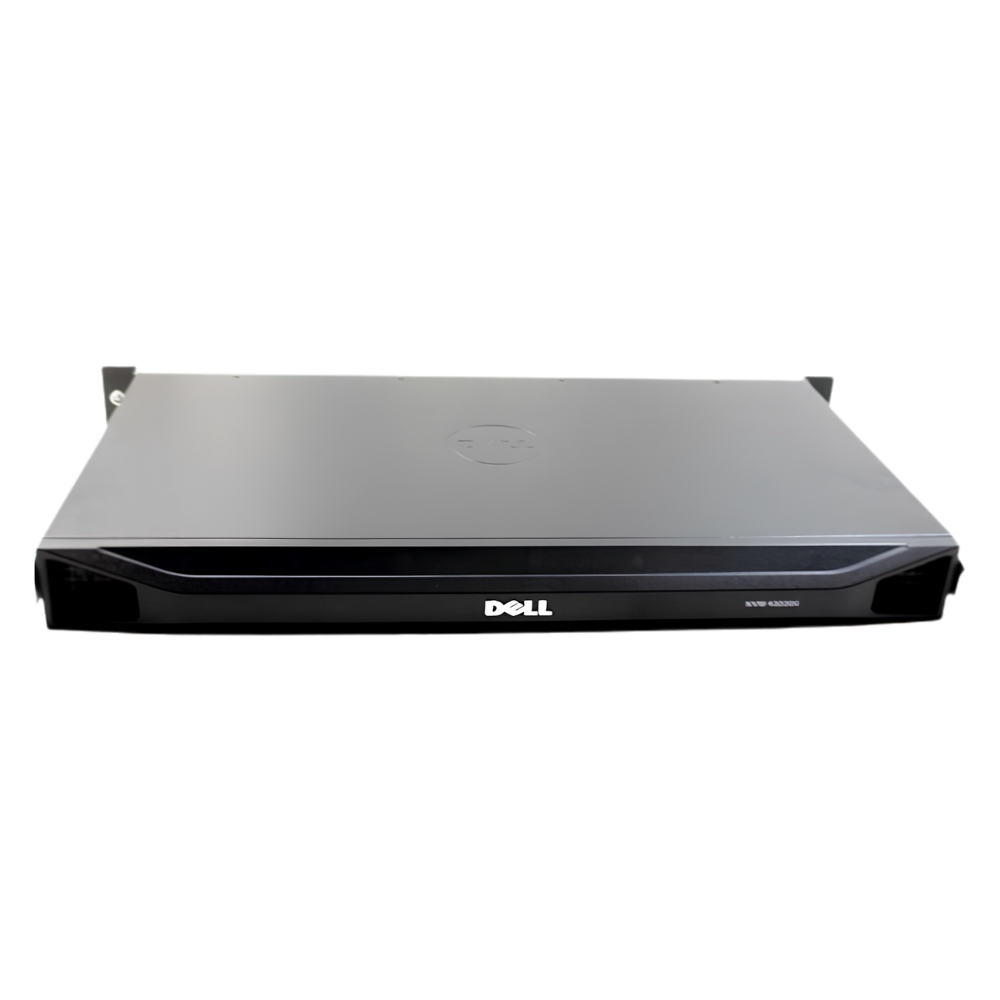
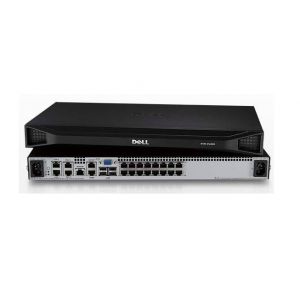
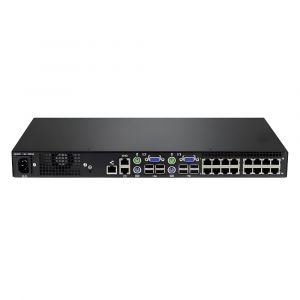
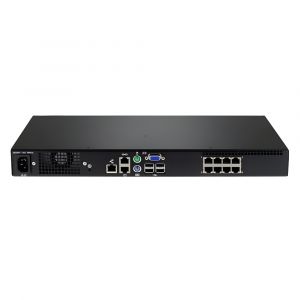
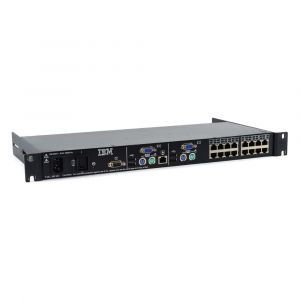
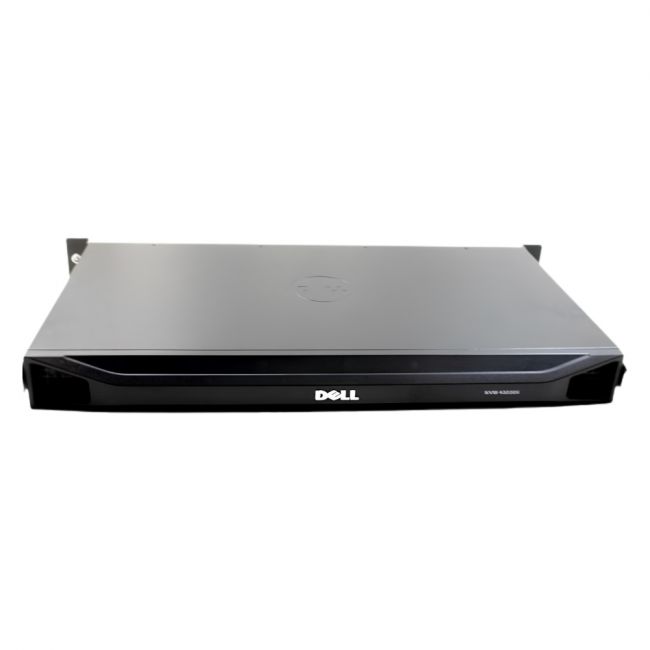
The Dell 32-Port 4322DS KVM Remote Console Switch offers centralized management of up to 32 connected computer systems. It enables remote console access, allowing IT staff to control multiple servers or workstations from one location. The switch supports hardware-based input switching and is designed for use in data centers and enterprise IT environments. |
General Information |
|
|---|---|
| Brand | Dell |
| Condition | Refurbished |
Technical Information |
|
|---|---|
| Switch Ports | 32 |
| Number of Ports | 32-Ports |
| Port Type | USB Console, Serial Console (RJ-45) |
| POE Support | No |
| VLAN Support | No |
| Stackable | No |
Management and Configuration |
|
|---|---|
| Remote Protocols | Yes |
Physical Characteristics |
|
|---|---|
| Weight | 3.00 |
Product Description |
|---|
The Dell 32-Port 4322DS KVM Remote Console Switch is a hardware device that allows IT administrators to control and manage up to 32 connected computer systems using a single console. It provides remote access capabilities, enabling centralized management of multiple servers or workstations. This switch is typically deployed in data centers, server rooms, or enterprise IT environments where streamlined access to numerous systems is required. It benefits IT professionals and system administrators by simplifying system monitoring and control. Key Features
This KVM switch plays a critical role in reducing the complexity of managing multiple systems by consolidating control into a single interface. It helps optimize operational workflows in IT infrastructures by offering centralized access and control. |
Use Cases |
|---|
The Dell 32-Port 4322DS KVM Remote Console Switch is commonly used in data centers and large IT environments where multiple servers require consolidated management. It benefits system administrators who need efficient access to numerous devices without physical relocation. How It's Used:
This switch helps reduce operational complexity by providing a single point of access for numerous systems. It supports IT teams in maintaining systems efficiently and securely within multi-device environments. |
FAQ's |
|---|
|
 Shipping Options
 International Delivery
Requires a UPS, FedEx, or DHL account. Customers may arrange pickup from our US warehouse.
 Payment Methods
We accept Visa, Mastercard, AMEX, Discover, and Wire Transfer.
 Purchase Orders
We process purchase orders for government agencies, enterprises, data centers, and SMBs.