

Subscribe To Our Newsletter!
Subscribe to the newsletter to stay up to date with the latest news and most useful
Newsletter
↑
Back to Top



Product Overview |
|---|
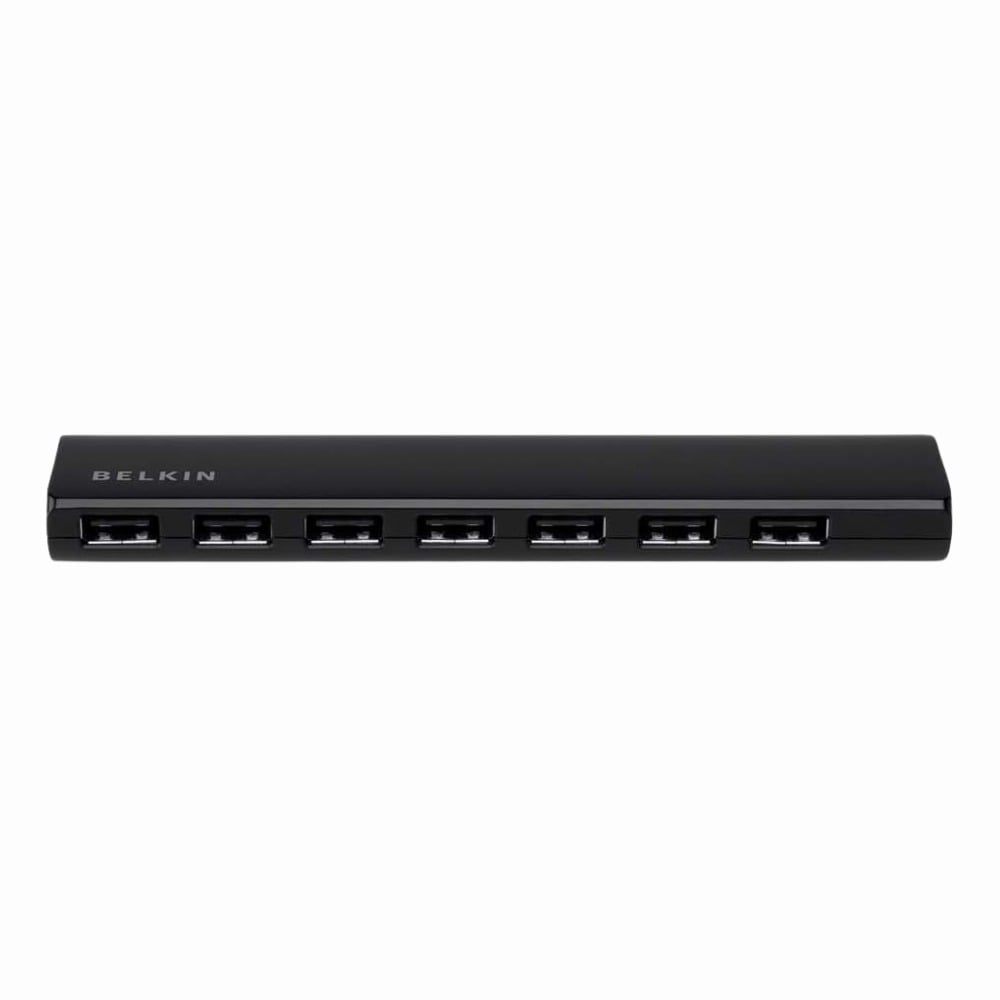
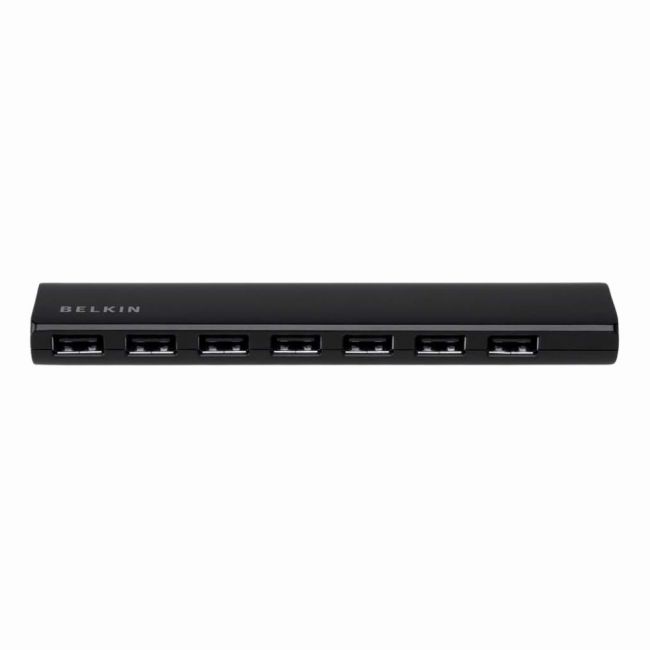
The Belkin USB 7-Port Powered Desktop Hub lets you connect several USB devices simultaneously while supplying consistent power through its external adapter. It fits well in desktop environments where expanding USB ports is necessary, helping users manage multiple peripherals easily without sacrificing performance. |
General Information |
|
|---|---|
| Brand | Belkin |
| Part Number | F4U041UK |
| Condition | Refurbished |
Technical Information |
|
|---|---|
| Port Speed | USB 3.0 (Up to 5 Gbps) |
| Connector Type | USB Type-A (downstream ports), USB Type-B (upstream host connection) |
Physical Characteristics |
|
|---|---|
| Weight | 4.00 |
Product Description |
|---|
The Belkin 7-Port Powered Desktop Hub expands your computer’s USB connectivity, allowing you to plug in multiple devices such as keyboards, mice, external drives, and printers all at once. It's often found in home offices and workstations where several peripherals need to be connected simultaneously. Built for users needing reliable power supply to USB devices, this hub ensures stable connections without overloading your computer’s USB ports. It’s a practical solution for anyone looking to organize and centralize their USB devices efficiently. Key Features
Typically deployed in office setups or home workspaces, the Belkin hub helps reduce cable clutter while ensuring all your devices stay powered and connected. It’s especially useful when working with multiple gadgets that need simultaneous access to your computer. |
Use Cases |
|---|
The Belkin USB 7-Port Powered Desktop Hub is frequently deployed in office and IT environments where multiple USB devices need simultaneous connectivity without compromising power supply or data transfer rates. It is especially beneficial for workspaces with limited native USB ports, serving users who require reliable peripheral management such as administrative staff, developers, and technical support teams. How It's Used:
The hub ensures operational consistency by enabling stable power delivery and sufficient port availability, facilitating scalable peripheral management in environments with dynamic connectivity demands. This supports uninterrupted workflows and helps maintain system performance across diverse desktop setups. |
 Shipping Options
 International Delivery
Requires a UPS, FedEx, or DHL account. Customers may arrange pickup from our US warehouse.
International Delivery
Requires a UPS, FedEx, or DHL account. Customers may arrange pickup from our US warehouse.
 Payment Methods
We accept Visa, Mastercard, AMEX, Discover, and Wire Transfer.
Payment Methods
We accept Visa, Mastercard, AMEX, Discover, and Wire Transfer.
 Purchase Orders
We process purchase orders for government agencies, enterprises, data centers, and SMBs.
Purchase Orders
We process purchase orders for government agencies, enterprises, data centers, and SMBs.