

Subscribe To Our Newsletter!
Subscribe to the newsletter to stay up to date with the latest news and most useful
Newsletter
↑
Back to Top



Product Overview |
|---|
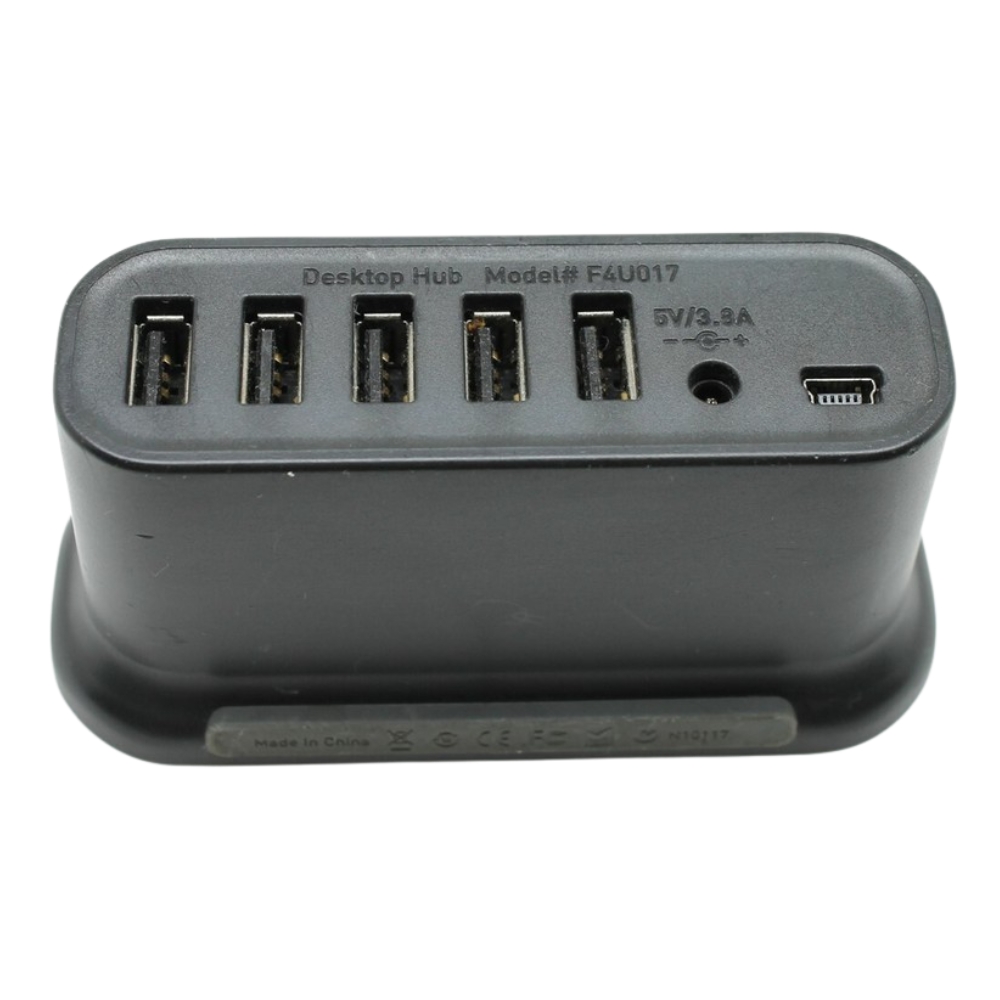
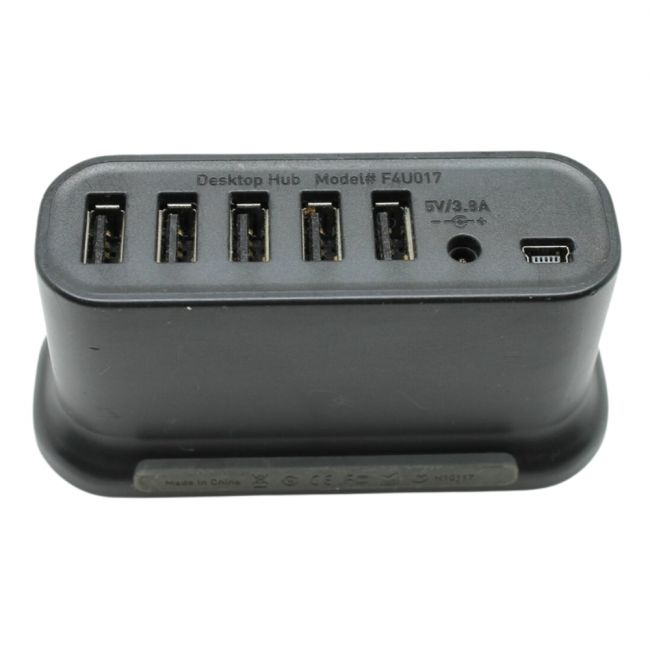
The Belkin F4U017 7-Port Desktop High-Speed USB 2.0 Hub is an excellent solution for expanding USB connectivity on your desktop or laptop. With its seven USB 2.0 ports and data transfer rate of up to 480 Mbps, it supports a wide range of devices. Its external AC adapter ensures reliable power, and the hub's compact design makes it an ideal choice for users looking to maximize desktop space. |
General Information |
|
|---|---|
| Brand | Belkin |
| Part Number | F4U017 |
Connectivity & Physical |
|
|---|---|
| Dimensions | 1.1" x 6.5" x 2.5" |
| Weight | 3.00 |
| Condition | Refurbished |
Product Description |
|---|
The Belkin F4U017 7-Port Desktop High-Speed USB 2.0 Hub is designed to expand your USB connectivity options with seven USB 2.0 Type-A ports. This hub allows you to connect multiple devices such as printers, external hard drives, and more to your computer or laptop, providing fast and reliable data transfer at speeds of up to 480 Mbps. It is backward compatible with USB 1.1 devices, ensuring versatility and support for older technology. The hub is powered through an external AC adapter, ensuring stable and sufficient power supply for all connected devices, even those that require more power to operate. Its compact and lightweight design, measuring 1.1" in height, 6.5" in width, and 2.5" in depth, makes it easy to fit on a desktop without occupying much space. Key Features
|
Use Cases |
|---|
The Belkin 7-Port Desktop High-Speed USB 2.0 Hub is ideal for office environments and technical workstations where multiple USB peripherals require simultaneous connection. IT administrators and professionals managing multiple devices can benefit from its stable power supply and high-speed data transfer capabilities, especially in setups with limited native USB ports. How It's Used:
This USB hub supports efficient device management by consolidating peripheral connections, reducing cable clutter, and ensuring consistent power delivery. Its deployment enhances operational workflows where multiple USB devices are essential for productivity and system monitoring. |
 Shipping Options
 International Delivery
Requires a UPS, FedEx, or DHL account. Customers may arrange pickup from our US warehouse.
International Delivery
Requires a UPS, FedEx, or DHL account. Customers may arrange pickup from our US warehouse.
 Payment Methods
We accept Visa, Mastercard, AMEX, Discover, and Wire Transfer.
Payment Methods
We accept Visa, Mastercard, AMEX, Discover, and Wire Transfer.
 Purchase Orders
We process purchase orders for government agencies, enterprises, data centers, and SMBs.
Purchase Orders
We process purchase orders for government agencies, enterprises, data centers, and SMBs.