

Subscribe To Our Newsletter!
Subscribe to the newsletter to stay up to date with the latest news and most useful
Newsletter
↑
Back to Top



Product Overview |
|---|
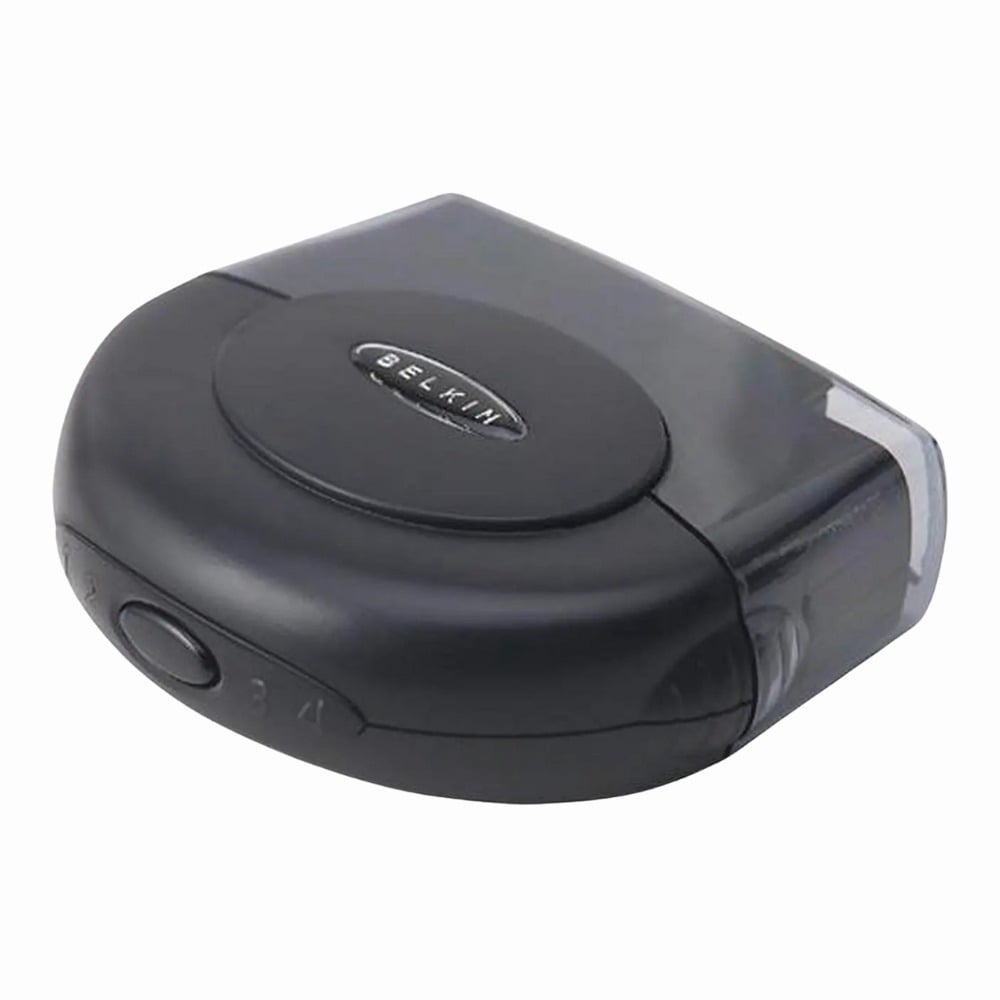
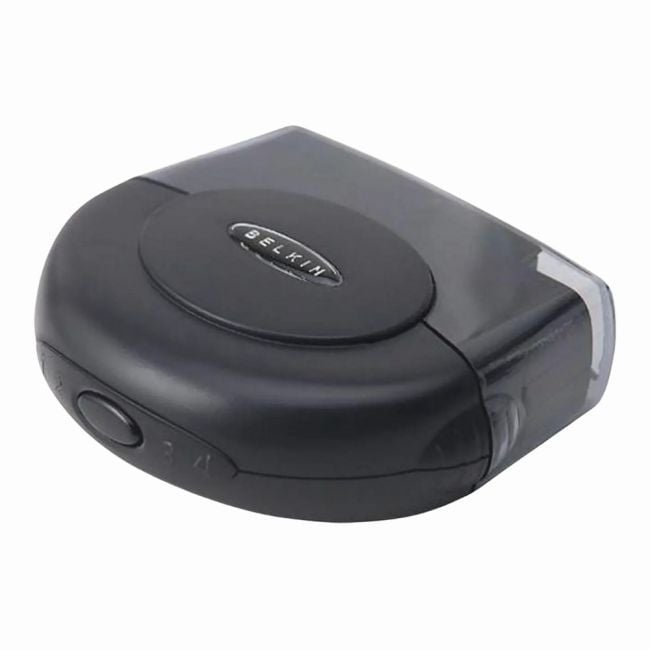
The Belkin F1U200V provides a practical solution for expanding USB 2.0 connectivity. It fits neatly into environments where multiple USB peripherals need to be connected to a single host, like home offices or small business setups. Its design focuses on straightforward usability and reliable performance without unnecessary complexity. |
General Information |
|
|---|---|
| Brand | Belkin |
| Part Number | F1U200V |
| Condition | Refurbished |
Technical Information |
|
|---|---|
| Switch Ports | 4 (USB 2.0 downstream) |
| Number of Ports | 4-Ports |
| Port Speed | USB 2.0 Hi-Speed (Up to 480 Mbps) |
| UpLink Ports | 1 (USB Type-B upstream) |
| POE Support | No |
| VLAN Support | No |
| Stackable | No |
| Connector Type | USB Type-A (downstream), USB Type-B (upstream) |
Power & Cooling |
|
|---|---|
| Fans | No |
Physical Characteristics |
|
|---|---|
| Weight | 4.00 |
Miscellaneous |
|
|---|---|
| Compliance Standards | RoHS, CE, FCC |
| Compliant Standards | USB 2.0 |
Product Description |
|---|
This Belkin F1U200V switch allows users to expand their computer's USB capabilities by adding four additional USB 2.0 ports. It's built for environments where multiple USB devices such as keyboards, mice, printers, or external drives need to be connected to a single host. Commonly found in office setups and home workstations, this switch offers a straightforward way to manage USB connections without constantly plugging and unplugging devices. It's particularly useful for users who need quick access to several USB peripherals without clutter. Key Features
This switch is typically deployed on desks where users require easy access to various USB devices. It helps keep workspace organized and reduces the hassle of managing multiple USB cables directly connected to the computer. Real-world benefits include better USB port management and improved workflow for users juggling several external devices at once. |
Use Cases |
|---|
The Belkin F1U200V USB 2.0 switch is designed for environments requiring multiple USB peripheral connections to a single host computer. It is particularly suited for small office setups, home workstations, and IT environments that manage several USB devices without the need for complex connectivity solutions. How It's Used:
This USB switch enhances operational efficiency by consolidating peripheral connections without adding network complexity. It supports scalable device integration in compact work environments, ensuring consistent data throughput and reducing cable clutter at the workstation level. |
 Shipping Options
 International Delivery
Requires a UPS, FedEx, or DHL account. Customers may arrange pickup from our US warehouse.
International Delivery
Requires a UPS, FedEx, or DHL account. Customers may arrange pickup from our US warehouse.
 Payment Methods
We accept Visa, Mastercard, AMEX, Discover, and Wire Transfer.
Payment Methods
We accept Visa, Mastercard, AMEX, Discover, and Wire Transfer.
 Purchase Orders
We process purchase orders for government agencies, enterprises, data centers, and SMBs.
Purchase Orders
We process purchase orders for government agencies, enterprises, data centers, and SMBs.