

Subscribe To Our Newsletter!
Subscribe to the newsletter to stay up to date with the latest news and most useful
Newsletter
↑
Back to Top



| Product Overview |
|---|
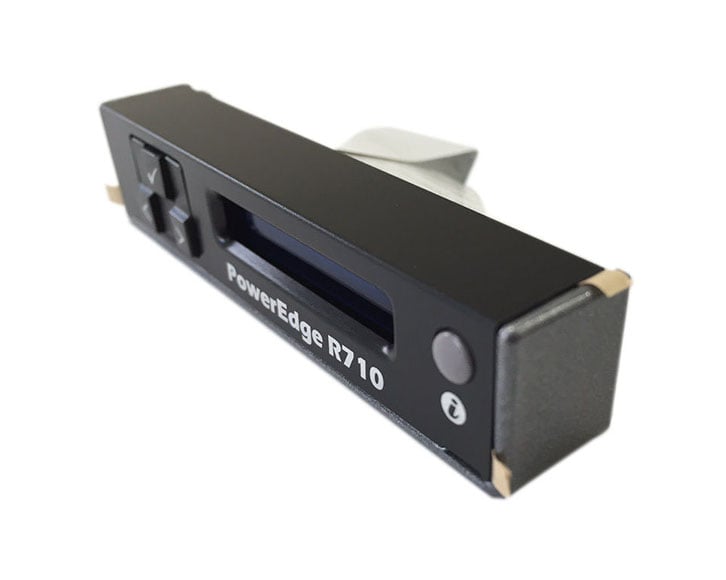
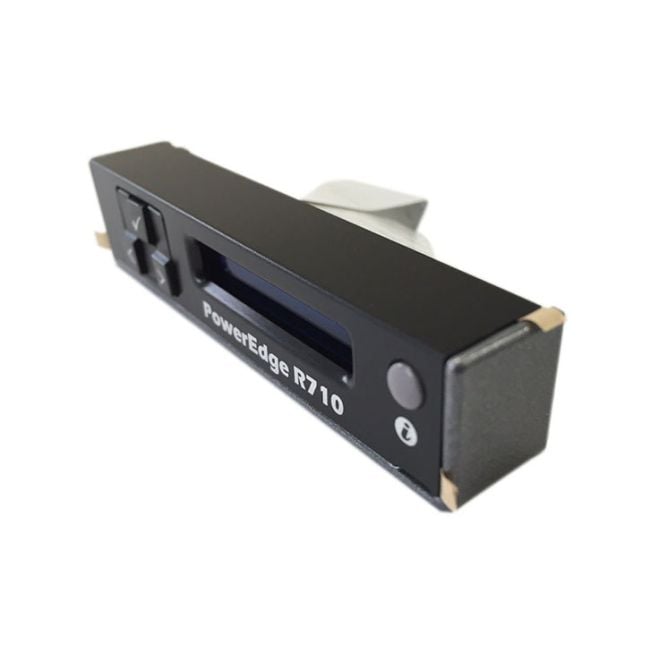
The TN803 Dell Front LCD Display fits into the front panel of the PowerEdge R710 server, showing essential system information like hardware status and alerts. It provides a straightforward visual interface for IT staff to monitor server conditions directly, simplifying onsite diagnostics and helping to pinpoint problems swiftly. |
| General Information | |
|---|---|
| Brand | Dell |
| Part Number | TN803 |
| Technical Information | |
|---|---|
| Screen Type | Front panel LCD (character display) |
| Screen Resolution | 2 x 16 characters |
| Physical Characteristics | |
|---|---|
| Condition | Refurbished |
| Weight | 3.00 |
| Miscellaneous | |
|---|---|
| Eco Friendly | Yes |
| Assembly Required | Yes |
| Compliance Standards | WEEE, RoHS, cURus, CE, FCC, CCC, UL, TUV, cULus, CSA, cUL |
| Product Description |
|---|
The TN803 Dell Front LCD Display offers a clear interface to view server health and system messages directly on the PowerEdge R710. It’s built for data centers and IT professionals who need quick access to server status during maintenance or troubleshooting. Often found in server racks where immediate system feedback is essential, this LCD panel simplifies monitoring by showing key alerts and system information without relying on software tools. Key Features
Typically deployed in enterprise server rooms and data centers, this front LCD is valuable wherever technicians need onsite visibility into server health. It acts as an immediate diagnostic aid, making system checks faster and more efficient without booting into management software. |
| Use Cases |
|---|
The TN803 Dell Front LCD Display is primarily utilized in enterprise server environments where Dell PowerEdge R710 servers are deployed. IT administrators and data center operators rely on this front panel to quickly access hardware status and error notifications without needing to connect remotely, making it ideal for physical rack deployments and maintenance workflows. How It's Used:
By providing immediate visual feedback on server status, the TN803 LCD display enhances operational efficiency and supports timely maintenance actions. This localized interface reduces dependency on network-based monitoring, contributing to improved scalability and uptime in complex server environments. |
 Shipping Options
 International Delivery
Requires a UPS, FedEx, or DHL account. Customers may arrange pickup from our US warehouse.
International Delivery
Requires a UPS, FedEx, or DHL account. Customers may arrange pickup from our US warehouse.
 Payment Methods
We accept Visa, Mastercard, AMEX, Discover, and Wire Transfer.
Payment Methods
We accept Visa, Mastercard, AMEX, Discover, and Wire Transfer.
 Purchase Orders
We process purchase orders for government agencies, enterprises, data centers, and SMBs.
Purchase Orders
We process purchase orders for government agencies, enterprises, data centers, and SMBs.