

Subscribe To Our Newsletter!
Subscribe to the newsletter to stay up to date with the latest news and most useful
Newsletter
↑
Back to Top



Product Overview |
|---|
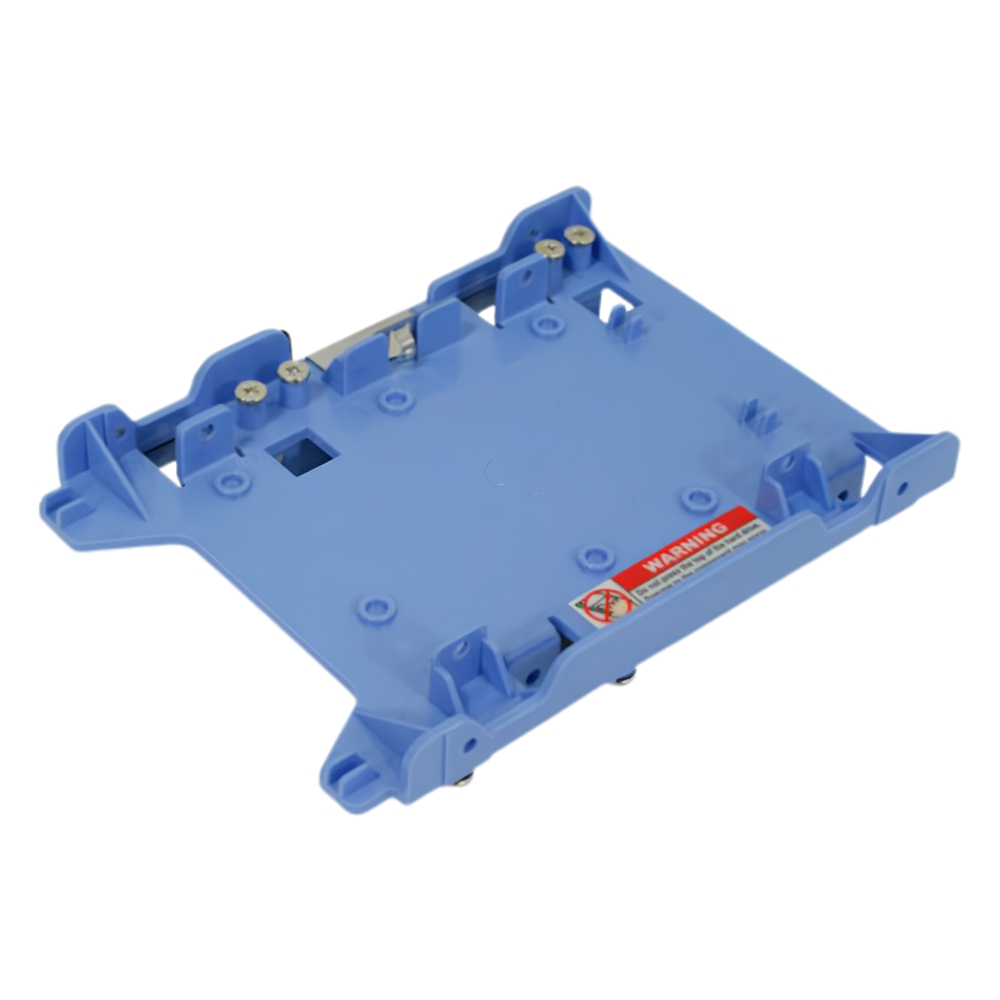
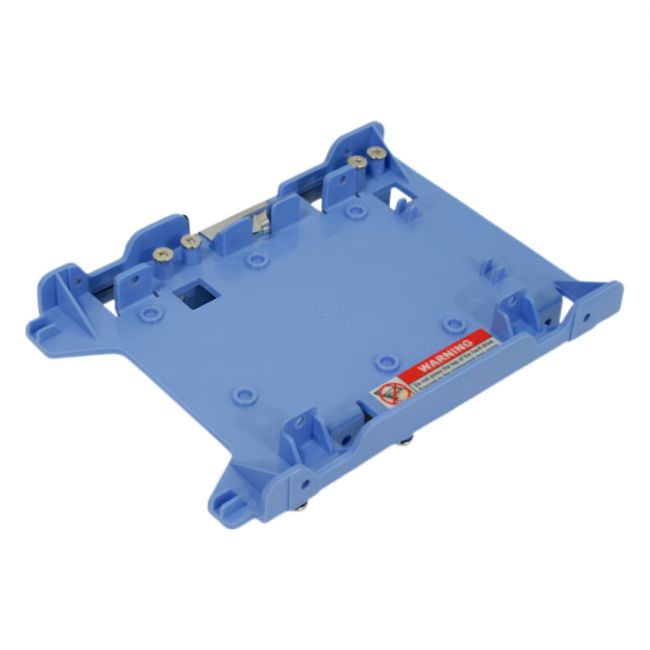
The F767D Dell Hard Drive Caddy provides a simple yet sturdy solution for mounting 2.5-inch drives within compatible OptiPlex desktops. It slots in to hold your hard drives securely while fitting snugly inside the case, making drive installation or replacement a smooth process with minimal fuss. |
General Information |
|
|---|---|
| Brand | Dell |
| Part Number | F767D |
Technical Information |
|
|---|---|
| Series | F767D |
| product type | Hard Drive Caddy (Bracket Assembly) |
| Product Category | Hard Drive Caddy |
| Compatibility | Dell OptiPlex 960,Dell OptiPlex 980,Dell OptiPlex 990 |
Miscellaneous |
|
|---|---|
| Assembly Required | Yes |
| Eco Friendly | Yes |
| Compliance Standards | WEEE, RoHS, cURus, CE, FCC, CCC, UL, TUV, cULus, CSA, cUL |
Physical Characteristics |
|
|---|---|
| Form Factor | 2.5-inch |
| Weight | 3.00 |
| Condition | Refurbished |
Product Description |
|---|
This hard drive caddy is designed to securely hold a 2.5-inch hard drive inside Dell OptiPlex 960, 980, and 990 desktops. It's built for users who need to replace or upgrade their storage drives without hassle. Often found in office and business environments, it helps maintain proper drive alignment and connection. Key Features
This caddy is typically used in office PCs or small business setups where Dell OptiPlex machines are common. It plays a key role in safeguarding drives and enabling easy maintenance or storage upgrades without complications. |
Use Cases |
|---|
The F767D Dell Bracket Assembly Hard Drive Caddy is commonly employed in IT environments where Dell OptiPlex 960, 980, and 990 desktops are used. It is particularly beneficial for IT administrators and technicians managing legacy office workstations or upgrading storage configurations in mid-sized business settings. How It's Used:
This hard drive caddy contributes to maintaining operational efficiency by simplifying storage hardware changes and scaling storage options without hardware overhaul. It ensures that drive installations remain stable and consistent in environments requiring frequent upgrades or drive management. |
 Shipping Options
 International Delivery
Requires a UPS, FedEx, or DHL account. Customers may arrange pickup from our US warehouse.
International Delivery
Requires a UPS, FedEx, or DHL account. Customers may arrange pickup from our US warehouse.
 Payment Methods
We accept Visa, Mastercard, AMEX, Discover, and Wire Transfer.
Payment Methods
We accept Visa, Mastercard, AMEX, Discover, and Wire Transfer.
 Purchase Orders
We process purchase orders for government agencies, enterprises, data centers, and SMBs.
Purchase Orders
We process purchase orders for government agencies, enterprises, data centers, and SMBs.