

Subscribe To Our Newsletter!
Subscribe to the newsletter to stay up to date with the latest news and most useful
Newsletter
↑
Back to Top



Product Overview |
|---|
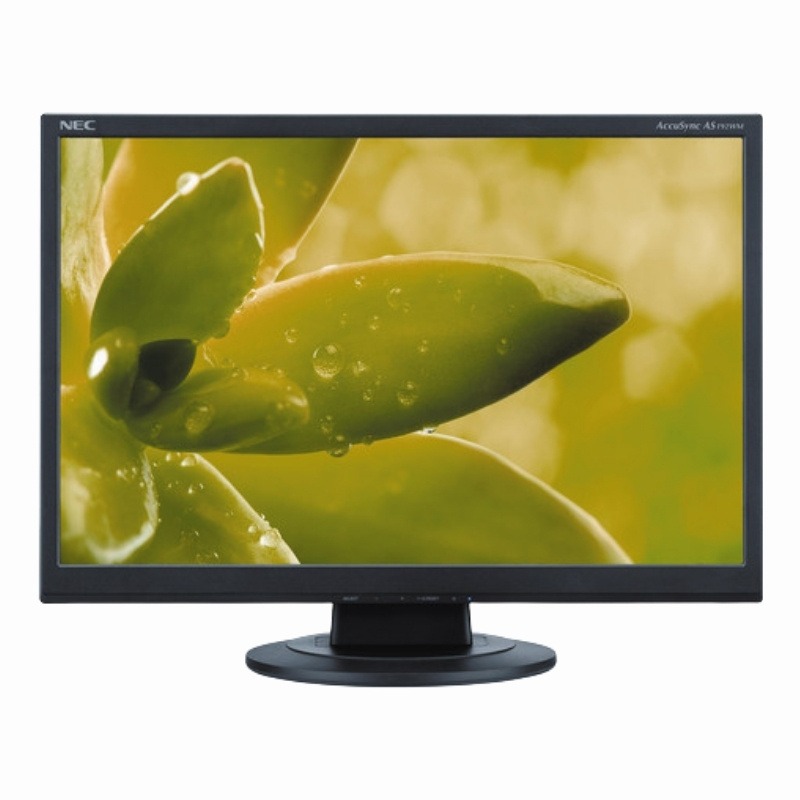
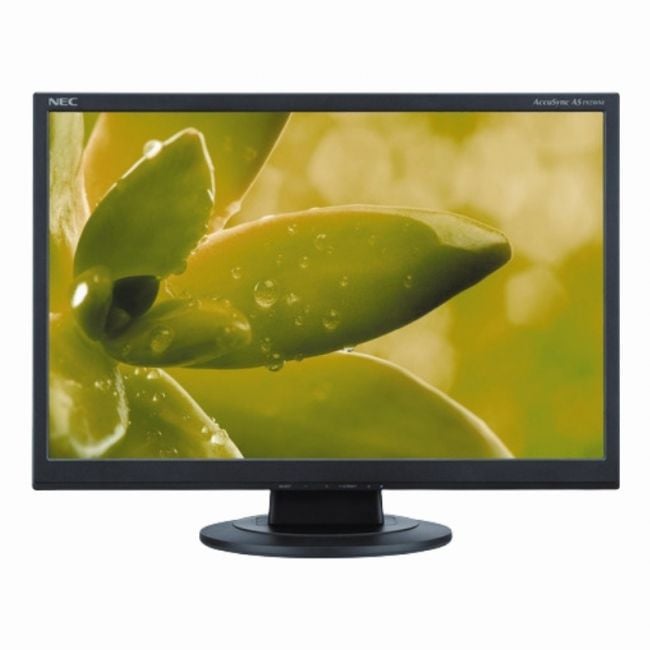
The NEC AccuSync 19-Inch Widescreen LED/LCD Monitor provides a clear, widescreen display that's suitable for a wide range of everyday tasks including office work and casual multimedia consumption. It fits well in environments that need a compact, energy-conscious screen without compromising on image clarity or connectivity options. |
General Information |
|
|---|---|
| Brand | NEC |
| Part Number | AS192WM-BK |
Technical Information |
|
|---|---|
| Screen Size | 19-Inch |
| Screen Type | LED-backlit LCD (TN) |
| Screen Resolution | 1440 x 900 |
| Monitor Ports | VGA (D-Sub), DVI-D |
| Refresh Rate | 60Hz |
| Aspect Ratio | 16:10 |
| Connectivity | VGA, DVI-D |
Physical Characteristics |
|
|---|---|
| Condition | Refurbished |
| Weight | 5.00 |
Miscellaneous |
|
|---|---|
| Eco Friendly | Yes |
| Compliance Standards | RoHS, CE, FCC, UL, TUV |
Product Description |
|---|
The NEC AccuSync 19-Inch Widescreen LED/LCD Monitor delivers sharp visuals with a 1440x900 resolution on a bright widescreen panel. It's often found in office environments and small workspaces where clear image quality and space-saving design matter. Built for professionals and everyday users alike, this monitor supports a comfortable viewing experience suitable for document editing, web browsing, and multimedia use. Its energy-efficient LED backlight helps reduce power consumption compared to traditional displays. Key Features
This model is commonly deployed in professional offices, educational settings, and home offices where reliable and clear display performance is essential. It strikes a good balance between size, image quality, and energy efficiency, making it a practical choice for everyday computing tasks. |
Use Cases |
|---|
The NEC AccuSync 19-Inch Widescreen LED/LCD Monitor is commonly integrated into corporate office environments, where space efficiency and reliable display clarity are essential. It serves well in settings where employees perform document-heavy tasks, data entry, or require multiple display options for productivity. How It's Used:
This monitor supports operational efficiency by balancing image clarity and energy use, making it suitable for scaled deployments across distributed office locations. Its compatibility with common input interfaces ensures seamless integration into existing IT infrastructures without complicating workstation setups. |
 Shipping Options
 International Delivery
Requires a UPS, FedEx, or DHL account. Customers may arrange pickup from our US warehouse.
International Delivery
Requires a UPS, FedEx, or DHL account. Customers may arrange pickup from our US warehouse.
 Payment Methods
We accept Visa, Mastercard, AMEX, Discover, and Wire Transfer.
Payment Methods
We accept Visa, Mastercard, AMEX, Discover, and Wire Transfer.
 Purchase Orders
We process purchase orders for government agencies, enterprises, data centers, and SMBs.
Purchase Orders
We process purchase orders for government agencies, enterprises, data centers, and SMBs.