

Subscribe To Our Newsletter!
Subscribe to the newsletter to stay up to date with the latest news and most useful
Newsletter
↑
Back to Top



Product Overview |
|---|
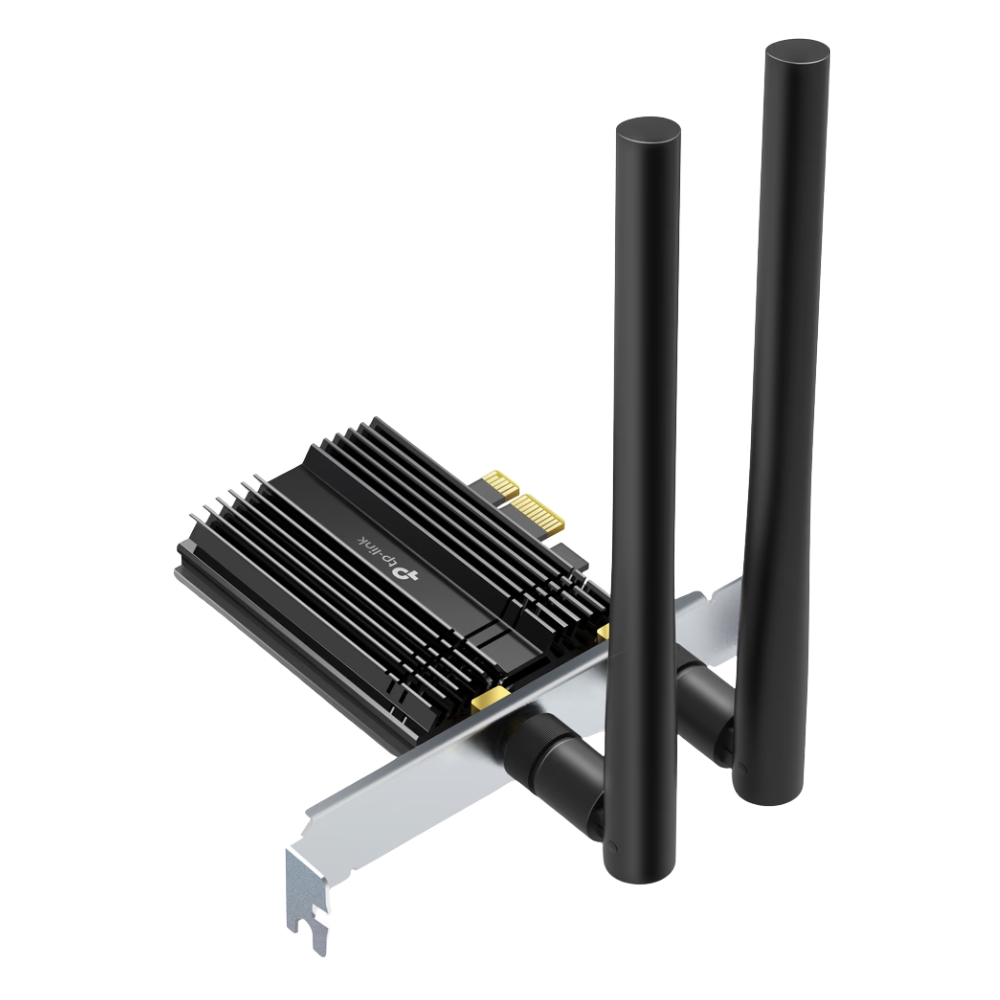
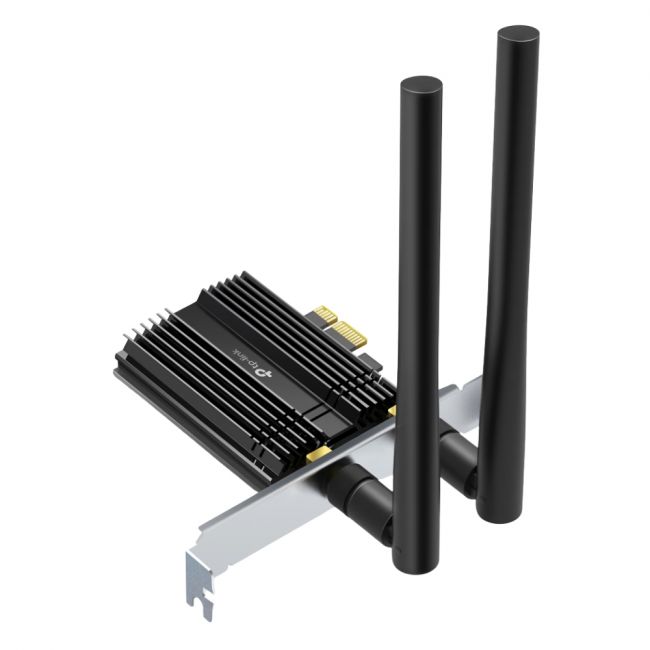
The ARCHER-TX50E PCIe adapter adds Wi-Fi 6 and Bluetooth 5.0 functionality to desktops, bridging modern wireless standards with traditional hardware setups. It provides faster wireless speeds, better range, and improved multi-device handling, fitting neatly into a PCIe slot inside the PC. |
General Information |
|
|---|---|
| Brand | TP-Link |
Technical Information |
|
|---|---|
| Series | Archer |
| product type | AX3000 Wi-Fi 6 Bluetooth 5.0 PCIe Adapter |
| Product Category | Wireless Adapters |
| Compatibility | Windows 10 (64-bit), Windows 11 (64-bit) |
Miscellaneous |
|
|---|---|
| Assembly Required | No |
| Compliance Standards | RoHS, CE, FCC |
Physical Characteristics |
|
|---|---|
| Form Factor | PCIe x1 (internal PCI Express network card; includes low-profile bracket) |
| Weight | 3.00 |
| Condition | Refurbished |
Product Description |
|---|
The ARCHER-TX50E is a wireless network adapter designed to enhance desktop PCs with the latest Wi-Fi 6 and Bluetooth 5.0 capabilities. It is commonly found in modern desktop systems where fast and reliable wireless connectivity is essential. Built for users who need robust network performance and seamless device pairing, this adapter fits into a PCIe slot to deliver improved speed and responsiveness. Key Features
This adapter offers practical value by upgrading existing desktops to support today's faster wireless standards without needing external devices. Its reliable performance helps maintain consistent connections in demanding network environments, ensuring smooth operation for both Wi-Fi and Bluetooth devices. |
Use Cases |
|---|
The ARCHER-TX50E adapter is typically used in desktop PCs that require a strong upgrade to next-generation wireless connectivity. It suits environments where users demand higher speed Wi-Fi and reliable Bluetooth connections without relying on external dongles or slower standards. How It's Used:
By integrating this adapter, systems gain scalable and efficient wireless capabilities that help maintain network performance as demands increase. It supports consistent connectivity and device management in varied desktop setups without complicated external additions. |
 Shipping Options
 International Delivery
Requires a UPS, FedEx, or DHL account. Customers may arrange pickup from our US warehouse.
International Delivery
Requires a UPS, FedEx, or DHL account. Customers may arrange pickup from our US warehouse.
 Payment Methods
We accept Visa, Mastercard, AMEX, Discover, and Wire Transfer.
Payment Methods
We accept Visa, Mastercard, AMEX, Discover, and Wire Transfer.
 Purchase Orders
We process purchase orders for government agencies, enterprises, data centers, and SMBs.
Purchase Orders
We process purchase orders for government agencies, enterprises, data centers, and SMBs.