

Subscribe To Our Newsletter!
Subscribe to the newsletter to stay up to date with the latest news and most useful
Newsletter
↑
Back to Top



Product Overview |
|---|
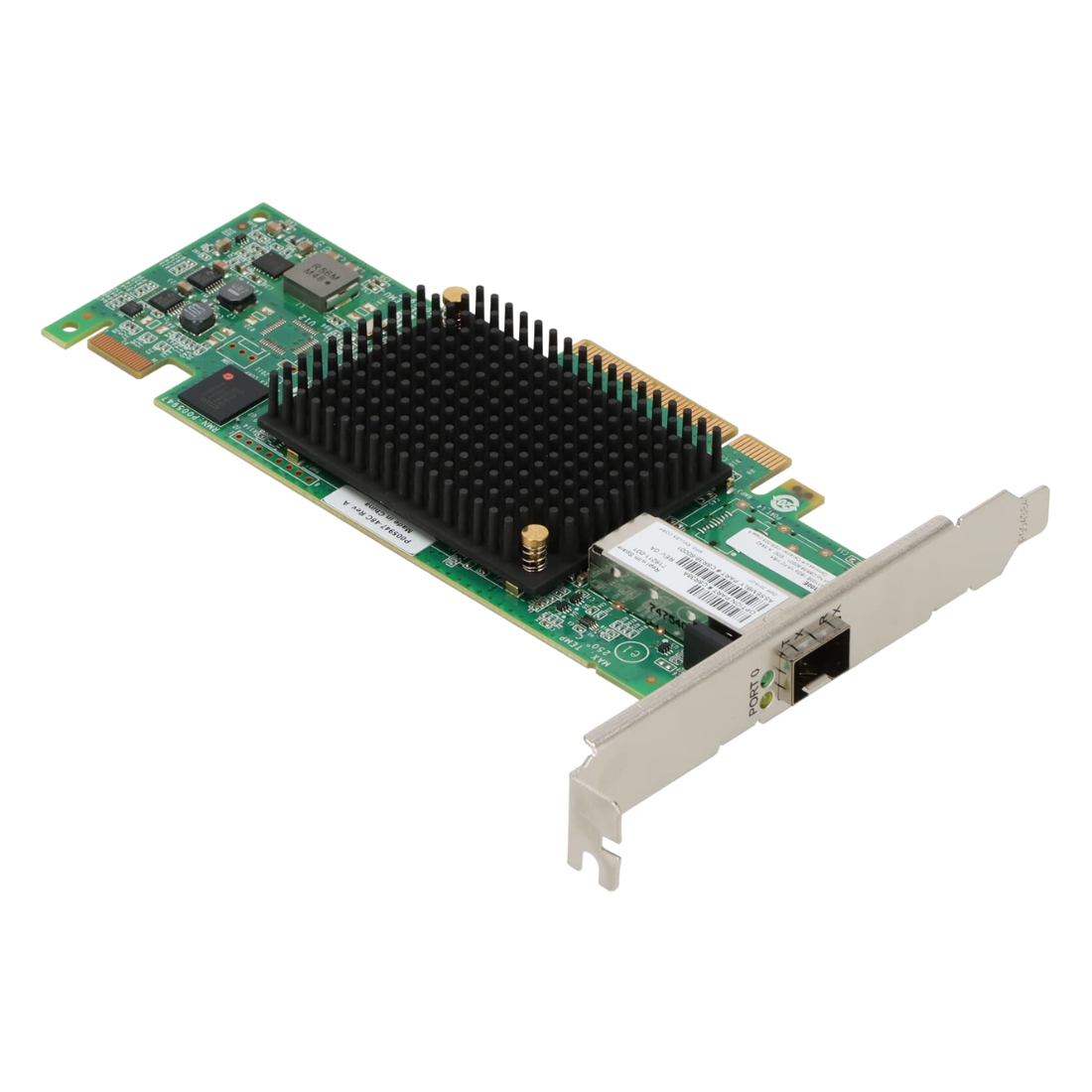
The A3402A - HP 1 x Port 10/100Base-TX 100Mb/s PCI Network Adapter provides a straightforward Ethernet connection via a PCI interface, fitting well into standard desktop configurations. It serves as a basic yet dependable network interface card suitable for everyday wired networking needs. |
General Information |
|
|---|---|
| Brand | HP |
Technical Information |
|
|---|---|
| Product Type | Network Interface Card |
| Data Rate (Speed) | 10/100 Mbps |
| Data Center Bridging | No |
| Number of Ports | 1-Port |
| Bracket Height | Full Height (Standard) |
Connectivity & Physical |
|
|---|---|
| Form Factor | Full Height |
| Port Type | RJ-45 (Copper) |
| Cabling Type | Cat5e |
| Weight | 3.00 |
| Condition | Refurbished |
Miscellaneous |
|
|---|---|
| Assembly Required | No |
| Compliance Standards | WEEE, RoHS, CE, FCC |
Product Description |
|---|
The A3402A is a PCI network adapter designed to provide a reliable 10/100Base-TX Ethernet connection. It is commonly found in desktop computers requiring wired network access, delivering stable and efficient communication for network tasks. Built for environments where standard PCI slots are available, this adapter offers straightforward installation and operation. Network administrators and IT professionals often deploy it to enhance connectivity in office or workstation settings. Key Features
This adapter plays a fundamental role in enabling network access in desktop environments, ensuring devices communicate effectively within a LAN. Its dependable design supports continuous operation without compromising performance over time. |
Use Cases |
|---|
This network adapter is typically utilized in environments where stable wired connections are essential, such as office desktops and small business workstations. Users requiring straightforward network access without advanced features find it beneficial for maintaining consistent connectivity. How It's Used:
Its role in these settings supports operational efficiency by providing essential network access with minimal complexity. The adapter’s compatibility and steady performance help maintain productivity across diverse environments. |
 Shipping Options
 International Delivery
Requires a UPS, FedEx, or DHL account. Customers may arrange pickup from our US warehouse.
International Delivery
Requires a UPS, FedEx, or DHL account. Customers may arrange pickup from our US warehouse.
 Payment Methods
We accept Visa, Mastercard, AMEX, Discover, and Wire Transfer.
Payment Methods
We accept Visa, Mastercard, AMEX, Discover, and Wire Transfer.
 Purchase Orders
We process purchase orders for government agencies, enterprises, data centers, and SMBs.
Purchase Orders
We process purchase orders for government agencies, enterprises, data centers, and SMBs.