

Subscribe To Our Newsletter!
Subscribe to the newsletter to stay up to date with the latest news and most useful
Newsletter
↑
Back to Top



Product Overview |
|---|
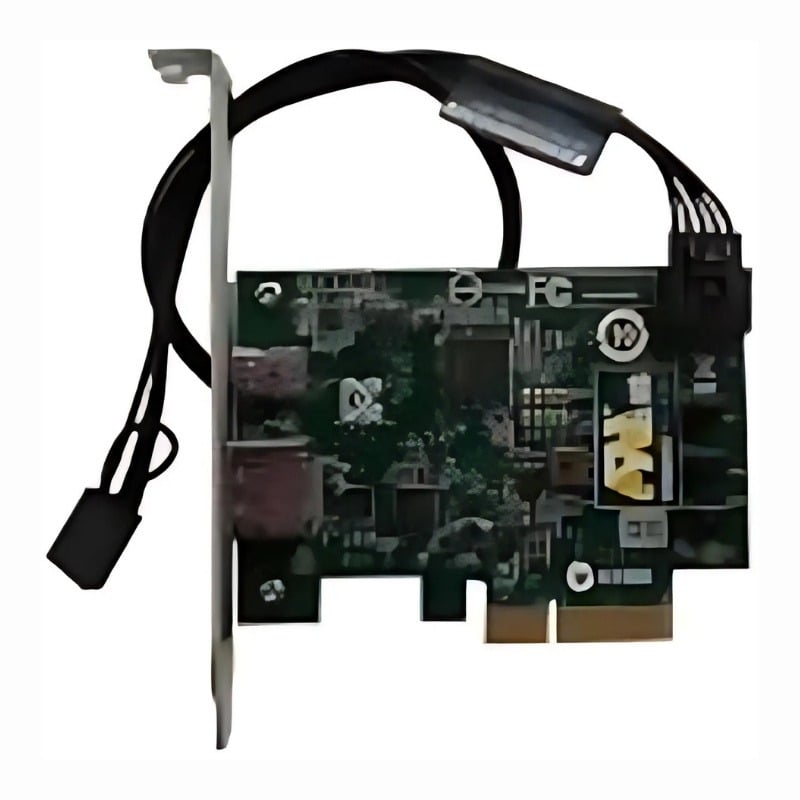
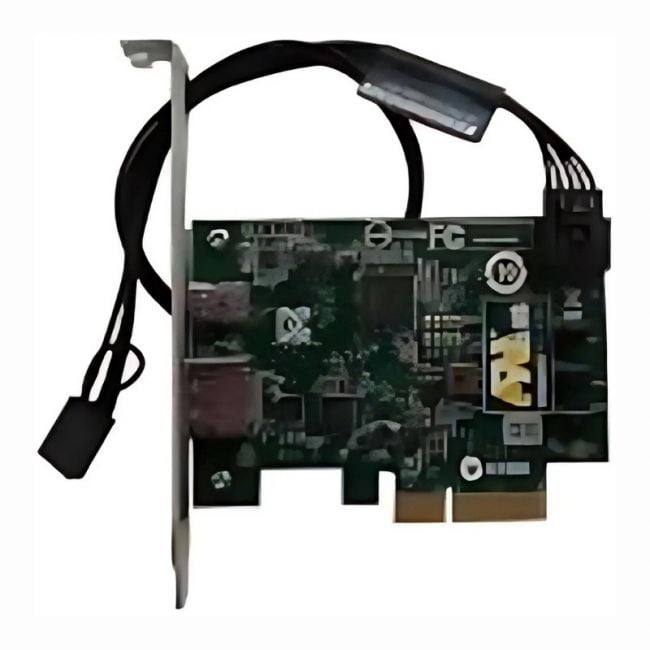
The HP Thunderbolt I/O Board with Cables for the Z440 Desktop Workstation provides high-speed connectivity by adding Thunderbolt ports directly to the system. It fits into the workstation’s internal architecture, offering a straightforward solution to connect advanced peripherals and accelerate data workflows common in professional settings. |
General Information |
|
|---|---|
| Brand | HP |
| Part Number | 791482-001 |
Technical Information |
|
|---|---|
| Data Rate | Up to 20 Gbps (Thunderbolt 2) |
| Compatibility | HP Z440 Desktop Workstation, Z440 |
| product type | Thunderbolt I/O Board with Cables, Daughterboard |
Connectivity |
|
|---|---|
| Connector Type | Mini DisplayPort (Thunderbolt) |
Physical Characteristics |
|
|---|---|
| Weight | 5.00 |
| Condition | Refurbished |
Product Description |
|---|
This HP Thunderbolt I/O Board with Cables is built for the Z440 Desktop Workstation to provide enhanced connectivity options. It enables users to connect Thunderbolt-compatible devices, allowing fast data transfer and flexible peripheral support. Often found in professional environments where high-performance data throughput is crucial, this board is ideal for users who work with large files, such as video editors, CAD designers, and engineers. The included cables ensure a hassle-free installation and immediate use. Key Features
This board is typically installed inside the Z440 workstations in offices or studios where multiple high-speed connections are needed. It plays a key role in expanding the workstation’s capabilities without requiring external adapters, helping users maintain a clean and efficient workspace. |
Use Cases |
|---|
The HP Thunderbolt I/O Board with Cables for the Z440 Desktop Workstation is typically deployed in professional environments where high-throughput data transfer and peripheral connectivity are critical. It benefits users in design studios, engineering firms, and media production houses that rely on rapid access to external storage and multi-device setups to maintain productivity. How It's Used:
This I/O board streamlines connectivity for demanding applications by incorporating Thunderbolt technology directly into the workstation, allowing organizations to scale peripheral integration without compromising system performance or causing bottlenecks in data-heavy tasks. |
 Shipping Options
 International Delivery
Requires a UPS, FedEx, or DHL account. Customers may arrange pickup from our US warehouse.
International Delivery
Requires a UPS, FedEx, or DHL account. Customers may arrange pickup from our US warehouse.
 Payment Methods
We accept Visa, Mastercard, AMEX, Discover, and Wire Transfer.
Payment Methods
We accept Visa, Mastercard, AMEX, Discover, and Wire Transfer.
 Purchase Orders
We process purchase orders for government agencies, enterprises, data centers, and SMBs.
Purchase Orders
We process purchase orders for government agencies, enterprises, data centers, and SMBs.