

Subscribe To Our Newsletter!
Subscribe to the newsletter to stay up to date with the latest news and most useful
Newsletter
↑
Back to Top



Product Overview |
|---|
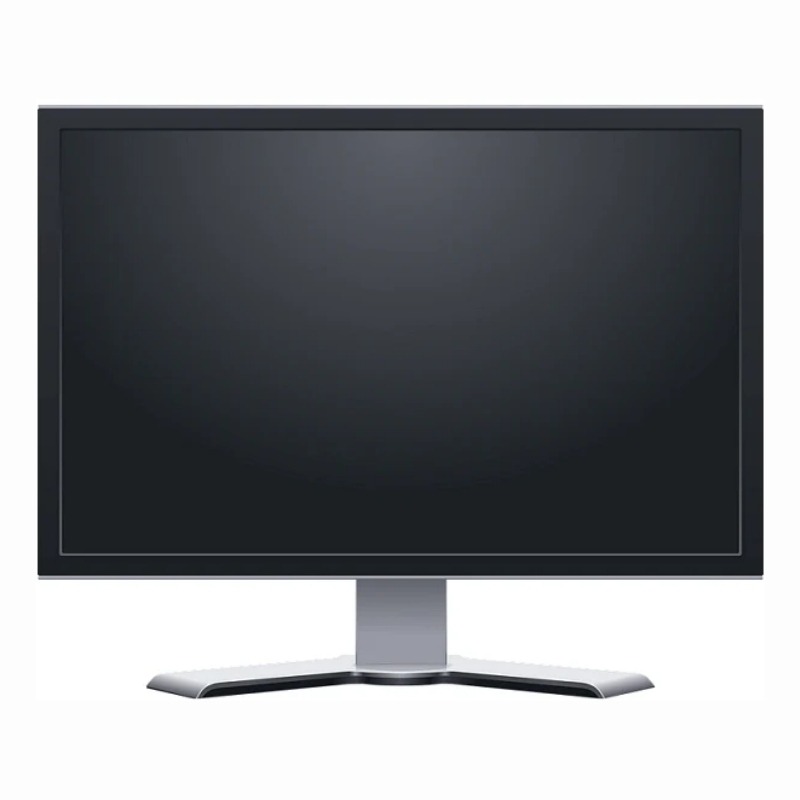
The Samsung SyncMaster 710V 17-inch LCD Monitor offers a solid balance of screen size and performance, making it a practical option for everyday computing tasks. It fits well in both home and office environments where a reliable display is needed without extra complexity. |
General Information |
|
|---|---|
| Brand | Samsung |
| Part Number | 710V-17030 |
Technical Information |
|
|---|---|
| Screen Size | 17-Inch |
| Screen Type | TFT LCD (TN) |
| Screen Resolution | 1280 x 1024 (SXGA) |
| Touchscreen Type | None |
| Monitor Ports | VGA (D-Sub 15) |
| Refresh Rate | 60Hz (typical), up to 75Hz (software/driver dependent) |
| Aspect Ratio | 5:4 |
| Connectivity | VGA (15-pin D-Sub) |
Physical Characteristics |
|
|---|---|
| Condition | Refurbished |
| Weight | 5.00 |
Miscellaneous |
|
|---|---|
| Eco Friendly | Yes |
| Assembly Required | Yes |
| Compliance Standards | WEEE, RoHS, CE, FCC, UL, TUV |
Product Description |
|---|
The Samsung SyncMaster 710V is a 17-inch LCD monitor designed to deliver clear and sharp images for everyday computing needs. Often found in office environments and home setups, this monitor offers a balanced screen size that fits well on most desks without overwhelming the space. Built for general productivity tasks, it's a solid choice for users who need reliable display performance without extra features. Its quick response time helps minimize motion blur, making it suitable for light multimedia viewing and general use. Key Features
This monitor is typically deployed in office desks, educational settings, and casual home computer stations. It provides a dependable display without unnecessary extras, helping users focus on their tasks with a straightforward, easy-to-use screen. |
Use Cases |
|---|
The Samsung SyncMaster 710V 17-inch LCD Monitor is well-suited for environments where space efficiency and dependable screen performance are critical. It serves users requiring consistent visual output without high-end graphical demands, making it ideal for standard office workflows and educational settings. How It's Used:
This monitor supports operational efficiency by delivering reliable display performance with low latency response, helping maintain user productivity in environments that do not demand high-resolution or advanced graphics capabilities. Its compatibility with existing VGA infrastructure ensures cost-effective deployment in legacy IT ecosystems. |
 Shipping Options
 International Delivery
Requires a UPS, FedEx, or DHL account. Customers may arrange pickup from our US warehouse.
International Delivery
Requires a UPS, FedEx, or DHL account. Customers may arrange pickup from our US warehouse.
 Payment Methods
We accept Visa, Mastercard, AMEX, Discover, and Wire Transfer.
Payment Methods
We accept Visa, Mastercard, AMEX, Discover, and Wire Transfer.
 Purchase Orders
We process purchase orders for government agencies, enterprises, data centers, and SMBs.
Purchase Orders
We process purchase orders for government agencies, enterprises, data centers, and SMBs.