

Subscribe To Our Newsletter!
Subscribe to the newsletter to stay up to date with the latest news and most useful
Newsletter
↑
Back to Top



Product Overview |
|---|
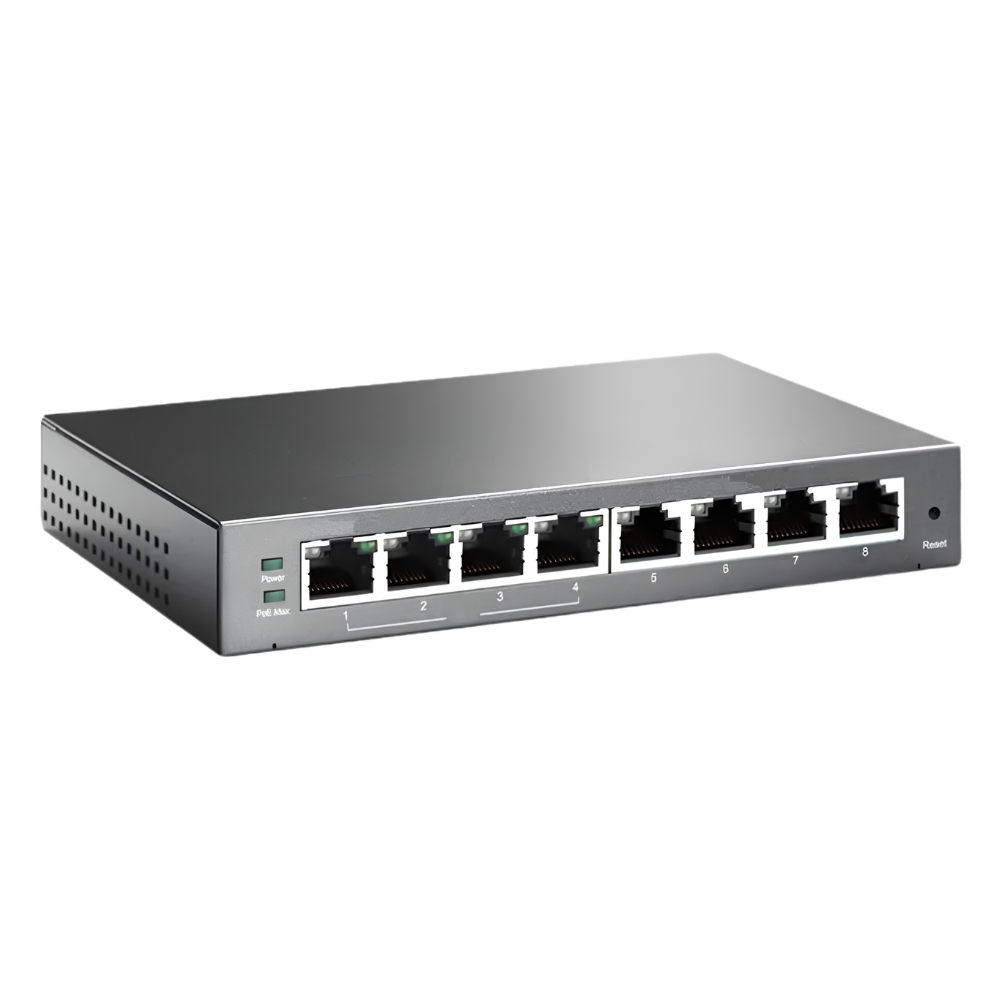
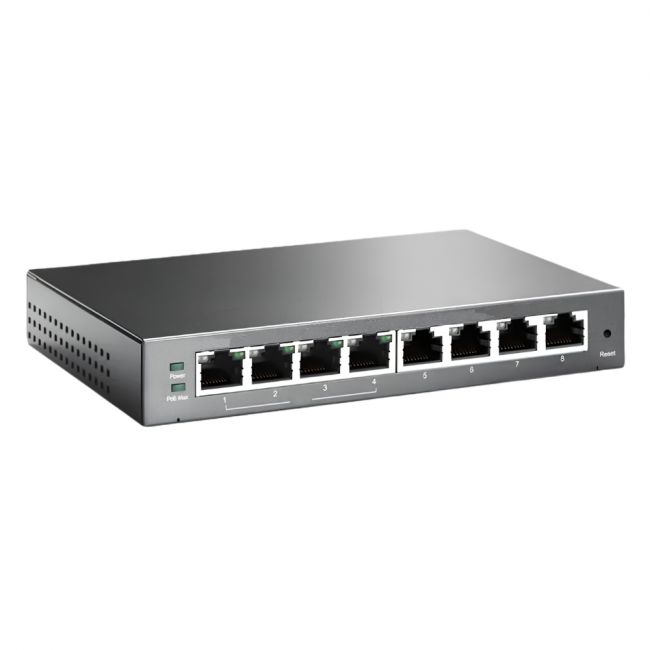
The HP 8-Port Network Ethernet Switch is designed to offer straightforward network expansion with eight gigabit Ethernet ports. It fits well in environments that require stable, basic connectivity among multiple devices, providing reliable switching capabilities without extra complexity. |
General Information |
|
|---|---|
| Brand | HP |
| Condition | Refurbished |
Technical Information |
|
|---|---|
| Switch Type | Unmanaged Switch |
| Form Factor | Desktop |
| Mount Type | Desktop |
| Switch Ports | 8-Ports |
| Number of Ports | 8-Ports |
| Port Type | 10/100Base-TX |
| Port Speed | 10/100 Mbps |
| POE Support | No |
| VLAN Support | No |
| Stackable | No |
| Layer Support | Layer 2 |
| Connector Type | RJ-45 |
Management and Configuration |
|
|---|---|
| Remote Protocols | No |
| Management Type | Unmanaged |
Power & Cooling |
|
|---|---|
| Fans | Fanless |
Physical Characteristics |
|
|---|---|
| Weight | 3.00 |
Miscellaneous |
|
|---|---|
| Assembly Required | No |
Product Description |
|---|
The HP 8-Port Network Ethernet Switch provides essential connectivity for small to medium-sized network environments. It is commonly found in office setups and network closets where space and simplicity are important. Network administrators and IT teams often rely on this switch to expand port availability without adding complexity. Key Features
This switch fulfills the role of connecting multiple networked devices efficiently without demanding high setup effort. Its stable performance and straightforward design make it a dependable choice for expanding network infrastructure where cost and ease of use are priorities. |
Use Cases |
|---|
This switch is typically deployed in small office networks, branch locations, or workgroup environments where robust yet uncomplicated network connections are needed. It serves users looking to extend Ethernet access without investing in advanced features or complex setups. How It's Used:
By enabling easy device interconnection, this switch helps maintain smooth network operations and supports scalable network growth in straightforward IT environments. |
 Shipping Options
 International Delivery
Requires a UPS, FedEx, or DHL account. Customers may arrange pickup from our US warehouse.
International Delivery
Requires a UPS, FedEx, or DHL account. Customers may arrange pickup from our US warehouse.
 Payment Methods
We accept Visa, Mastercard, AMEX, Discover, and Wire Transfer.
Payment Methods
We accept Visa, Mastercard, AMEX, Discover, and Wire Transfer.
 Purchase Orders
We process purchase orders for government agencies, enterprises, data centers, and SMBs.
Purchase Orders
We process purchase orders for government agencies, enterprises, data centers, and SMBs.