

Subscribe To Our Newsletter!
Subscribe to the newsletter to stay up to date with the latest news and most useful
Newsletter
↑
Back to Top



Product Overview |
|---|
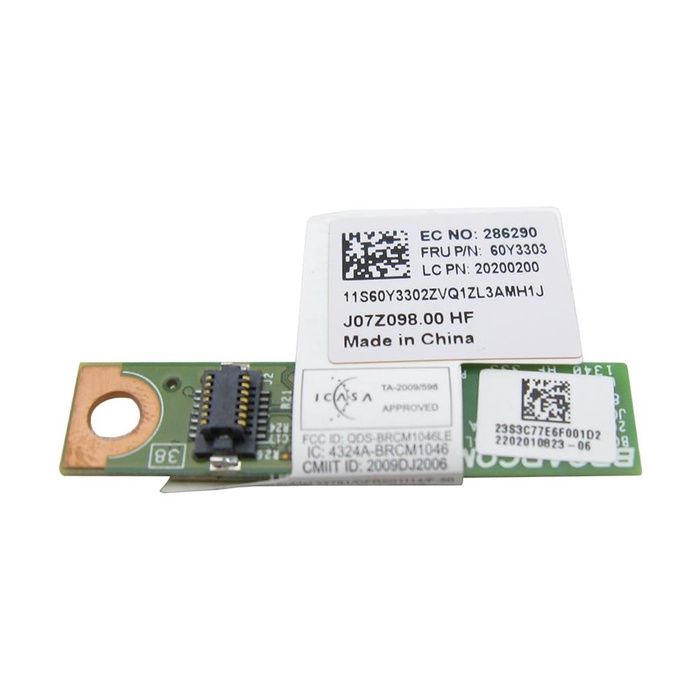
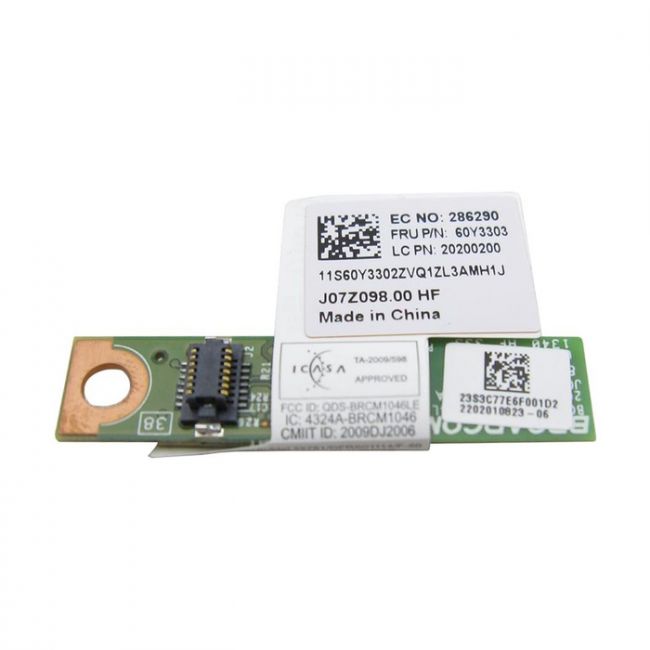
The 60Y3303-06 Lenovo Bluetooth Daughter Card adds Bluetooth 4.0 wireless functionality to the ThinkPad T430, fitting internally to provide stable and low-power Bluetooth connectivity. It integrates directly with the laptop’s hardware to offer reliable communication with peripherals and other devices. |
General Information |
|
|---|---|
| Brand | Lenovo |
Technical Information |
|
|---|---|
| Series | ThinkPad T430 |
| product type | Bluetooth Module (Daughter Card) |
| Product Category | Wireless Accessories |
| Compatibility | Lenovo ThinkPad T430 |
Miscellaneous |
|
|---|---|
| Assembly Required | No |
| Compliance Standards | RoHS, CE, FCC |
Physical Characteristics |
|
|---|---|
| Form Factor | Daughter Card (Bluetooth module) |
| Weight | 3.00 |
| Condition | Refurbished |
Product Description |
|---|
This Lenovo Bluetooth Daughter Card provides wireless Bluetooth functionality to compatible ThinkPad T430 laptops. It’s commonly found as an internal module enhancing connectivity options without adding bulk. Built for IT professionals and users needing seamless device pairing, it simplifies connecting peripherals and transferring data wirelessly. Key Features
This card plays a crucial role in expanding the wireless capabilities of the ThinkPad T430, delivering dependable Bluetooth support. Its efficient performance and compatibility ensure consistent operation within the laptop's architecture, maintaining system stability and usability. |
Use Cases |
|---|
The Lenovo Bluetooth Daughter Card 60Y3303-06 is typically used in professional settings where ThinkPad T430 laptops require wireless device connectivity. It benefits users needing to connect headsets, keyboards, mice, or transfer files without cables in office and mobile environments. How It's Used:
This daughter card supports efficient wireless operations within varied professional environments. It enhances user flexibility and device interoperability, contributing to smoother workflows and better overall system functionality. |
 Shipping Options
 International Delivery
Requires a UPS, FedEx, or DHL account. Customers may arrange pickup from our US warehouse.
International Delivery
Requires a UPS, FedEx, or DHL account. Customers may arrange pickup from our US warehouse.
 Payment Methods
We accept Visa, Mastercard, AMEX, Discover, and Wire Transfer.
Payment Methods
We accept Visa, Mastercard, AMEX, Discover, and Wire Transfer.
 Purchase Orders
We process purchase orders for government agencies, enterprises, data centers, and SMBs.
Purchase Orders
We process purchase orders for government agencies, enterprises, data centers, and SMBs.