

Subscribe To Our Newsletter!
Subscribe to the newsletter to stay up to date with the latest news and most useful
Newsletter
↑
Back to Top



Product Overview |
|---|
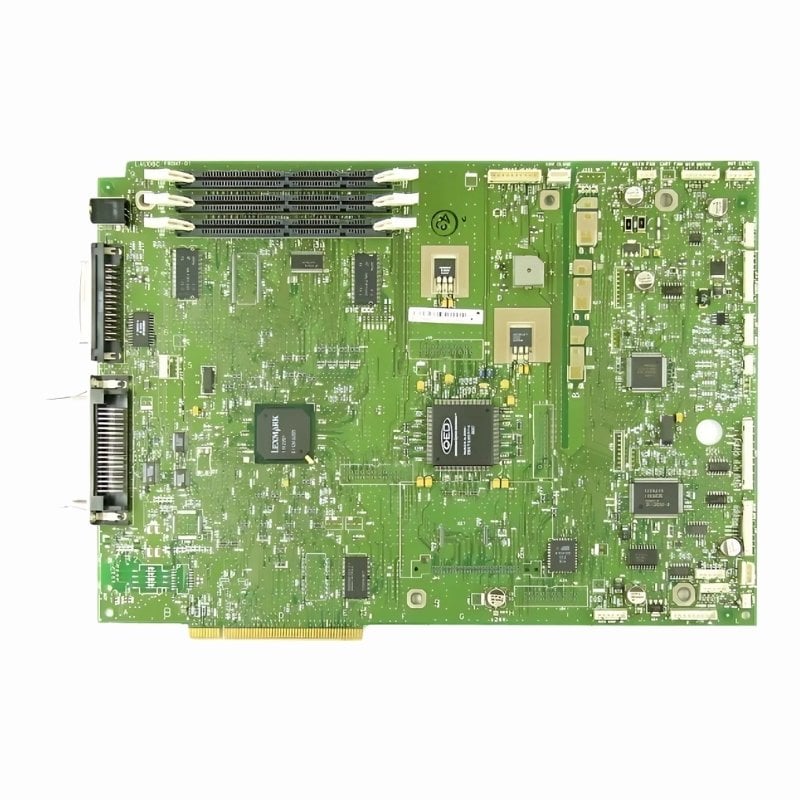
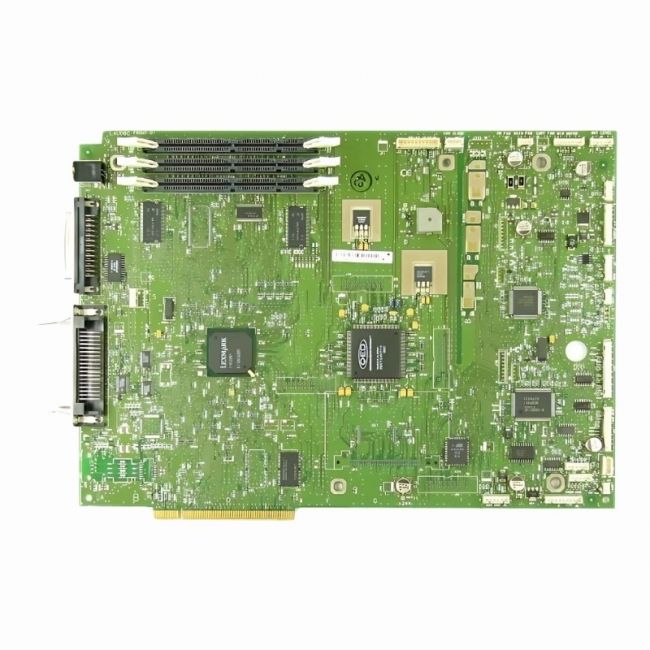
The Lexmark System Board for the OPTRA T620 acts as the printer's central control unit, managing communication and processing print commands. It fits directly into the OPTRA T620, ensuring the device operates reliably in typical office environments where dependable printing is necessary. |
General Information |
|
|---|---|
| Brand | Lexmark |
| Part Number | 56P0053 |
Technical Information |
|
|---|---|
| USB Port | USB 2.0 Type-B (device), Parallel (IEEE 1284), Ethernet (RJ-45 10/100Base-T) |
Physical Characteristics |
|
|---|---|
| Form Factor | Proprietary (Lexmark printer system board) |
| Weight | 5.00 |
| Condition | Refurbished |
Miscellaneous |
|
|---|---|
| Assembly Required | Yes |
| Eco Friendly | Yes |
| Compliance Standards | WEEE, RoHS, cURus, CE, FCC, CCC, UL, TUV, cULus, CSA, cUL |
Product Description |
|---|
This Lexmark System Board is designed specifically for the OPTRA T620 printer model. It functions as the main control board, managing communication between printer components and processing print jobs efficiently. Often found in office environments, this motherboard plays a crucial role in maintaining printer reliability and performance. Key Features
Typically deployed in office settings where the OPTRA T620 is used, this system board helps keep printers running smoothly over extended periods. By ensuring stable operation, it minimizes downtime and supports consistent print quality, making it an essential part for printer maintenance and repair. |
Use Cases |
|---|
The 56P0053 Lexmark System Board for the OPTRA T620 is primarily utilized in office environments where consistent and reliable printing is critical. It is tailored for IT departments and maintenance teams managing mid-volume print workloads in corporate settings, ensuring minimal downtime and efficient data handling. How It's Used:
This system board enables the OPTRA T620 to handle operational loads efficiently, providing reliable processing of print commands that align with organizational productivity goals. Its role in preserving printer functionality supports scalability in office print infrastructure without compromising performance. |
 Shipping Options
 International Delivery
Requires a UPS, FedEx, or DHL account. Customers may arrange pickup from our US warehouse.
International Delivery
Requires a UPS, FedEx, or DHL account. Customers may arrange pickup from our US warehouse.
 Payment Methods
We accept Visa, Mastercard, AMEX, Discover, and Wire Transfer.
Payment Methods
We accept Visa, Mastercard, AMEX, Discover, and Wire Transfer.
 Purchase Orders
We process purchase orders for government agencies, enterprises, data centers, and SMBs.
Purchase Orders
We process purchase orders for government agencies, enterprises, data centers, and SMBs.