

Subscribe To Our Newsletter!
Subscribe to the newsletter to stay up to date with the latest news and most useful
Newsletter
↑
Back to Top



Product Overview |
|---|
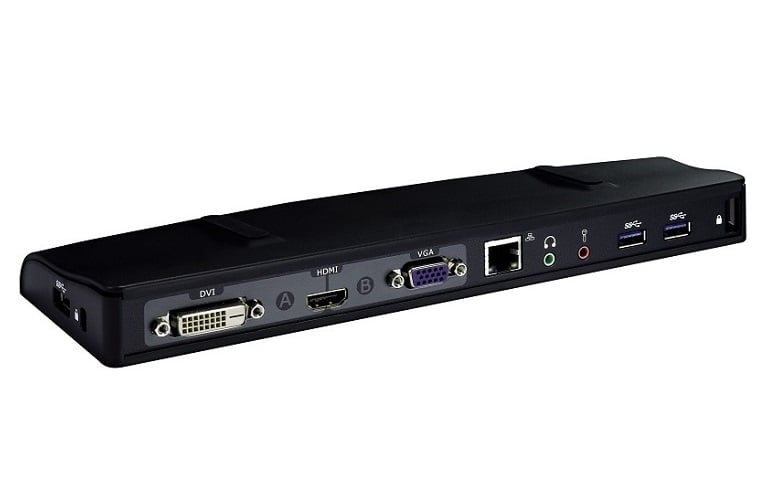
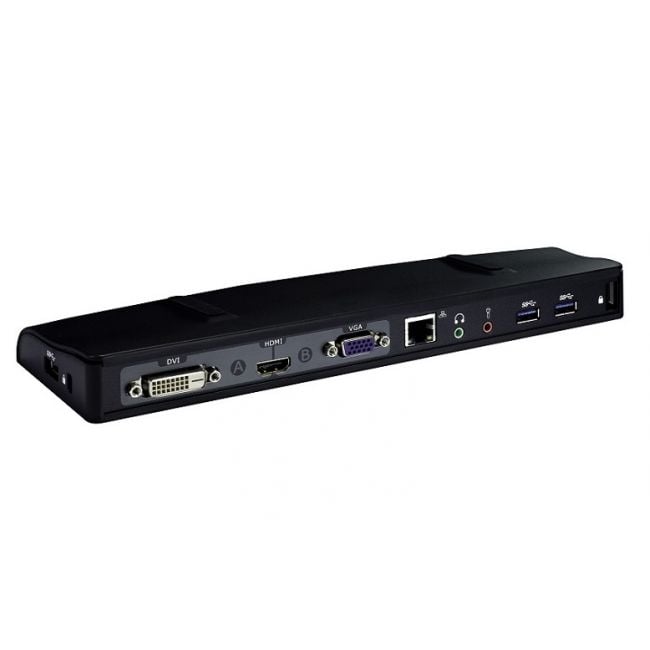
The 4624D Dell Docking Station with Monitor Stand serves as a practical hub for Latitude CP Series notebooks, combining connectivity and ergonomics in one device. It fits neatly on office desks, supporting users who require efficient access to peripherals and a better monitor viewing experience. |
General Information |
|
|---|---|
| Brand | Dell |
| Part Number | 4624D |
Technical Information |
|
|---|---|
| Power Supply | AC adapter |
Physical Characteristics |
|
|---|---|
| Weight | 5.00 |
| Condition | Refurbished |
Miscellaneous |
|
|---|---|
| Eco Friendly | Yes |
Product Description |
|---|
The 4624D Dell Docking Station with Monitor Stand is built to extend the functionality of Latitude CP Series notebooks. It offers a convenient way to connect multiple peripherals while providing a stable platform to elevate your monitor, improving your workstation's ergonomics. Often found in office environments where users need quick access to devices such as external keyboards, mice, and displays, this docking station simplifies daily workflows. IT professionals and business users benefit from its reliable connections and tidy cable management. Key Features
This docking station is typically deployed on desks in corporate offices, call centers, or any place where Latitude CP laptops are standard equipment. Its design helps maintain an organized and ergonomic workspace, allowing users to focus on their tasks without interruption. |
Use Cases |
|---|
The 4624D Dell Docking Station with Monitor Stand is primarily utilized in professional office environments where Dell Latitude CP Series notebooks are the standard. It benefits users who require streamlined connectivity and ergonomic workspace setups, particularly in sectors like corporate offices, education, and government agencies. How It's Used:
This docking station supports operational efficiency by consolidating device connections while improving physical workspace ergonomics. It is well-suited for scalable office deployments requiring consistent peripheral access and reduces setup time for IT support teams managing Latitude CP Series notebooks. |
 Shipping Options
 International Delivery
Requires a UPS, FedEx, or DHL account. Customers may arrange pickup from our US warehouse.
International Delivery
Requires a UPS, FedEx, or DHL account. Customers may arrange pickup from our US warehouse.
 Payment Methods
We accept Visa, Mastercard, AMEX, Discover, and Wire Transfer.
Payment Methods
We accept Visa, Mastercard, AMEX, Discover, and Wire Transfer.
 Purchase Orders
We process purchase orders for government agencies, enterprises, data centers, and SMBs.
Purchase Orders
We process purchase orders for government agencies, enterprises, data centers, and SMBs.