

Subscribe To Our Newsletter!
Subscribe to the newsletter to stay up to date with the latest news and most useful
Newsletter
↑
Back to Top



Product Overview |
|---|
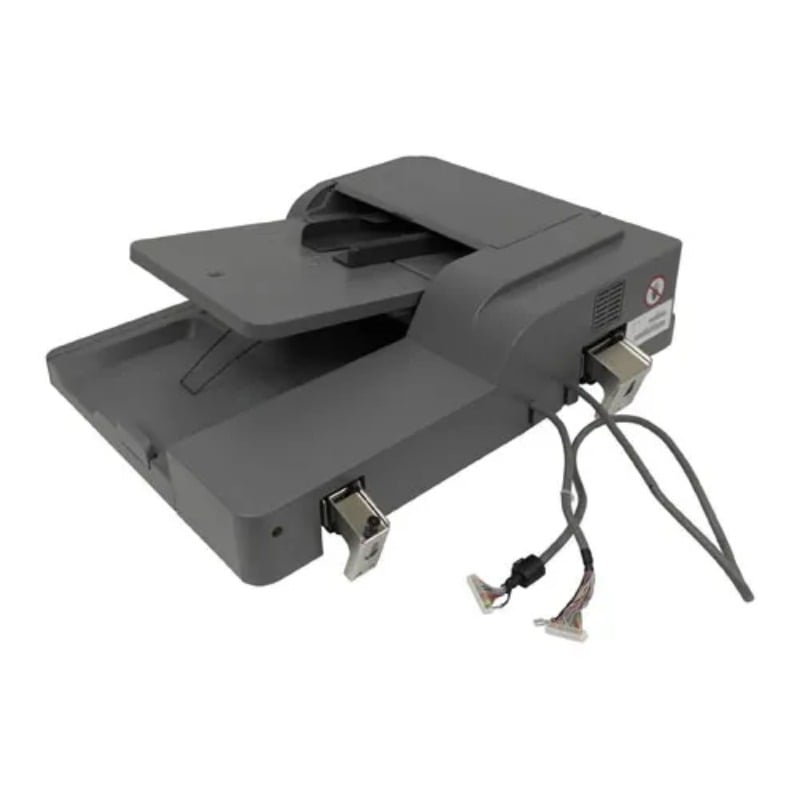
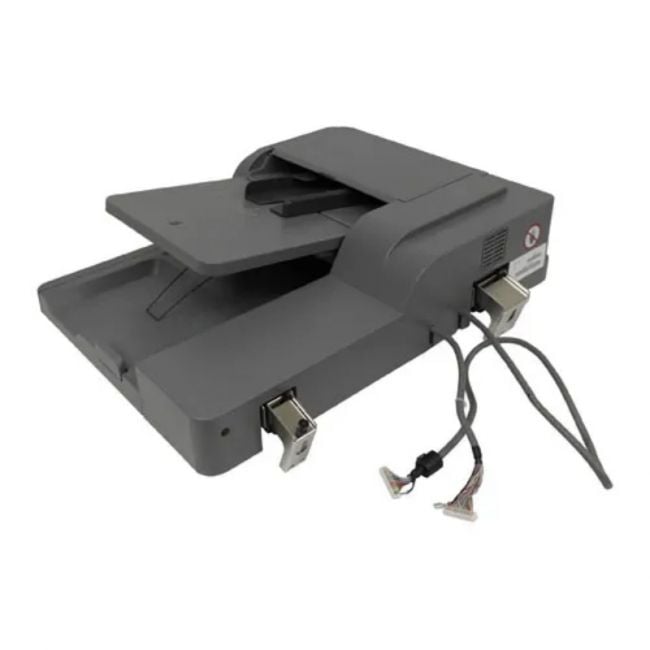
The 40X7206 Lexmark Feeder ADF Assembly automates page feeding for Lexmark printers, fitting into busy office environments where quick and reliable scanning or copying is needed. It ensures smoother document handling and supports various paper sizes for flexible use. |
General Information |
|
|---|---|
| Brand | Lexmark |
| Part Number | 40X7206 |
| Series | Lexmark 40X7206 |
Miscellaneous |
|
|---|---|
| Eco Friendly | Yes |
| Compliance Standards | WEEE, RoHS, cURus, CE, FCC, CCC, UL, TUV, cULus, CSA, cUL |
| Assembly Required | Yes |
Physical Characteristics |
|
|---|---|
| Weight | 5.00 |
| Condition | Refurbished |
Product Description |
|---|
The Lexmark Feeder ADF Assembly is designed to streamline document processing by automatically feeding multiple pages into the printer or scanner. It's often found in office environments where high-volume scanning or copying is required, reducing manual effort and saving time. Built for businesses and organizations that handle large stacks of documents regularly, this feeder assembly helps maintain smooth workflow and consistent output quality. Key Features
Typically deployed in offices, print shops, and administrative departments, this ADF assembly plays a crucial role in improving document processing speed. It helps users focus on other tasks by automating page feeding, making daily operations smoother and less labor-intensive. |
Use Cases |
|---|
The 40X7206 Lexmark Feeder ADF Assembly is designed for environments that require streamlined document processing and high-volume scanning capabilities. It is particularly suited for office settings with frequent multi-page document handling needs, including administrative departments and legal firms where efficiency and accuracy are critical. How It's Used:
By automating page feeding and supporting a variety of document sizes, the 40X7206 enhances operational throughput and reduces manual intervention. This contributes to improved scalability in document-intensive workflows and supports sustained performance in mid to high-demand office settings. |
 Shipping Options
 International Delivery
Requires a UPS, FedEx, or DHL account. Customers may arrange pickup from our US warehouse.
International Delivery
Requires a UPS, FedEx, or DHL account. Customers may arrange pickup from our US warehouse.
 Payment Methods
We accept Visa, Mastercard, AMEX, Discover, and Wire Transfer.
Payment Methods
We accept Visa, Mastercard, AMEX, Discover, and Wire Transfer.
 Purchase Orders
We process purchase orders for government agencies, enterprises, data centers, and SMBs.
Purchase Orders
We process purchase orders for government agencies, enterprises, data centers, and SMBs.