

Subscribe To Our Newsletter!
Subscribe to the newsletter to stay up to date with the latest news and most useful
Newsletter
↑
Back to Top



| Product Overview |
|---|
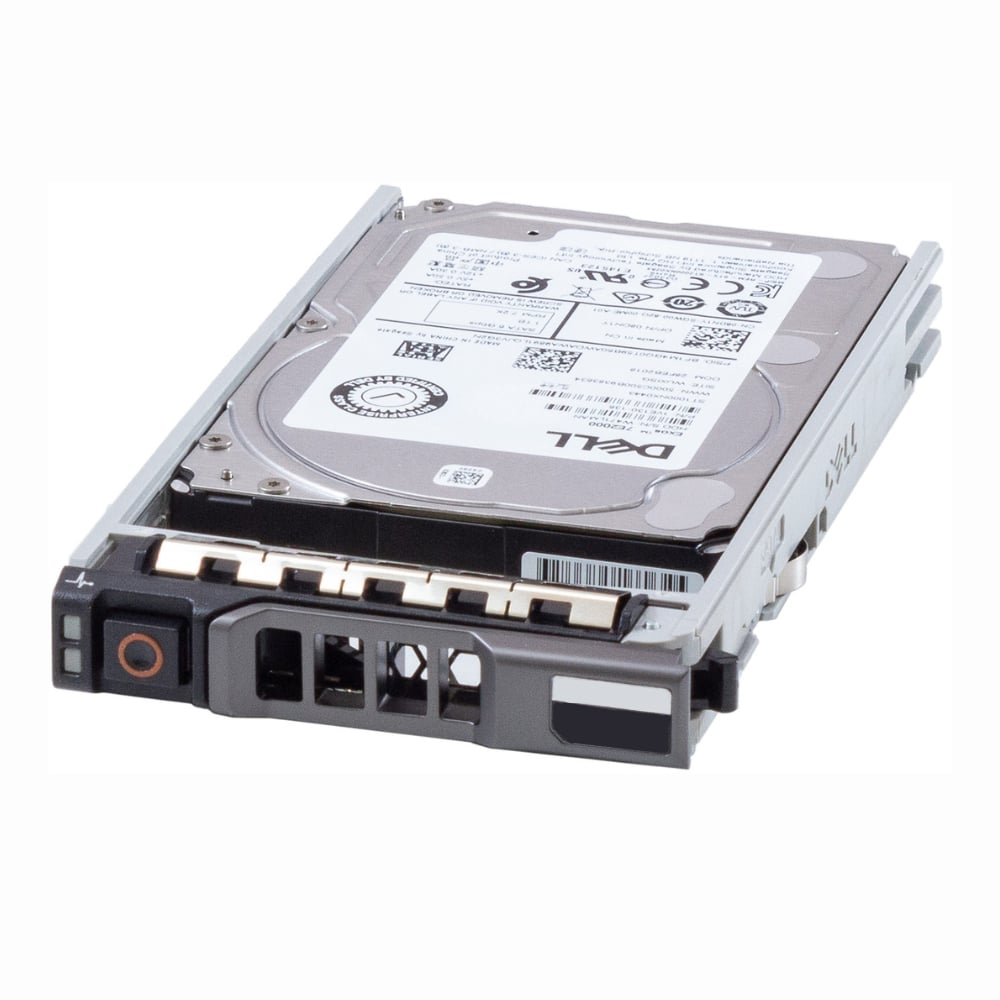
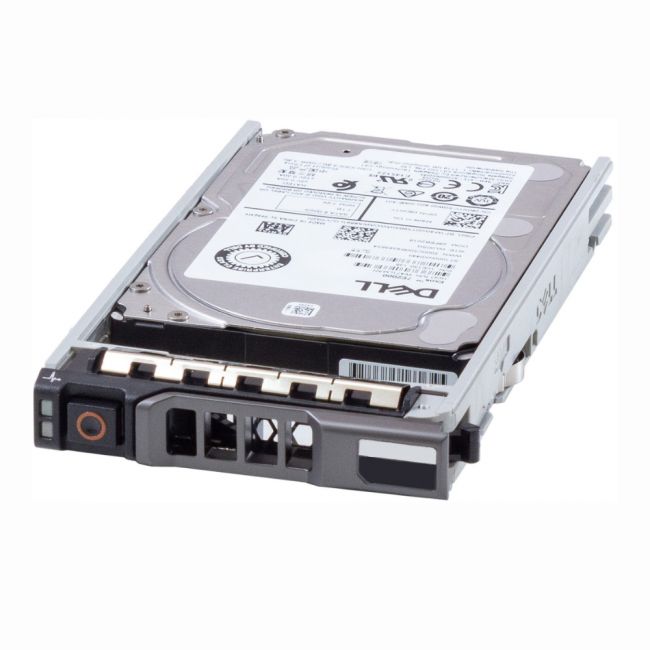
The 400-BMCL Dell 16TB 7.2K SATA 6Gbps Hot-Plug Hard Drive offers high-capacity storage with a 7,200 RPM spindle speed and SATA 6Gbps interface. Its hot-plug feature facilitates easy maintenance, making it suitable for enterprise storage environments requiring reliable and scalable solutions. |
| General Information | |
|---|---|
| Brand | Dell |
| Part Number | 400-BMCL |
| Technical Information | |
|---|---|
| Capacity | 16TB |
| Drive Type | Internal Hard Drive |
| Form Factor | 3.5-inch |
| Spindle Speed | 7200 RPM |
| Hot Pluggable | Yes |
| Hot Swappable | Yes |
| Hybrid Drive | No |
| Interfaces/Ports | |
|---|---|
| Interface | SATA 6GB/s |
| Physical Characteristics | |
|---|---|
| Condition | Refurbished |
| Weight | 1.76 |
| Miscellaneous | |
|---|---|
| Assembly Required | No |
| Product Description |
|---|
The 400-BMCL Dell 16TB 7.2K SATA 6Gbps Hot-Plug Hard Drive is designed to offer substantial storage capacity coupled with dependable performance. It is commonly utilized within enterprise storage systems, data centers, and high-capacity server environments where large volumes of data need to be stored and accessed efficiently. This hard drive benefits IT professionals, system administrators, and businesses that require scalable and reliable storage solutions to support their data infrastructure. Key Features
With its large capacity and robust design, the 400-BMCL hard drive is a practical choice for environments demanding consistent data availability and expansion flexibility. It integrates seamlessly into server and storage arrays to enhance overall system capabilities. |
| Use Cases |
|---|
The 400-BMCL hard drive is suitable for various data-intensive applications where large capacity and dependable performance are essential. How It's Used:
This hard drive supports organizations in managing their growing data storage demands efficiently while maintaining system uptime and performance. |
 Shipping Options
 International Delivery
Requires a UPS, FedEx, or DHL account. Customers may arrange pickup from our US warehouse.
International Delivery
Requires a UPS, FedEx, or DHL account. Customers may arrange pickup from our US warehouse.
 Payment Methods
We accept Visa, Mastercard, AMEX, Discover, and Wire Transfer.
Payment Methods
We accept Visa, Mastercard, AMEX, Discover, and Wire Transfer.
 Purchase Orders
We process purchase orders for government agencies, enterprises, data centers, and SMBs.
Purchase Orders
We process purchase orders for government agencies, enterprises, data centers, and SMBs.